
New


Koorui is a next-generation display brand focused on delivering high-performance gaming and professional monitors at competitive prices. Known for pushing the boundaries of refresh rates, color accuracy, and panel technology, Koorui offers a wide range of monitors from budget-friendly 1080p displays to premium 4K Mini LED panels — making cutting-edge display technology accessible to gamers, creators, and everyday users worldwide.
25 products available

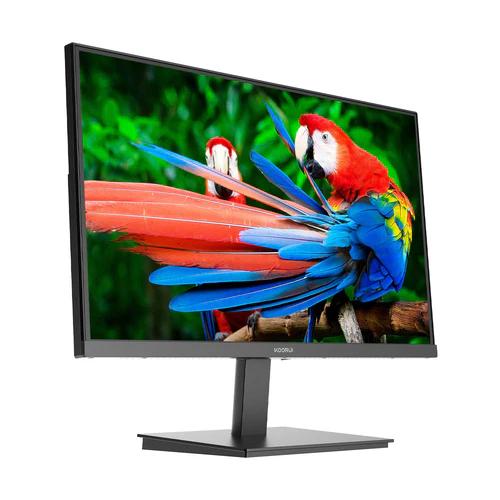
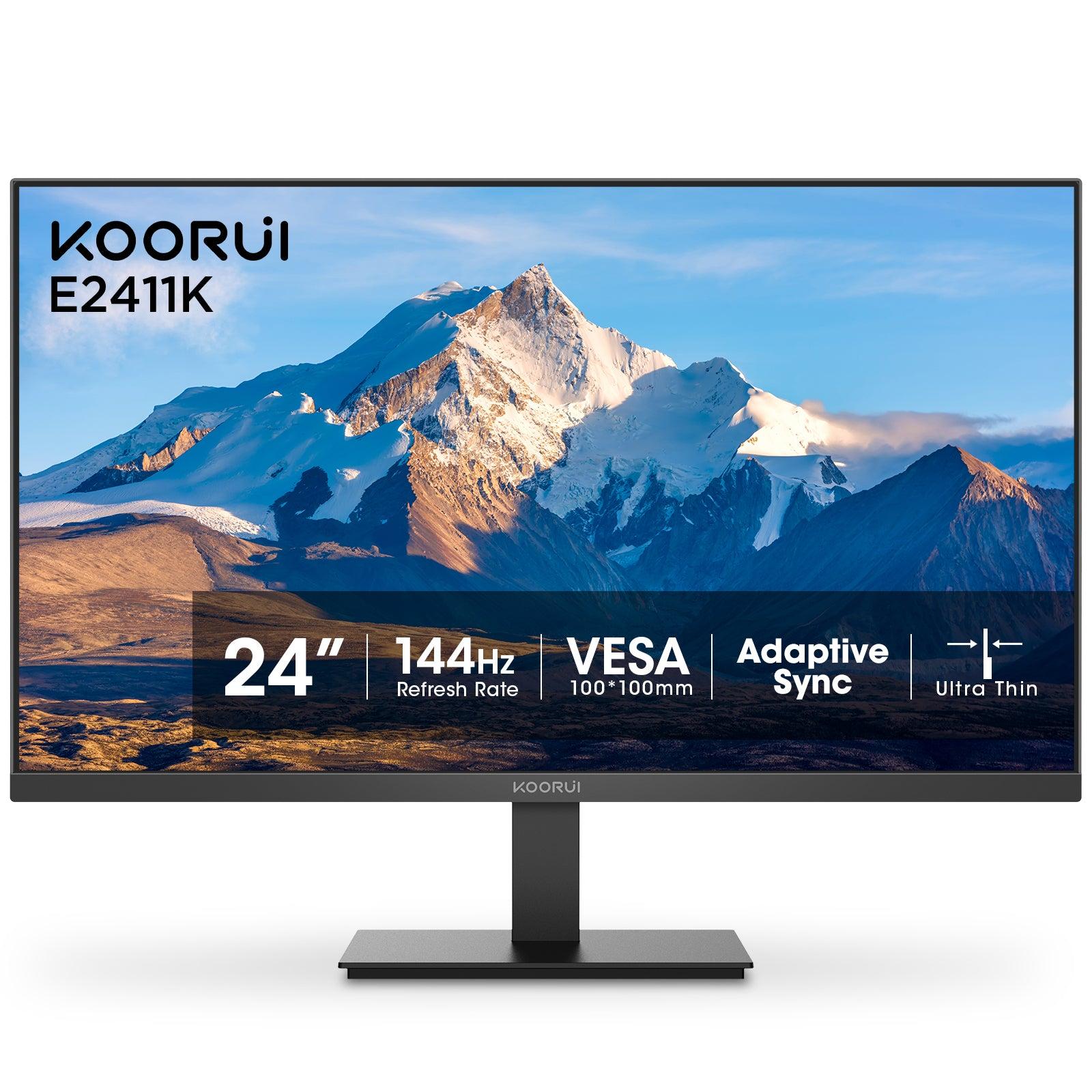

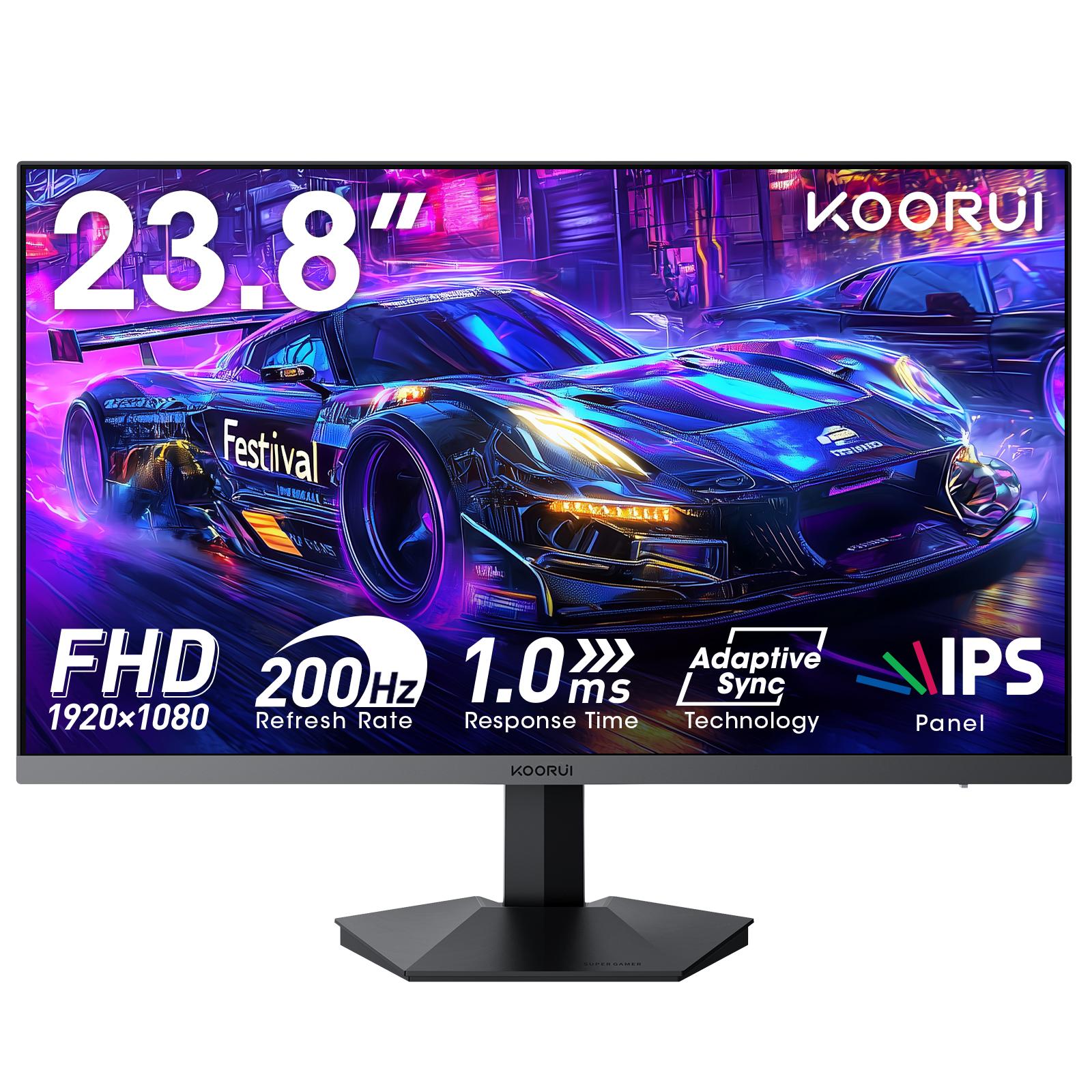
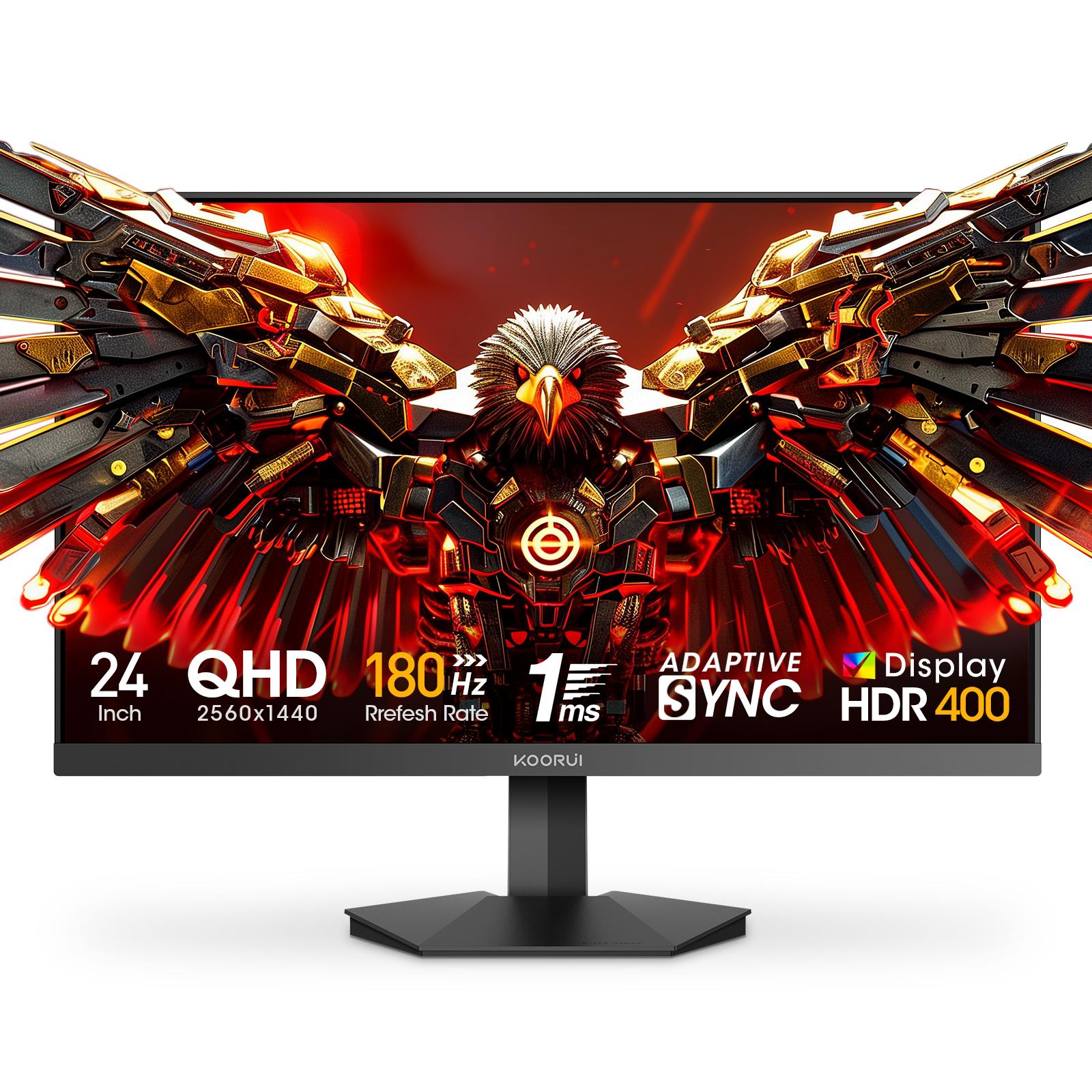






Buying advice, comparisons, and explainers for Koorui products in Pakistan.
The Koorui 24E3 is a 24-inch (23.8-inch viewable) Full HD IPS gaming monitor with a 165Hz refresh rate, 99% sRGB color and FreeSync / G-Sync compatible adaptive sync. Its limits are 250-nit brightness, a tilt-only stand and no speakers. It carries a 36-month warranty in Pakistan.
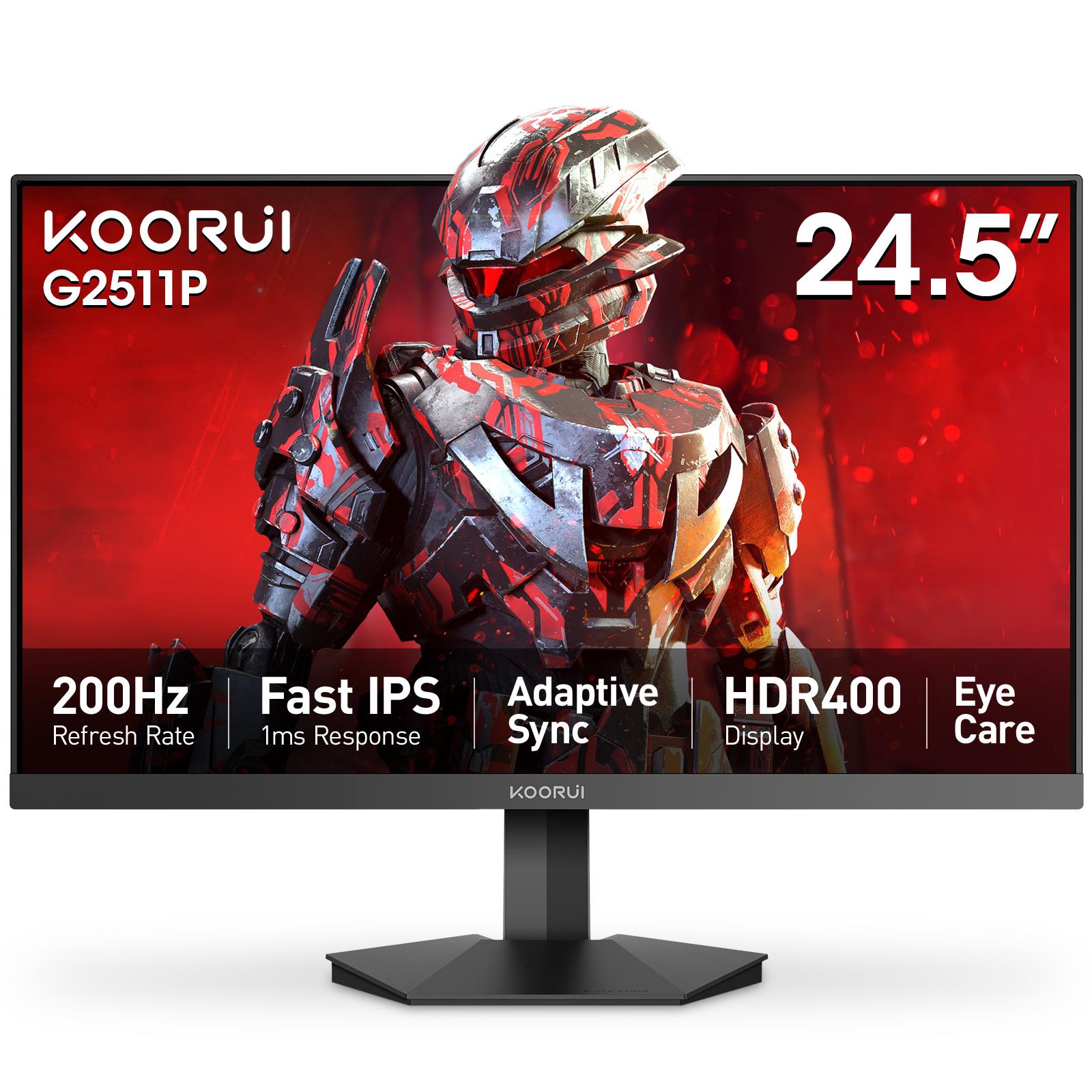
The Koorui G2511P is a 24.5-inch Full HD Fast IPS gaming monitor with a 200Hz refresh rate, 1ms response, HDR400 and adaptive sync. Its strengths are speed and color for the money; its trade-offs are a tilt-only stand, no speakers and Full HD resolution.
Adaptive Sync is a VESA standard that makes a monitor refresh exactly when your graphics card delivers a frame. It removes screen tearing without the input lag of V-Sync. AMD FreeSync and NVIDIA G-Sync Compatible are both built on it, so one monitor can serve AMD, NVIDIA and Intel cards.
Pick 24–25 inch for competitive gaming: the whole screen stays in view and Full HD is sharp at about 92 PPI. Pick 27 inch for immersive games and mixed use, ideally with QHD at about 109 PPI. At Full HD, a 27-inch screen drops to about 82 PPI, so text looks softer.
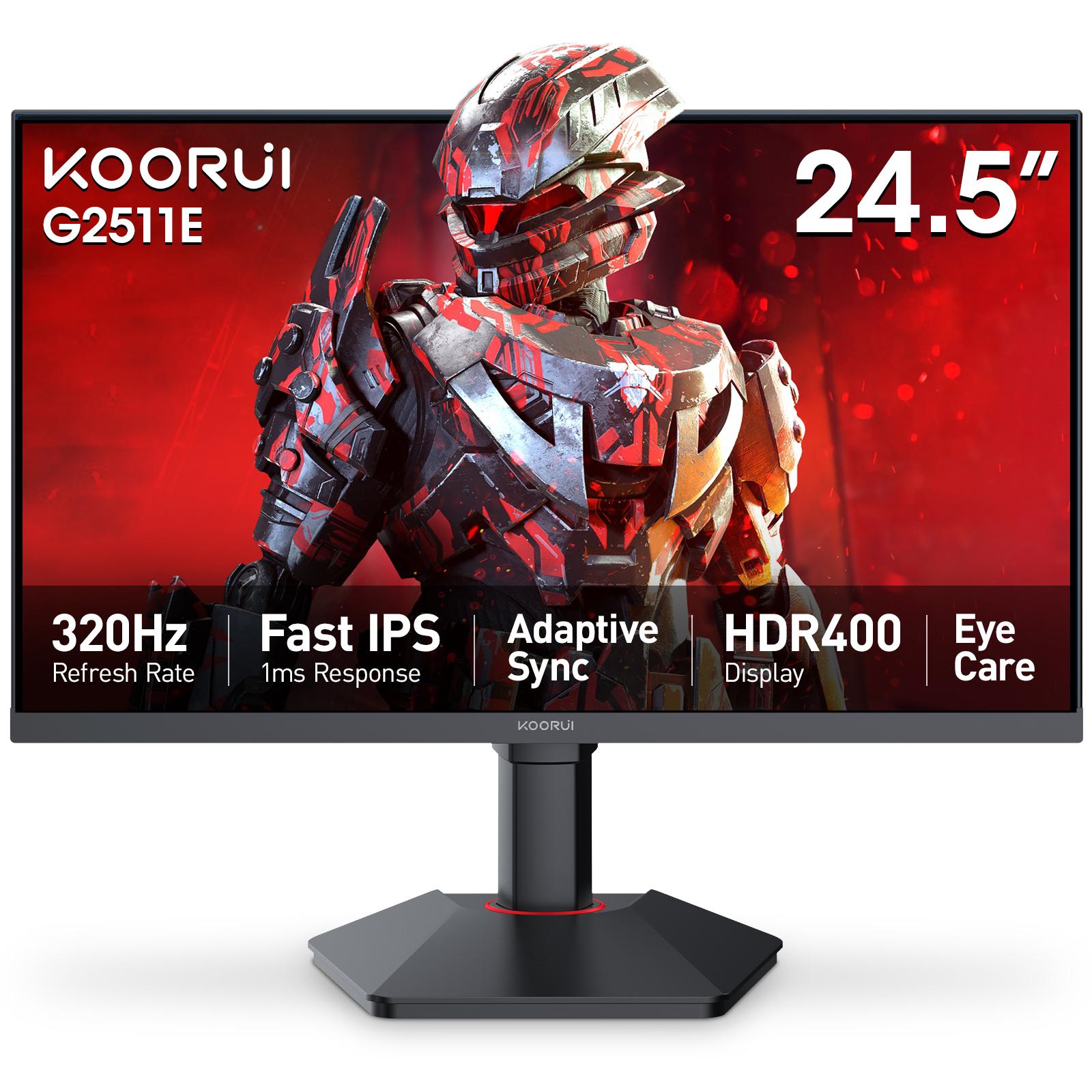
For most players in Pakistan, the best budget gaming monitor is a 24-inch Full HD IPS panel at 165–200Hz, such as the Koorui 24E3 or G2511P. This guide groups Koorui budget Full HD models, 120Hz to 320Hz, by use case. Each has a 36-month warranty, and its product page lists the shops that stock it.
Building your first gaming PC on a student budget in Pakistan comes down to seven checks: set the budget split, pick the platform, verify every part is genuine, never cheap out on the PSU, plan for heat, match the monitor to the GPU, and confirm the warranties before paying.
Yes, but it is small. A 200Hz monitor shows a new frame every 5.0 ms and a 165Hz monitor every 6.1 ms, a gap of about 1.1 ms. You can feel it in fast shooters when your PC holds 200+ FPS; in slower games, or below 165 FPS, there is no real difference.
Spec for spec, Koorui and Xiaomi budget gaming monitors are close: Xiaomi's G24i (23.8-inch, 180Hz) sits between Koorui's 165Hz 24E3 and 200Hz G2411P. In Pakistan, the deciding factors are how far each brand's range lets you step up, and who honors the warranty after you buy.
For competitive gaming, the specs that matter most are a stable frame rate, a fast monitor (165–240Hz, 24–25 inch Full HD) and low input latency. A CPU with strong single-core speed and 16GB of dual-channel RAM come next. 4K, ray tracing and RGB add nothing to reaction time.
Before buying a gaming desktop in Pakistan, choose between a prebuilt, a shop-assembled custom PC or a self-build, then check four things: a local warranty on every part, a named power supply with protections, cooling for a 40°C summer, and proof that every part is new.
HDR400 means a monitor accepts an HDR signal and reaches about 400 nits of peak brightness — the entry tier of VESA's DisplayHDR standard. It is brighter than a basic screen, but without local dimming it cannot show the deep contrast of HDR600, HDR1000 or OLED.
IPS has the best color and viewing angles, VA has the deepest contrast, and TN is the cheapest fast panel with the weakest image. For most buyers, gamers included, fast IPS is the safest choice. Pick VA for movies and dark rooms, and TN only for the lowest-cost speed.
Upgrade the part that limits the games you play. That is usually the graphics card, or the monitor if your PC already makes more frames than a 60Hz screen can show. Then add RAM if games stutter, an SSD if loading is slow, and a CPU only when it holds the GPU back. Check the PSU first.
Koorui is the monitor brand of HKC, a Shenzhen display-panel maker founded in 2001 and one of the largest LCD panel producers in the world. HKC launched Koorui in 2021, and the monitors are made in China. In Pakistan, Koorui monitors distributed by Tech Global carry a 36-month warranty.
Choose the Koorui G2511P for fast competitive games: 200Hz, 350-nit brightness, HDR400 and two HDMI 2.0 ports on a 24.5-inch Fast IPS panel. Choose the 24E3 for a value 165Hz IPS monitor for mixed gaming, study and work. Both are Full HD with adaptive sync and a 36-month warranty in Pakistan.
Open techglobal.com.pk/warranty, type the serial number from the sticker on the back of your monitor, and select Check Status. You see whether the warranty is active, its start and end dates, and any claims on record. Koorui monitors distributed by Tech Global carry a 36-month warranty.