
24 vs 27 Inch Gaming Monitors: Which Size Should You Pick?
24–25 inch keeps the whole screen in view for competitive play and stays sharp at 1080p; 27 inch is more immersive but really wants QHD resolution for crisp text. Here is the honest size-and-resolution math.
The short answer
At a normal desk distance, 24–25 inch is the competitive choice: the whole battlefield sits in your field of view without head movement, and Full HD stays sharp at that size. 27 inch is the immersion choice for single-player worlds, movies, and work — but at 1080p a 27-inch panel spreads the same pixels over more glass, so text softens. The pairing rule that settles most debates: 24–25" with FHD, 27" ideally with QHD.
The pixel-density math, honestly
Full HD on 24 inches works out to roughly 92 pixels per inch — crisp for games and comfortable for text. The same resolution stretched to 27 inches drops to about 82 PPI: games still look fine at gaming distance because motion hides it, but spreadsheets and browsing show the softness. QHD at 27 inches restores ~109 PPI, sharper than either. That is why we say 27-inch FHD is a gaming-first purchase, while 27-inch QHD is the do-everything upgrade.
Pick by how you play
- Competitive shooters and esports → 24–25": the 24E3 (165Hz) or G2511P (200Hz) — the sizes pros actually use
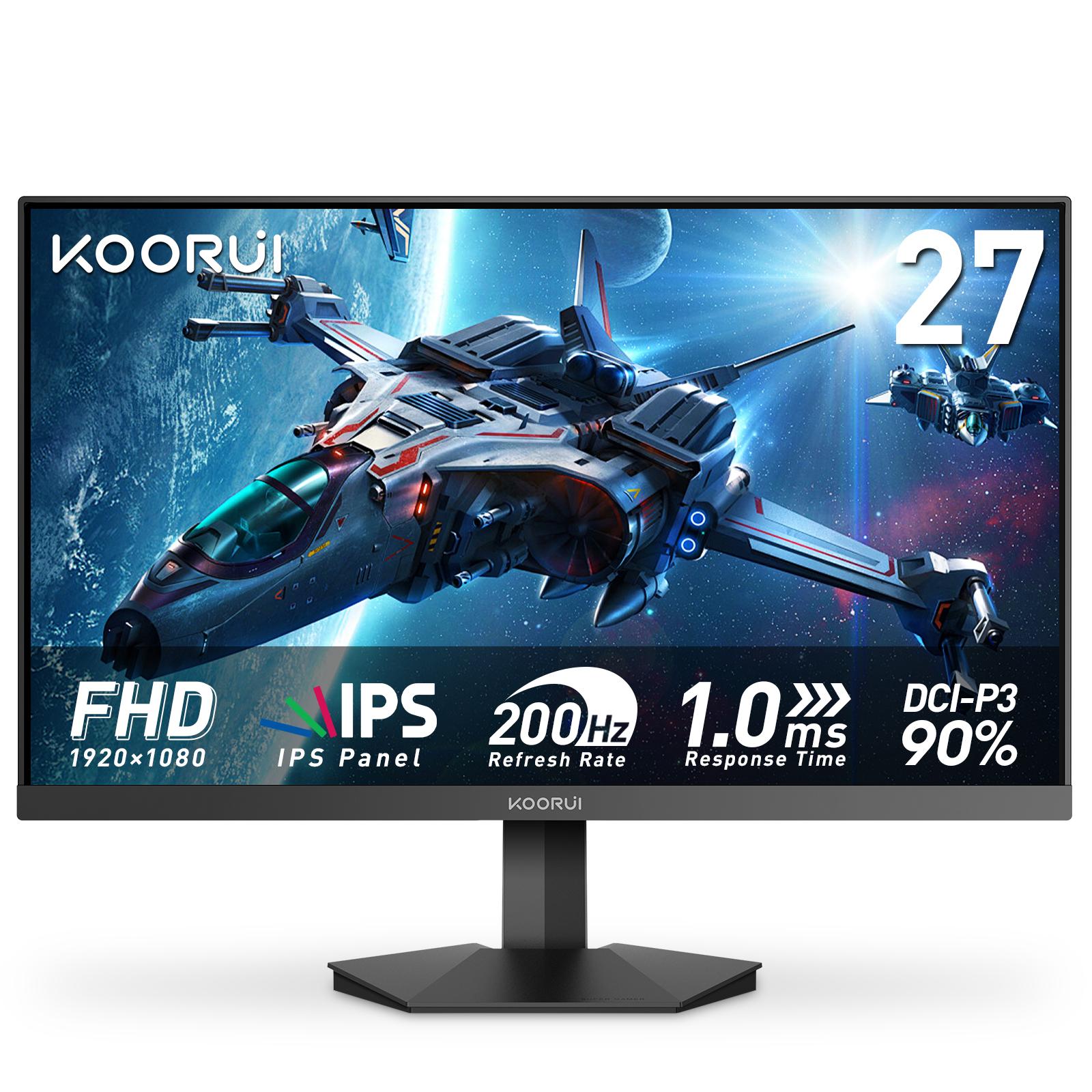
- Immersive gaming on a budget → 27" FHD: the G2711P (200Hz) gives size and speed, accepting the density trade at desk-work distances
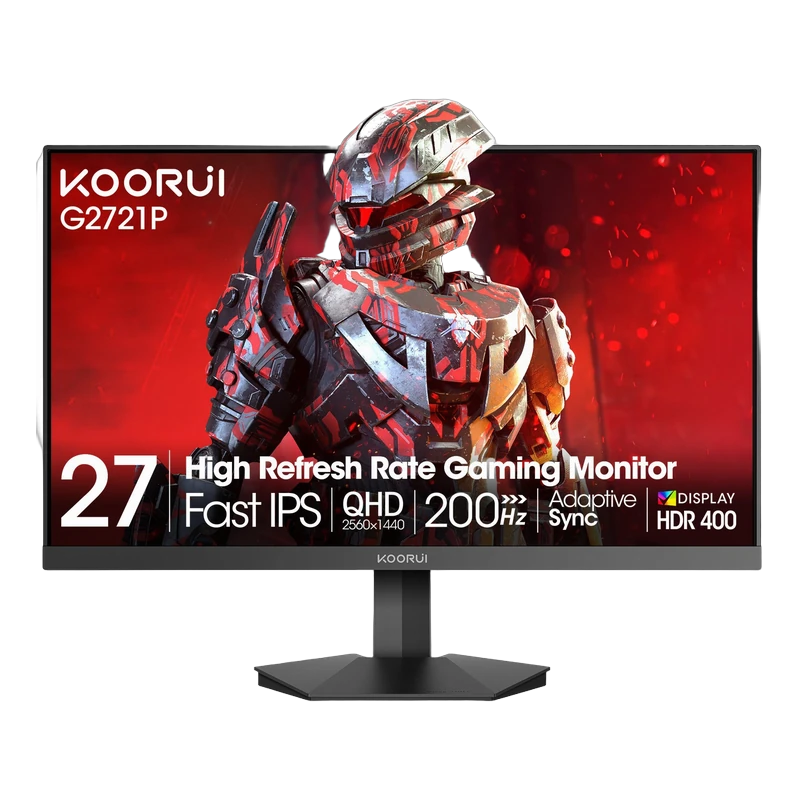
- Gaming plus serious work → 27" QHD: the G2721P (QHD, 200Hz, 95% DCI-P3) is the no-compromise pairing
One more variable: your GPU
QHD asks roughly 1.8× the GPU work of FHD. A mid-range card that feeds 200 FPS at 1080p may manage only ~120 at 1440p — decide size and resolution together with the refresh rate your system can actually use. All models above carry the 36-month official Koorui warranty in Pakistan through Tech Global.
Comparing HDR labels as well as sizes? Read what HDR400 means on a monitor.
Frequently Asked Questions
Products in This Guide
Related Guides
- Koorui G2511P: Specs, Strengths and Trade-offs
The Koorui G2511P is a 24.5-inch Full HD Fast IPS gaming monitor with a 200Hz refresh rate, 1ms response, HDR400 and adaptive sync. Its strengths are speed and color for the money; its trade-offs are a tilt-only stand, no speakers and Full HD resolution.
- What Is Adaptive Sync? FreeSync and G-Sync Compatible Explained
Adaptive Sync matches your monitor's refresh rate to your GPU's frame rate in real time, killing screen tearing without the input lag of V-Sync. FreeSync and G-Sync Compatible are AMD's and NVIDIA's certifications of the same underlying standard — and monitors listing Adaptive Sync generally work with both.
- Best Budget High-Refresh Gaming Monitors in Pakistan (Official Warranty)
A transparent guide to the high-refresh monitors we distribute in Pakistan — from a 120Hz entry panel to 165Hz and 200Hz gaming sweet spots and a 320Hz esports model — every one with a 36-month official warranty and listed retailers.
- 165Hz vs 200Hz Monitors: Does the Extra Refresh Rate Matter?
Going from 60Hz to 165Hz is transformative; going from 165Hz to 200Hz is a refinement you mostly feel in fast shooters — if your GPU can push 200+ FPS. Here is the honest math, and when each tier makes sense.