
First Gaming PC in Pakistan: A Student's 7-Step Buying Checklist
Building your first gaming PC on a student budget in Pakistan comes down to seven checks: set the budget split, pick the platform, verify every part is genuine, never cheap out on the PSU, plan for heat, match the monitor to the GPU, and confirm the warranties before paying.
The short answer
A first build succeeds on discipline, not luck. Put roughly 35–40% of the budget into the graphics card, never compromise on the power supply, buy through channels where you can verify the parts, and leave room for the monitor — the component you will look at for years. The seven steps below are in the order to do them.
Step 1: Split the budget on paper first
| Component | Share of budget | Why |
|---|---|---|
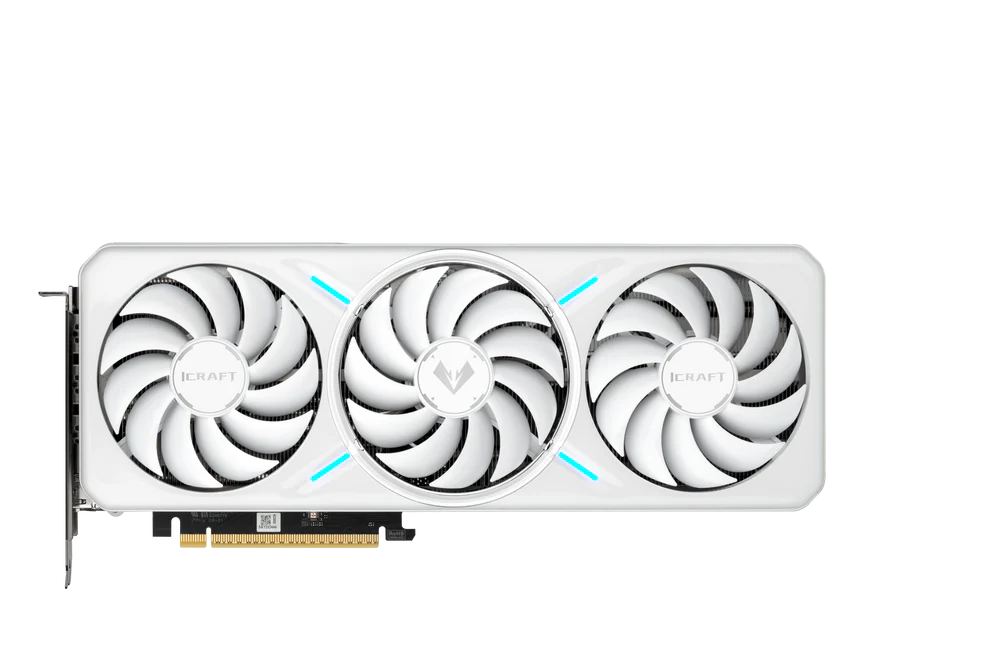
| Graphics card (GPU) | 35–40% | Sets your frame rate more than anything else |
| CPU and motherboard | About 20% | Enough to keep up with the GPU; easy to overspend here |
| Monitor | About 15% | Decides what those frames actually look like |
| Power supply and case | About 10% | Safety and cooling, not decoration |
| RAM and SSD | The rest | 16GB of RAM and an NVMe SSD are the sensible baseline |
Write the numbers down before you visit a shop. Most overspending on a first build goes to RGB lighting, a flashy case, or a CPU far stronger than the graphics card can use.
Step 2: Pick the platform
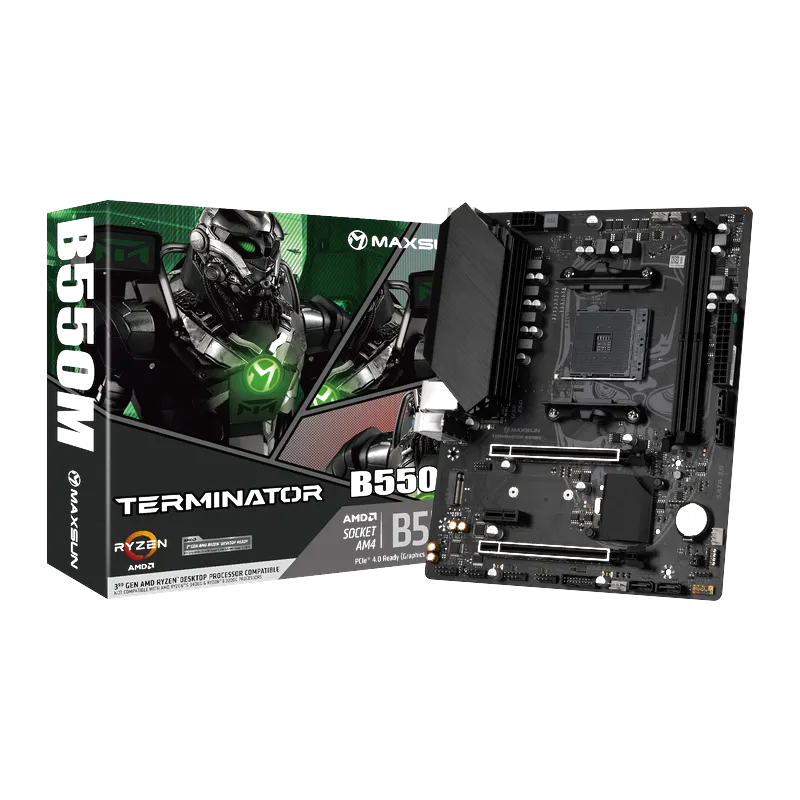
The platform is the CPU socket and motherboard chipset, and it decides what you can upgrade later. Mature AM4 stretches rupees furthest — see our B450 vs B550 guide. A current-generation board costs more up front but uses DDR5 and leaves an upgrade path; our DDR4 vs DDR5 guide covers that trade-off. We distribute Maxsun motherboards for both.
Step 3: Check compatibility before you buy anything
- The CPU socket matches the motherboard — AM4, AM5, LGA1700 and LGA1851 are not interchangeable
- The RAM generation matches the board — DDR4 and DDR5 slots are physically different
- The graphics card's length and the CPU cooler's height fit inside the case
- The power supply has the PCIe power connectors your graphics card needs
- The motherboard size (ATX or Micro-ATX) fits the case
Our compatibility guide for custom builds walks through each of these checks.
Step 4: Make sure the parts are genuine
Be suspicious of “new” parts at impossible prices, especially graphics cards. The used-GPU market has real traps, including old cards rebuilt with recycled chips and sold as new. Sealed boxes, itemized receipts and serial numbers that check out are your protection.
Step 5: Buy the power supply properly
The power supply is a safety device, not a place to save. A quality 80 Plus unit protects every other part; a no-name one can take them with it when it fails. Size it with headroom rather than to the watt, and if your home runs on a UPS or inverter, read our UPS compatibility guide first. Browse the power supplies we distribute from FSP, Thermaltake and Cooler Master.
Step 6: Plan cooling for June, not December
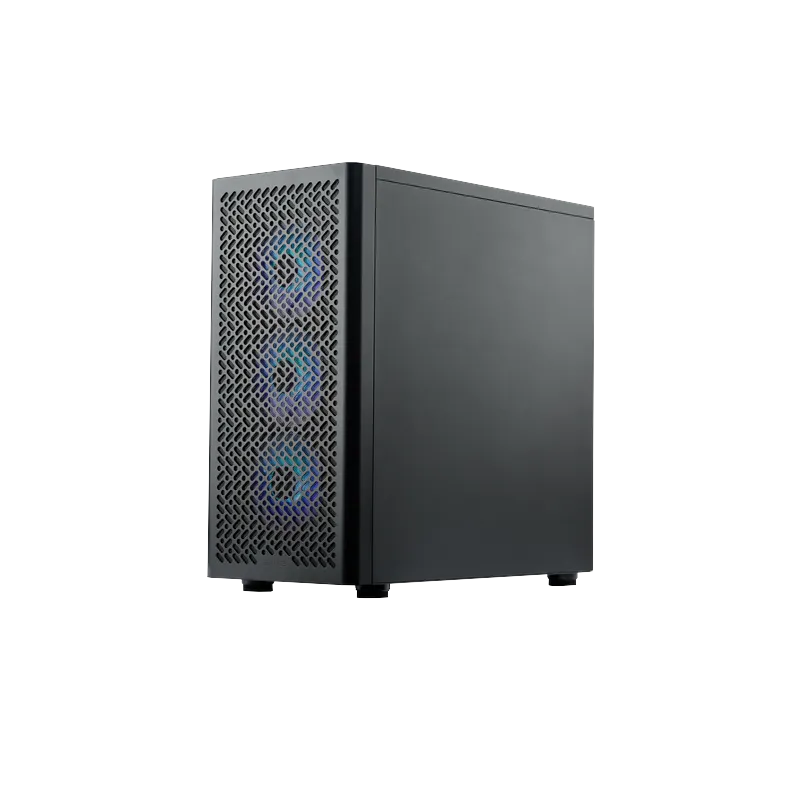
A build tested in winter has to survive a Pakistani summer. Choose a case with a mesh or well-ventilated front, at least two intake fans and one exhaust, and a CPU cooler better than the bare minimum. Glass-fronted cases look good but need more fan effort to stay cool. See the cases and cooling in our range.
Step 7: Match the monitor to the graphics card, then confirm the warranties
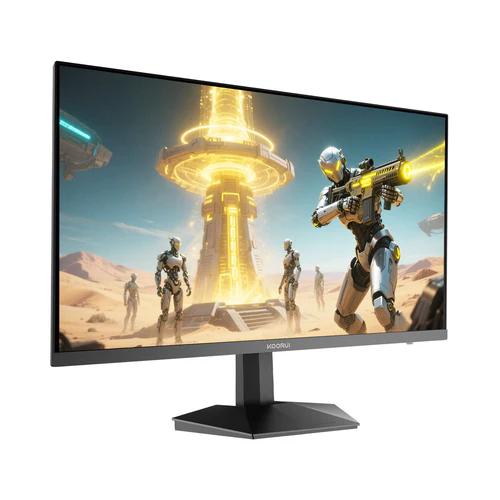
A fast graphics card on a 60Hz screen wastes most of what you paid for. A 165Hz Full HD IPS monitor pairs well with a budget-to-midrange card; step up to QHD only if the card can drive it. Our guides on which specs matter for competitive gaming and the best budget high-refresh monitors in Pakistan go deeper.
Before you pay for anything, confirm each part's local warranty. For brands Tech Global distributes, you can check any serial number online on the spot.
Five mistakes first-time builders make
- Spending on the CPU and case, then running out of money for the graphics card
- Buying the cheapest power supply available
- Buying a used graphics card without testing it under load
- Forgetting the monitor until the budget is gone
- Skipping the warranty check because the shop “guarantees” it
Already own a PC and upgrading instead? Start with what to upgrade first. Buying a ready-built machine? Read what to check before buying a gaming desktop in Pakistan.
Frequently Asked Questions
Products in This Guide

Related Guides
- Koorui G2511P: Specs, Strengths and Trade-offs
The Koorui G2511P is a 24.5-inch Full HD Fast IPS gaming monitor with a 200Hz refresh rate, 1ms response, HDR400 and adaptive sync. Its strengths are speed and color for the money; its trade-offs are a tilt-only stand, no speakers and Full HD resolution.
- What Is Adaptive Sync? FreeSync and G-Sync Compatible Explained
Adaptive Sync matches your monitor's refresh rate to your GPU's frame rate in real time, killing screen tearing without the input lag of V-Sync. FreeSync and G-Sync Compatible are AMD's and NVIDIA's certifications of the same underlying standard — and monitors listing Adaptive Sync generally work with both.
- 24 vs 27 Inch Gaming Monitors: Which Size Should You Pick?
24–25 inch keeps the whole screen in view for competitive play and stays sharp at 1080p; 27 inch is more immersive but really wants QHD resolution for crisp text. Here is the honest size-and-resolution math.
- Best Budget High-Refresh Gaming Monitors in Pakistan (Official Warranty)
A transparent guide to the high-refresh monitors we distribute in Pakistan — from a 120Hz entry panel to 165Hz and 200Hz gaming sweet spots and a 320Hz esports model — every one with a 36-month official warranty and listed retailers.