
Which Gaming PC Specs Matter Most for Competitive Gaming?
Competitive play rewards consistency, not eye candy: a stable high frame rate, a 165–200Hz monitor, and low input latency beat maxed-out graphics settings every time. Here is the spec hierarchy that actually wins rounds.
The short answer
Competitive titles — Valorant, CS2, PUBG, Fortnite, Tekken — are not graphics benchmarks; they are reaction-time contests. The specs that help you win are the ones that shorten the loop between what happens and what you see: a frame rate that never dips in fights, a monitor fast enough to show those frames, and minimal input latency. Everything else is comfort.
The competitive spec hierarchy
- 1. Stable frame rate — minimums matter more than averages; a PC that holds 200 FPS in teamfights beats one that peaks at 300 and dips to 90
- 2. Refresh rate — the monitor is half the pipeline; 144Hz is the entry point, 165–200Hz is the competitive standard, and the jump from 60Hz is transformative
- 3. Input latency — 1ms-class panel response, a wired mouse and keyboard, and in-game latency-reduction settings; disable V-Sync in competitive modes
- 4. CPU consistency — esports titles are often CPU-bound at high frame rates; a modern mid-range CPU with strong single-core speed is enough, paired with 16GB+ dual-channel RAM
- 5. Resolution last — 1080p remains the esports standard precisely because it maximizes frame rate; many pros play at low settings on purpose
The monitor is half the equation
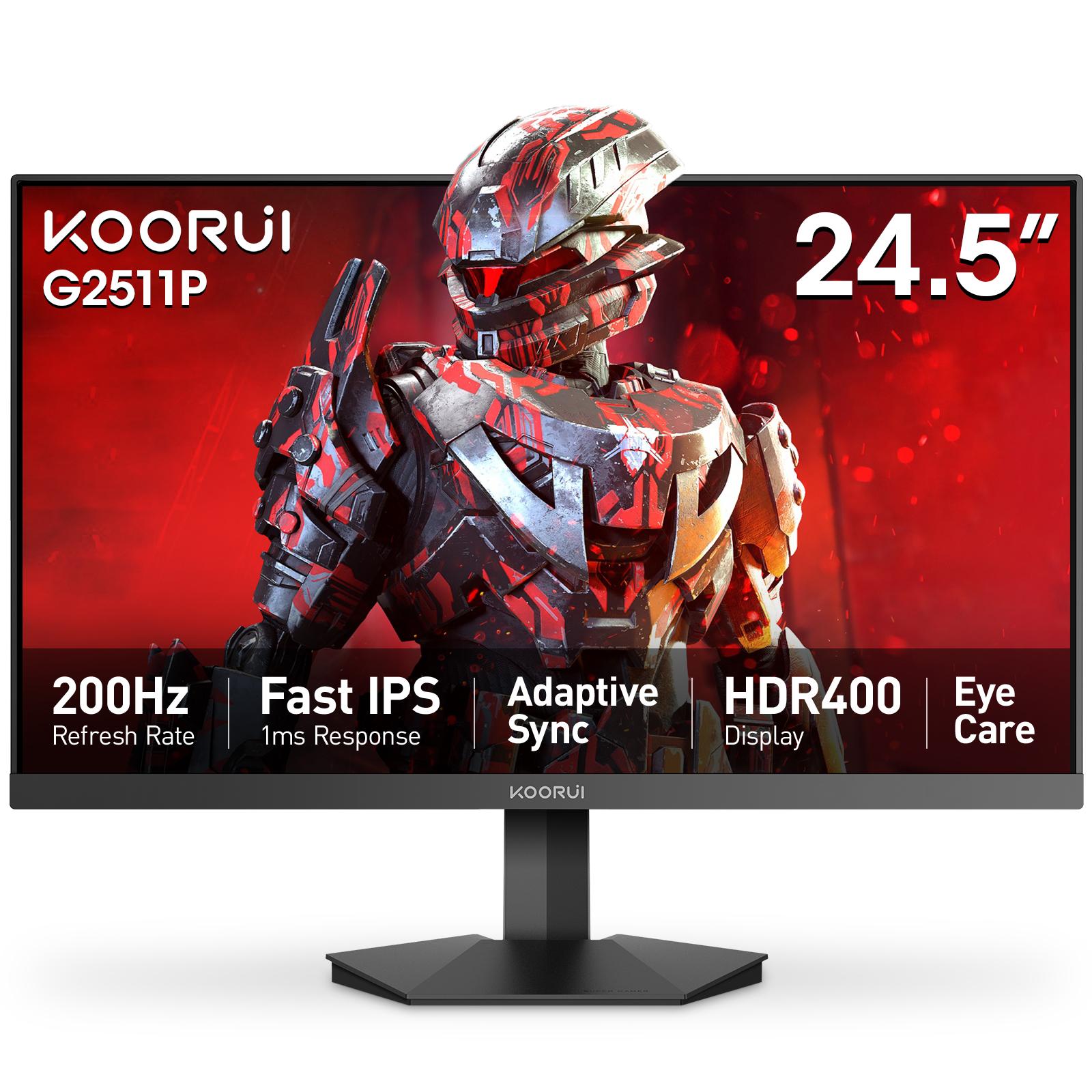
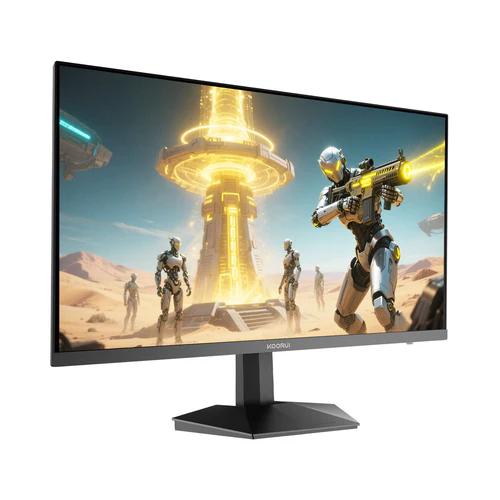
Frames your screen cannot display do not help you aim. For FHD esports play, a 24–25 inch fast IPS panel is the standard: the Koorui G2511P (24.5-inch, 200Hz, 1ms OD, DisplayPort) is built exactly for this, and the 24E3 (24-inch, 165Hz, 99% sRGB) covers competitive play with stronger color for everyday use. Both carry a 36-month official warranty in Pakistan through Tech Global — authorized retailers are listed on each product page.
What not to overspend on
4K resolution, ray tracing, and RGB add nothing to reaction time. Put that budget into the GPU-monitor pair and a reliable PSU — a system that never crashes mid-match is a competitive spec too.
Related reading
Frequently Asked Questions
Products in This Guide
koorui
G2511P
koorui
Koorui 24E3
Related Guides
- Koorui G2511P: Specs, Strengths and Trade-offs
The Koorui G2511P is a 24.5-inch Full HD Fast IPS gaming monitor with a 200Hz refresh rate, 1ms response, HDR400 and adaptive sync. Its strengths are speed and color for the money; its trade-offs are a tilt-only stand, no speakers and Full HD resolution.
- What Is Adaptive Sync? FreeSync and G-Sync Compatible Explained
Adaptive Sync matches your monitor's refresh rate to your GPU's frame rate in real time, killing screen tearing without the input lag of V-Sync. FreeSync and G-Sync Compatible are AMD's and NVIDIA's certifications of the same underlying standard — and monitors listing Adaptive Sync generally work with both.
- 24 vs 27 Inch Gaming Monitors: Which Size Should You Pick?
24–25 inch keeps the whole screen in view for competitive play and stays sharp at 1080p; 27 inch is more immersive but really wants QHD resolution for crisp text. Here is the honest size-and-resolution math.
- Best Budget High-Refresh Gaming Monitors in Pakistan (Official Warranty)
A transparent guide to the high-refresh monitors we distribute in Pakistan — from a 120Hz entry panel to 165Hz and 200Hz gaming sweet spots and a 320Hz esports model — every one with a 36-month official warranty and listed retailers.