
What Does HDR400 Mean on a Monitor? HDR400 vs HDR Ready Explained
HDR400 means a monitor accepts an HDR signal and reaches about 400 nits of peak brightness — the entry tier of VESA's DisplayHDR standard. It is brighter than a basic screen, but without local dimming it cannot show the deep contrast of HDR600, HDR1000 or OLED.
What does HDR400 mean?
HDR400 means the monitor can accept an HDR signal and reach about 400 nits (cd/m²) of peak brightness. It is the entry tier of VESA's DisplayHDR certification, written in full as DisplayHDR 400. A budget SDR monitor often peaks at around 250 nits, so an HDR400 screen is noticeably brighter — and that is most of the story.
What HDR400 does not require is local dimming, the feature that lets a screen make one area bright while keeping another dark. Without it, an HDR400 monitor shows HDR content with brighter highlights but the same contrast as before. So HDR400 means “HDR-compatible and brighter than a basic screen,” not “the HDR you saw on an OLED TV.”
HDR Ready vs HDR10 vs HDR400 vs HDR600
These labels sound like steps on one ladder, but they describe different things. HDR10 is a signal format — the way HDR video is encoded. HDR Ready (or just “HDR support”) is a marketing phrase meaning the monitor accepts that signal, with no promise about brightness. HDR400, HDR600 and HDR1000 are certified performance tiers, where the number is the minimum peak brightness in nits.
| Label | What it is | Peak brightness | Local dimming | What you see |
|---|---|---|---|---|
| HDR Ready / HDR support | Marketing term: accepts an HDR signal | Not specified | No | Usually little change from SDR |
| HDR10 | A signal format, not a display rating | Not specified | No | Depends entirely on the panel |
| HDR400 (DisplayHDR 400) | Entry certified tier | 400 nits | Not required | Brighter highlights, same contrast |
| HDR600 (DisplayHDR 600) | Mid certified tier | 600 nits | Yes | Clear highlight pop, deeper dark scenes |
| HDR1000 / HDR1400 | High certified tiers | 1000 / 1400 nits | Yes, many zones (often Mini LED) | Strong, TV-like HDR |
| True Black 400 (OLED) | Certified tier for OLED panels | 400 nits with near-zero black | Per pixel | The deepest contrast available |
The practical takeaway: an HDR400 monitor plays any HDR10 game or video, so “HDR10 vs HDR400” is not a real choice. One is the content; the other is how bright the screen showing it can get.
Is HDR400 good for gaming?
It helps in some games and not in others. Bright, colorful single-player games usually look a little punchier. Dark, moody games gain almost nothing, because contrast is unchanged, and some look washed out when the game's own HDR calibration is poor. Many players leave HDR off for competitive shooters and turn it on for cinematic games.
- Higher peak brightness than a basic SDR panel — more punch in bright scenes
- HDR10 signal support — PCs and consoles can send HDR without errors
- A stated minimum you can check on the spec sheet — unlike vague “HDR Ready” wording
- Not included: local dimming, so dark scenes do not gain depth
Is HDR400 worth it?
Treat it as a tiebreaker, not a headline. Choose a monitor for its panel type, refresh rate and size first — those matter every minute you spend at the screen. If two monitors are otherwise equal, take the HDR400 one for the extra brightness. Do not pay a large premium for the HDR400 label alone.
If HDR itself is the reason you are buying, HDR400 is the wrong tier. Look for HDR1000 with Mini LED local dimming, or a True Black OLED panel.
How to check a monitor is really HDR400
- Look for a peak brightness of 400 nits (cd/m²) in the specification sheet, not just the word “HDR”
- Look for the DisplayHDR logo — VESA publishes its list of certified displays at displayhdr.org
- Be cautious with “HDR Ready”, “HDR Effect” or “HDR Mode”: these describe signal support or a picture preset, not brightness
How to turn on HDR in Windows 11
- Connect the monitor with DisplayPort or HDMI 2.0 or newer
- Open Settings > System > Display and switch on “Use HDR”
- Run the free Windows HDR Calibration app once, so games know your monitor's real brightness
- Enable HDR inside each game's display settings, and switch it back off for desktop work if colors look dull
Koorui monitors by HDR tier
Every tier above appears in the Koorui range we distribute in Pakistan. The ratings below are the manufacturer's published specifications.
| Model | Screen | Refresh rate | HDR rating |
|---|---|---|---|
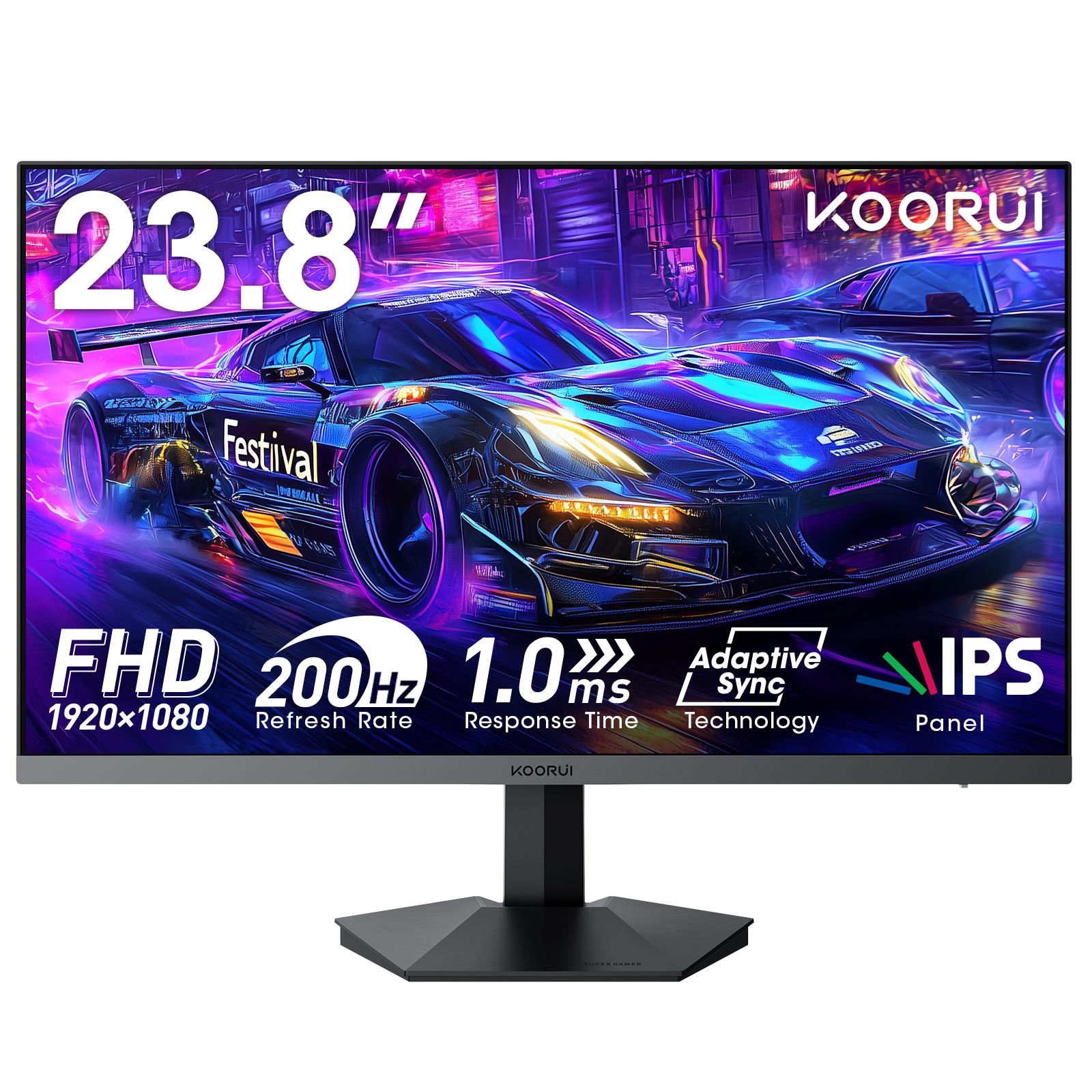
| Koorui G2411P | 23.8" Full HD Fast IPS | 200Hz | HDR400 |
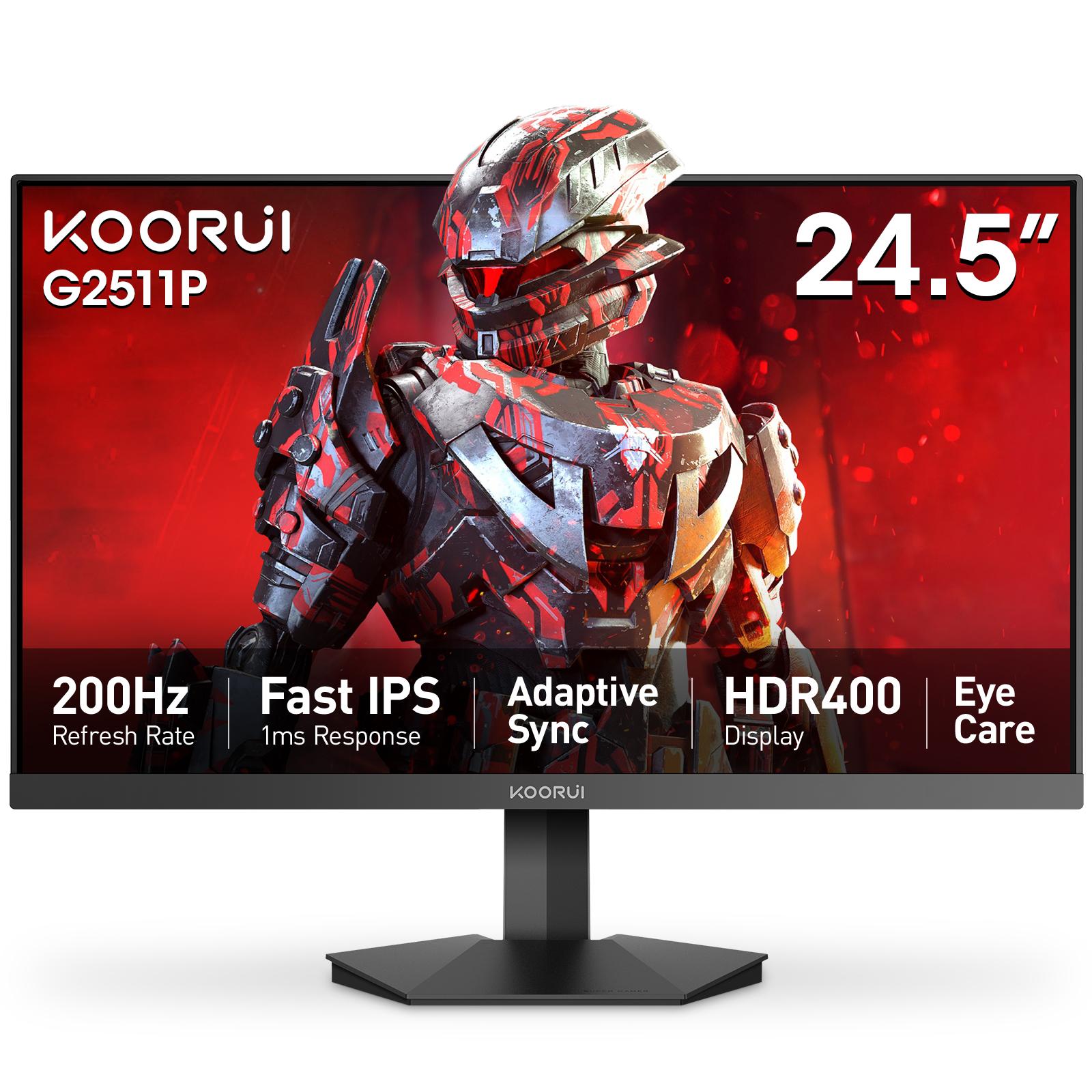
| Koorui G2511P | 24.5" Full HD Fast IPS | 200Hz | HDR400 |
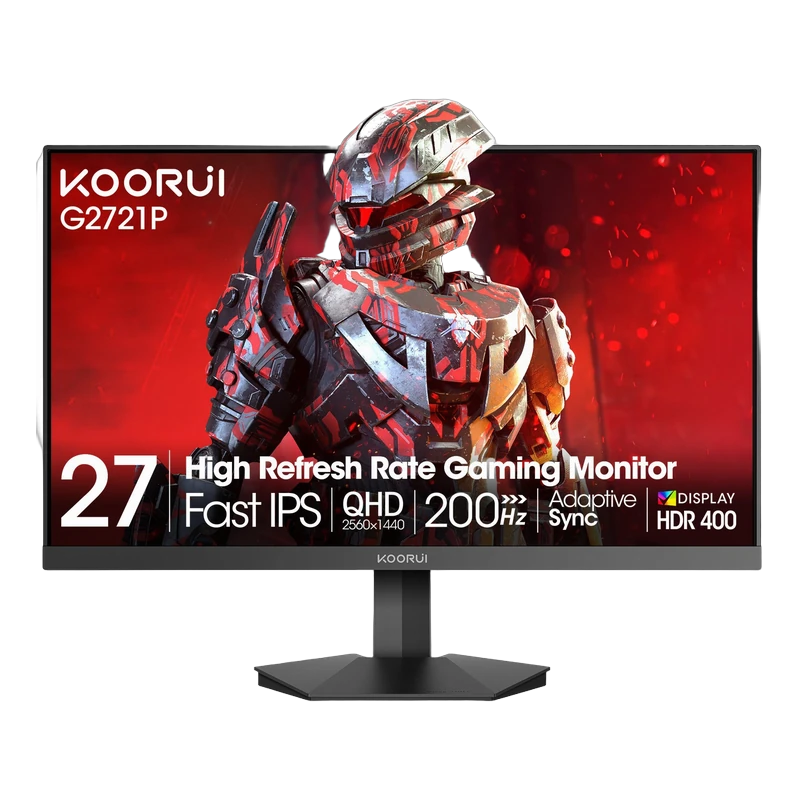
| Koorui G2721P | 27" QHD Fast IPS | 200Hz | HDR400 |
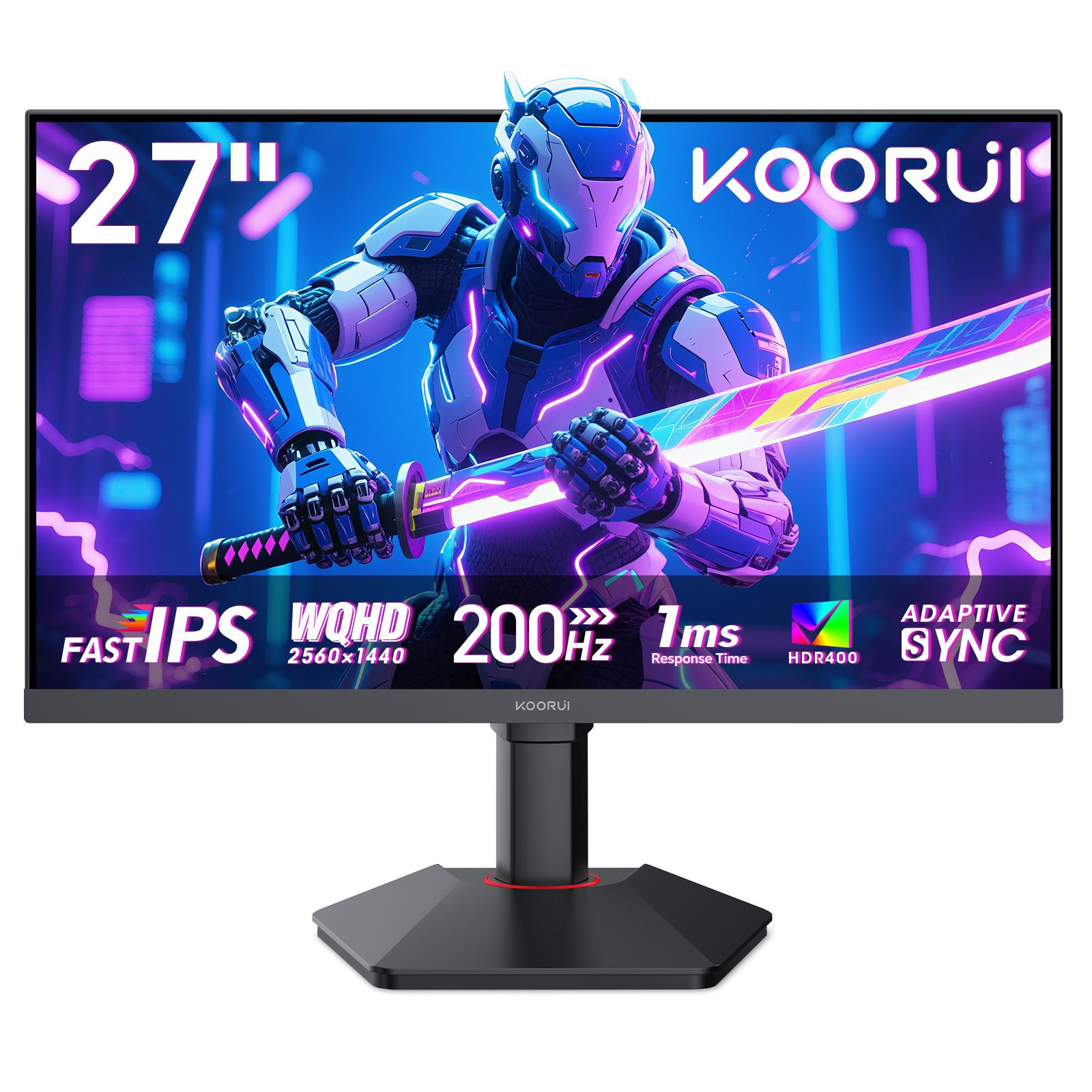
| Koorui G2722P | 27" QHD Fast IPS, height-adjustable | 200Hz | HDR400 |
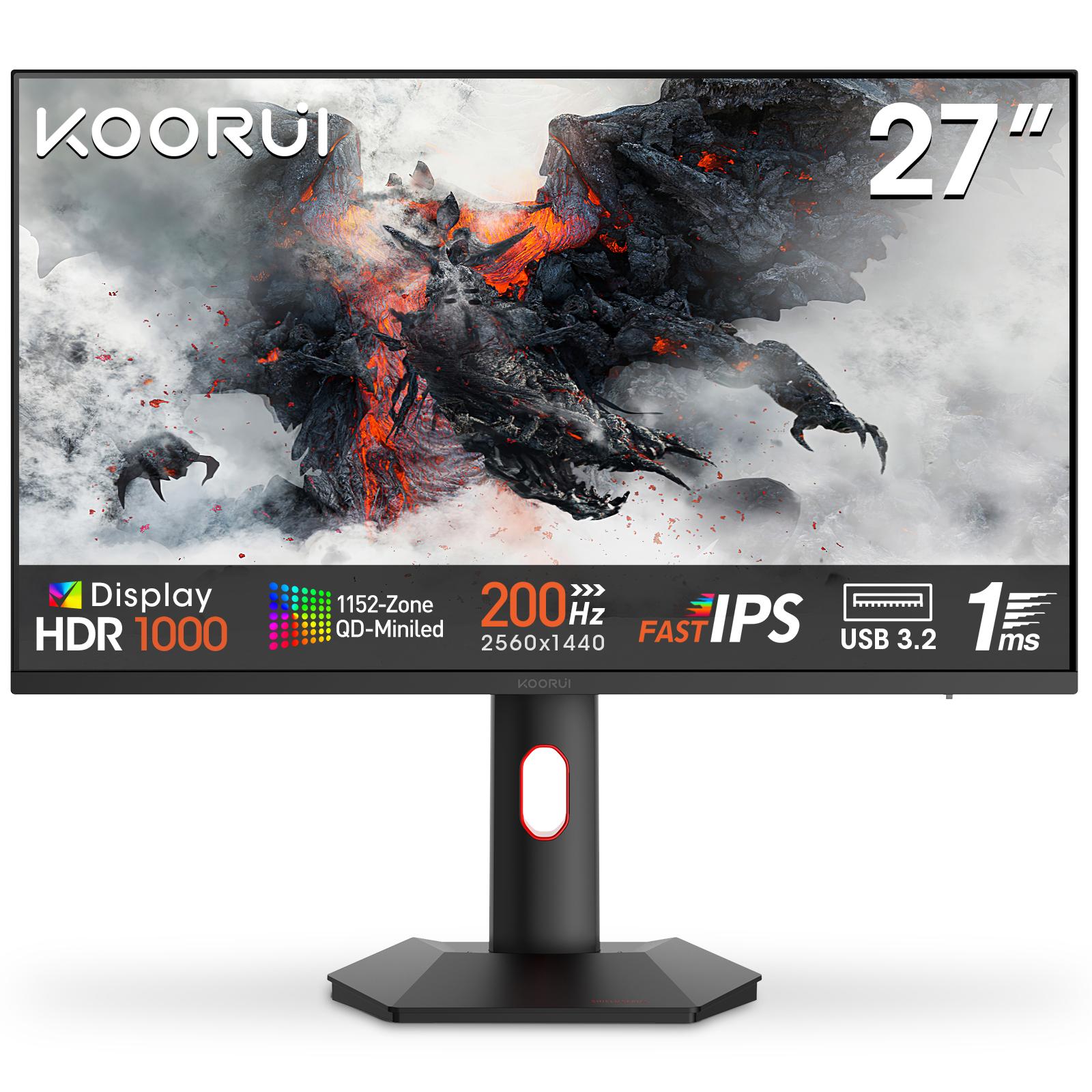
| Koorui S2721PM | 27" QHD Mini LED | 200Hz | HDR1000 |
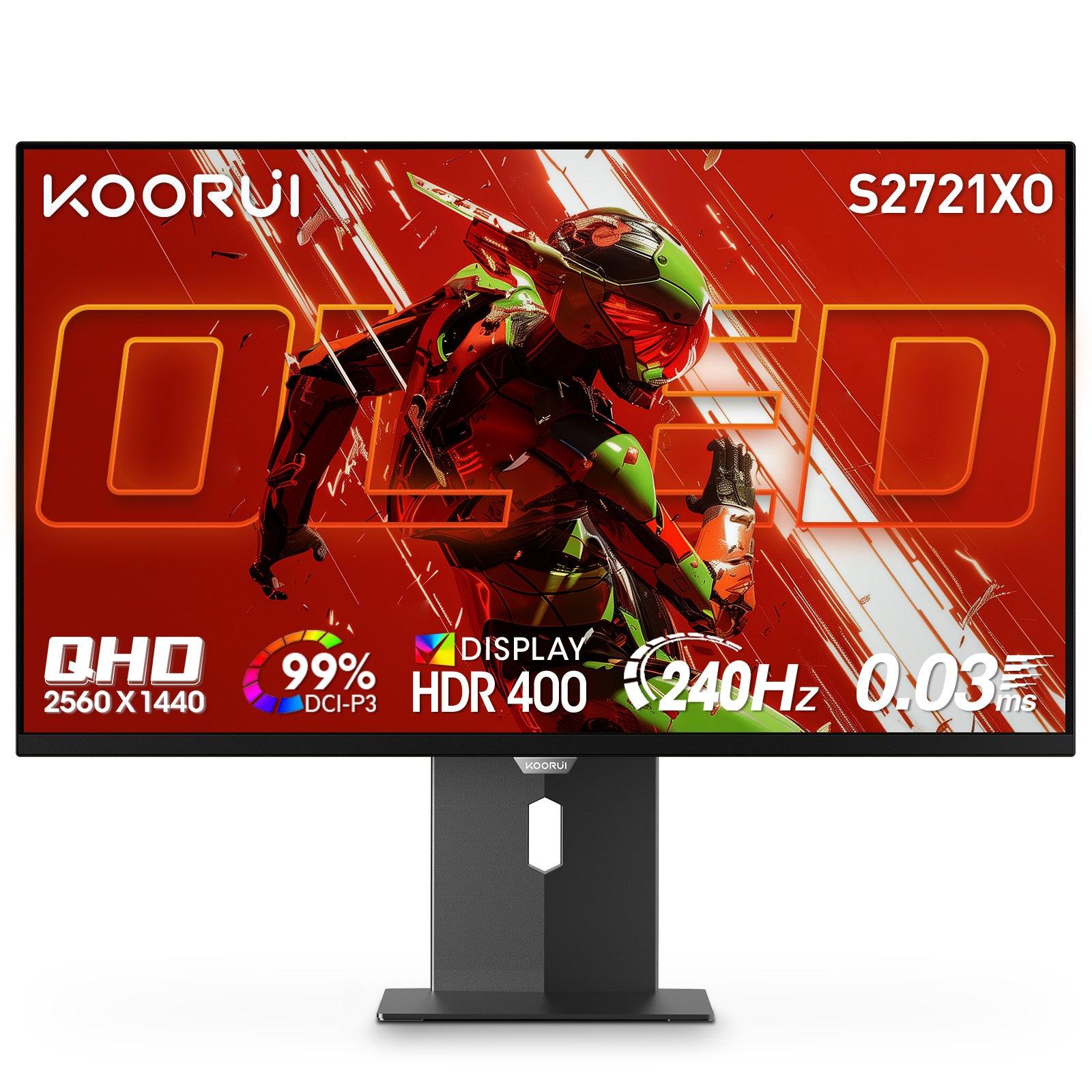
| Koorui S2721XO | 27" QHD QD-OLED | 240Hz | HDR True Black 400 |
For brightness on a budget, the G2411P and G2511P are the entry points — see our G2511P overview for its full specifications. For HDR that looks dramatically different, step up to the Mini LED S2721PM or the OLED S2721XO. All carry a 36-month official warranty. For help choosing, read the best budget high-refresh monitors in Pakistan.
Frequently Asked Questions
Products in This Guide
Related Guides
- Koorui G2511P: Specs, Strengths and Trade-offs
The Koorui G2511P is a 24.5-inch Full HD Fast IPS gaming monitor with a 200Hz refresh rate, 1ms response, HDR400 and adaptive sync. Its strengths are speed and color for the money; its trade-offs are a tilt-only stand, no speakers and Full HD resolution.
- What Is Adaptive Sync? FreeSync and G-Sync Compatible Explained
Adaptive Sync matches your monitor's refresh rate to your GPU's frame rate in real time, killing screen tearing without the input lag of V-Sync. FreeSync and G-Sync Compatible are AMD's and NVIDIA's certifications of the same underlying standard — and monitors listing Adaptive Sync generally work with both.
- 24 vs 27 Inch Gaming Monitors: Which Size Should You Pick?
24–25 inch keeps the whole screen in view for competitive play and stays sharp at 1080p; 27 inch is more immersive but really wants QHD resolution for crisp text. Here is the honest size-and-resolution math.
- Best Budget High-Refresh Gaming Monitors in Pakistan (Official Warranty)
A transparent guide to the high-refresh monitors we distribute in Pakistan — from a 120Hz entry panel to 165Hz and 200Hz gaming sweet spots and a 320Hz esports model — every one with a 36-month official warranty and listed retailers.