
Koorui 24E3 vs G2511P: Which Gaming Monitor Should You Buy?
Choose the Koorui G2511P for fast competitive games: 200Hz, 350-nit brightness, HDR400 and two HDMI 2.0 ports on a 24.5-inch Fast IPS panel. Choose the 24E3 for a value 165Hz IPS monitor for mixed gaming, study and work. Both are Full HD with adaptive sync and a 36-month warranty in Pakistan.
Koorui 24E3 vs G2511P: the short answer
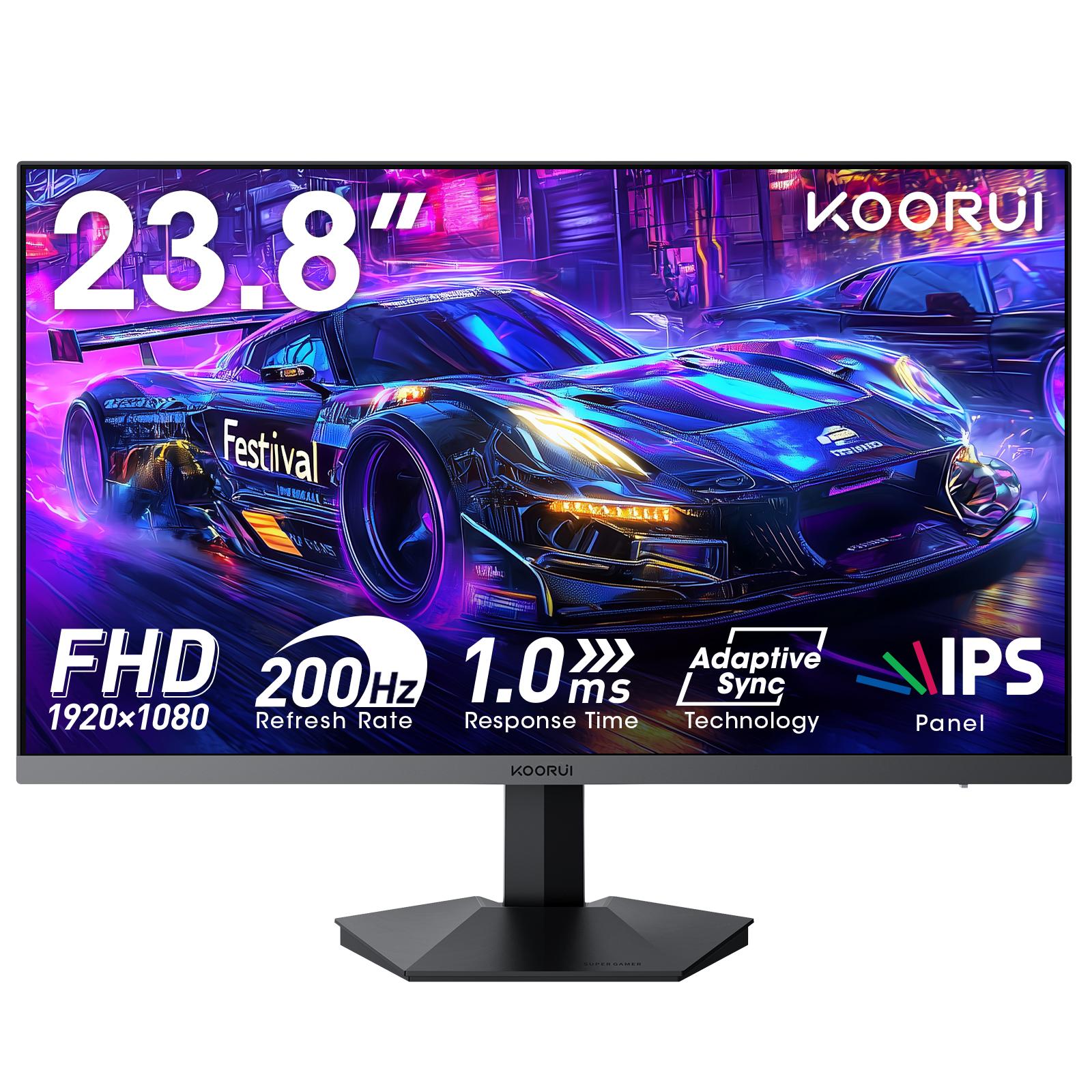
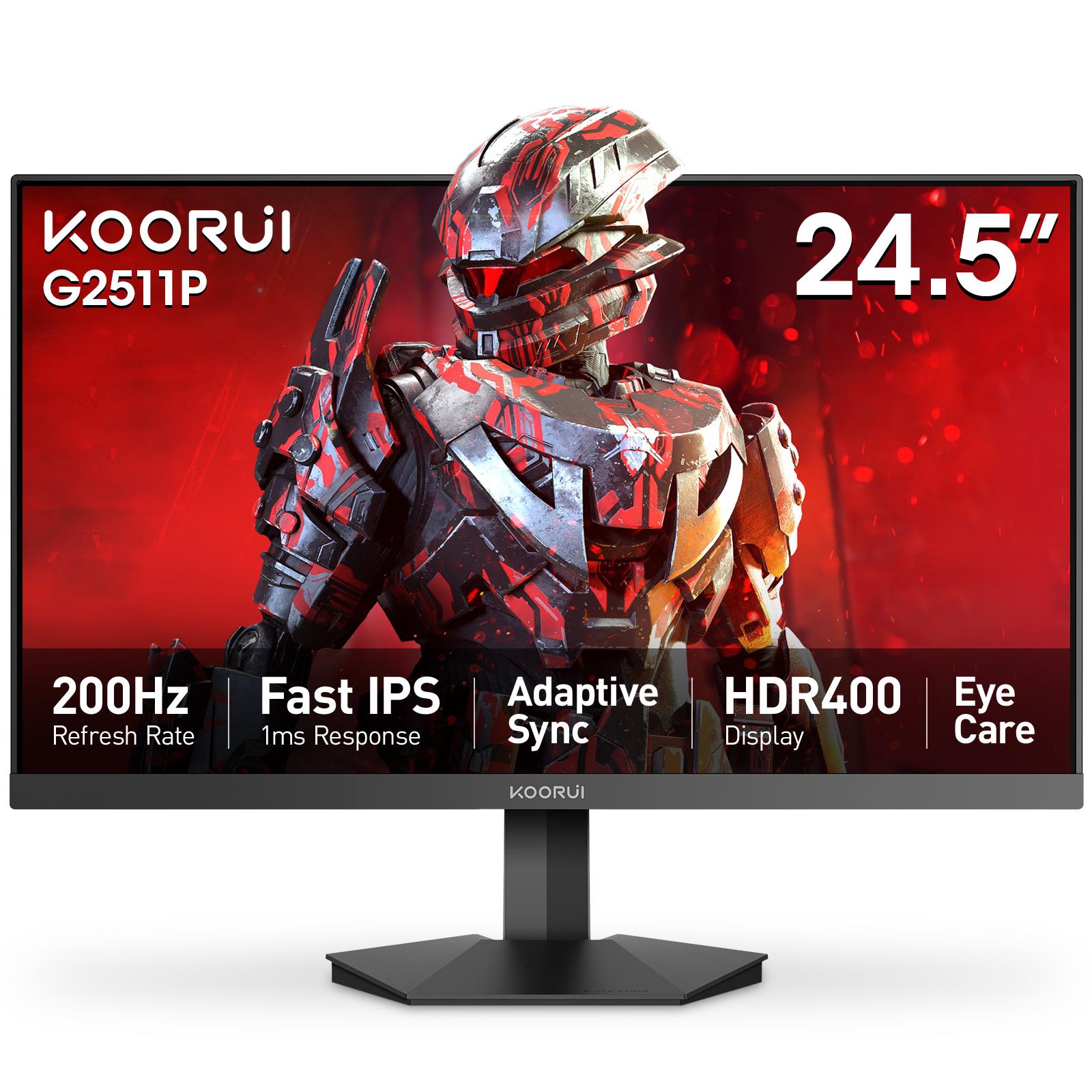
Buy the [Koorui G2511P](/product/G2511P) if you play fast competitive games and your graphics card runs them above 165 frames per second. Buy the [Koorui 24E3](/product/KR-24E3) if you want a value 165Hz IPS monitor for a mix of gaming, study and work. Both are Full HD IPS gaming monitors with adaptive sync, and both carry a 36-month warranty in Pakistan.
The G2511P is the faster, brighter and better-connected monitor: 200Hz, 350 cd/m², HDR400, two HDMI 2.0 ports and DisplayPort 1.4. The 24E3 gives you most of the everyday experience, with the same Full HD resolution, IPS color and adaptive sync, at a lower step in the range.
Side-by-side specifications
| Specification | Koorui 24E3 | Koorui G2511P |
|---|---|---|
| Screen size | 23.8" (sold as 24-inch) | 24.5" |
| Panel | IPS | Fast IPS |
| Resolution | 1920 × 1080 Full HD | 1920 × 1080 Full HD |
| Refresh rate | 165Hz | 200Hz (over HDMI and DisplayPort) |
| Response time | 1ms MPRT | 1ms GTG (overdrive 5 / 3 / 1 ms) |
| Brightness | 250 cd/m² | 350 cd/m² |
| Contrast | 1000:1 | 1000:1 |
| Color | 99% sRGB, 72% NTSC | 99% sRGB, 90% DCI-P3 |
| HDR | No | HDR400 |
| Adaptive sync | FreeSync, G-Sync compatible | G-Sync compatible |
| Video inputs | HDMI, DisplayPort 1.2 | 2 × HDMI 2.0, DisplayPort 1.4 |
| Speakers | None | None (audio-out jack) |
| Stand | Tilt only | Tilt only |
| VESA mount | 75 × 75 mm | 75 × 75 mm |
| Weight with stand | 3.06 kg | 3.5 kg |
| Warranty in Pakistan | 36 months | 36 months |
For the full specification sheet of each monitor, with everything it does well and where it falls short, see the Koorui 24E3 specs, strengths and trade-offs and the Koorui G2511P specs, strengths and trade-offs.
The differences that matter
Refresh rate: 165Hz vs 200Hz. At 165Hz a new frame arrives every 6.1 milliseconds; at 200Hz, every 5.0 milliseconds. That 1.1-millisecond gap is real but small, and you only see it when your graphics card produces more than 165 frames per second. In competitive shooters such as Valorant or CS2 on a strong card, the G2511P shows slightly smoother, clearer motion. In games running at 90 to 150 fps, the two monitors feel the same. Our 165Hz vs 200Hz guide goes deeper.
Brightness and HDR. The G2511P reaches 350 cd/m² and carries an HDR400 rating; the 24E3 reaches 250 cd/m² and has no HDR rating. In a dim or normally lit room, 250 cd/m² is enough. In a bright, sunlit room, the extra 100 nits of the G2511P is easy to notice. HDR400 adds brightness to HDR games and video but not the deep contrast of Mini LED or OLED; read what HDR400 really means before paying for it.
Color. Both cover 99% of sRGB, the color space of games, web pages and most video, so for everyday content they look similar. The G2511P also covers 90% of DCI-P3, a wider color space used by HDR video, which makes HDR content look richer.
Connections. The G2511P has two HDMI 2.0 ports plus DisplayPort 1.4, so a PC and a console can stay connected at the same time. The 24E3 has one HDMI port and DisplayPort 1.2. For a single PC, DisplayPort on either monitor carries its full refresh rate.
Size. 24.5 inches against 23.8 inches is a small difference in screen area at the same resolution. The G2511P is slightly larger on the desk (560 mm wide against 542 mm) and slightly less sharp per inch.
Response-time figures. The two monitors quote 1ms using different measurements: MPRT on the 24E3, gray-to-gray (GTG) on the G2511P. The numbers are not directly comparable, so compare the two monitors on refresh rate, which is measured the same way on both.
Which monitor fits your setup?
| Your situation | Better pick | Why |
|---|---|---|
| Competitive shooters on a strong graphics card | G2511P | 200Hz is only useful above 165 fps |
| Mixed gaming, study and work | 24E3 | Same Full HD IPS experience at a lower step |
| Entry or older graphics card | 24E3 | Under 165 fps the extra refresh rate goes unused |
| Bright, sunlit room | G2511P | 350 cd/m² against 250 cd/m² |
| PC plus console on one monitor | G2511P | Two HDMI 2.0 ports plus DisplayPort |
| HDR games and video | G2511P | HDR400 and 90% DCI-P3, though still entry-level HDR |
If you are building or upgrading the rest of the PC at the same time, our guides on which specs matter for competitive gaming and what to upgrade first help you decide whether the extra refresh rate is worth it for your graphics card.
What the 24E3 and G2511P have in common
- Full HD IPS panels with 178° viewing angles and 99% sRGB color
- Adaptive sync that works with AMD FreeSync and is G-Sync compatible on NVIDIA cards; see adaptive sync explained
- Tilt-only stands and a 75 × 75 mm VESA mount for a monitor arm
- No built-in speakers
- IPS contrast of 1000:1, so blacks look dark gray in a dark room; see IPS vs VA vs TN
- A 36-month warranty in Pakistan, checkable by serial number
Other Koorui monitors to consider
If neither one fits exactly, three nearby models cover the gaps. The G2411P is the G2511P's panel class in the 23.8-inch size: 200Hz, 350 cd/m² and HDR400. The G2511X moves up to 240Hz, and the G2511E to 320Hz with a height-adjustable, pivoting stand. For sharper text at the same size, the G2421V puts QHD resolution on a 23.8-inch 180Hz screen. The whole range is on the monitors page.
Warranty and where to buy in Pakistan
Both monitors carry a 36-month warranty when bought through Tech Global's retail partners. You can verify any unit by serial number with the online warranty checker. Each product page lists the shops that carry the monitor, with their current stock status, so you can see who has it before you travel or order. For background on the brand, read who makes Koorui monitors.
Frequently Asked Questions
Products in This Guide
Related Guides
- Koorui 24E3: Specs, Strengths and Trade-offs
The Koorui 24E3 is a 24-inch (23.8-inch viewable) Full HD IPS gaming monitor with a 165Hz refresh rate, 99% sRGB color and FreeSync / G-Sync compatible adaptive sync. Its limits are 250-nit brightness, a tilt-only stand and no speakers. It carries a 36-month warranty in Pakistan.
- Koorui G2511P: Specs, Strengths and Trade-offs
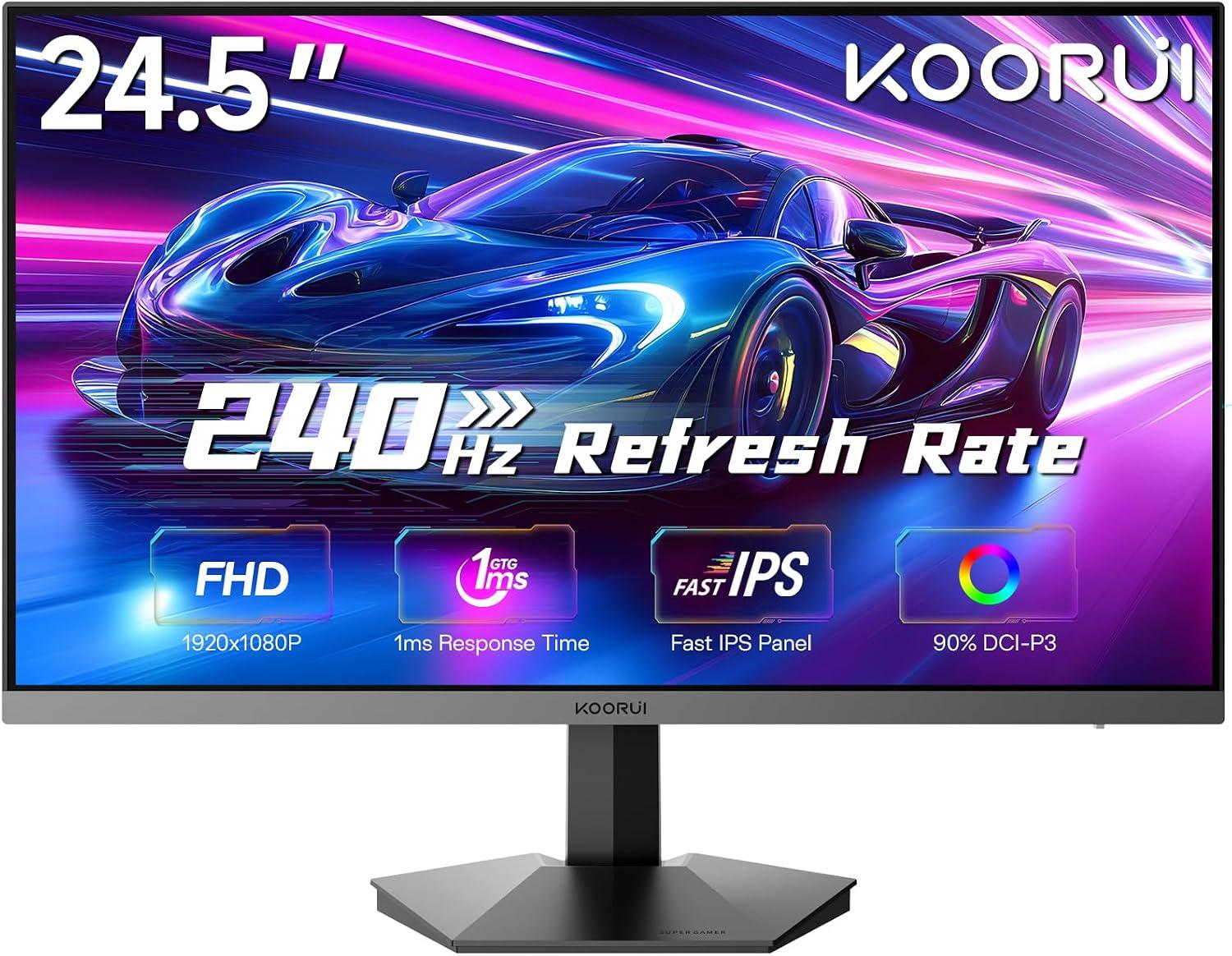
The Koorui G2511P is a 24.5-inch Full HD Fast IPS gaming monitor with a 200Hz refresh rate, 1ms response, HDR400 and adaptive sync. Its strengths are speed and color for the money; its trade-offs are a tilt-only stand, no speakers and Full HD resolution.
- What Is Adaptive Sync? FreeSync vs G-Sync Explained
Adaptive Sync is a VESA standard that makes a monitor refresh exactly when your graphics card delivers a frame. It removes screen tearing without the input lag of V-Sync. AMD FreeSync and NVIDIA G-Sync Compatible are both built on it, so one monitor can serve AMD, NVIDIA and Intel cards.
- 24 vs 27 Inch Gaming Monitor: Which Size Should You Pick?
Pick 24–25 inch for competitive gaming: the whole screen stays in view and Full HD is sharp at about 92 PPI. Pick 27 inch for immersive games and mixed use, ideally with QHD at about 109 PPI. At Full HD, a 27-inch screen drops to about 82 PPI, so text looks softer.