
What Is Adaptive Sync? FreeSync and G-Sync Compatible Explained
Adaptive Sync matches your monitor's refresh rate to your GPU's frame rate in real time, killing screen tearing without the input lag of V-Sync. FreeSync and G-Sync Compatible are AMD's and NVIDIA's certifications of the same underlying standard — and monitors listing Adaptive Sync generally work with both.
The short answer
Your GPU renders frames at a rate that constantly changes; a fixed-refresh monitor redraws on its own rigid schedule. When the two disagree you get tearing (the screen shows slices of two frames at once) or, with old-school V-Sync, added input lag and stutter. Adaptive Sync — the VESA standard for variable refresh rate (VRR) — lets the monitor redraw exactly when the GPU delivers a frame. Tearing gone, no V-Sync lag penalty.
FreeSync vs G-Sync Compatible: mostly branding
FreeSync is AMD's certification of Adaptive Sync; G-Sync Compatible is NVIDIA's certification of the same underlying standard (distinct from the original G-Sync, which required a hardware module in the monitor). In practice: a monitor listing Adaptive Sync — like the Koorui models we distribute — will run VRR with current AMD cards and with NVIDIA cards (GTX 10-series onward) over DisplayPort, and in many cases over HDMI too. The badge tells you who certified it; the capability is the same technology.
How to turn it on (two minutes)
- In the monitor's OSD menu: enable Adaptive Sync / FreeSync (often on by default)
- NVIDIA: Control Panel → Set up G-SYNC → enable for your display (use DisplayPort)
- AMD: Adrenalin → Display → AMD FreeSync on
- In competitive shooters, cap your FPS a few frames below the refresh ceiling so VRR stays active and latency stays minimal
Does it matter at high refresh rates?
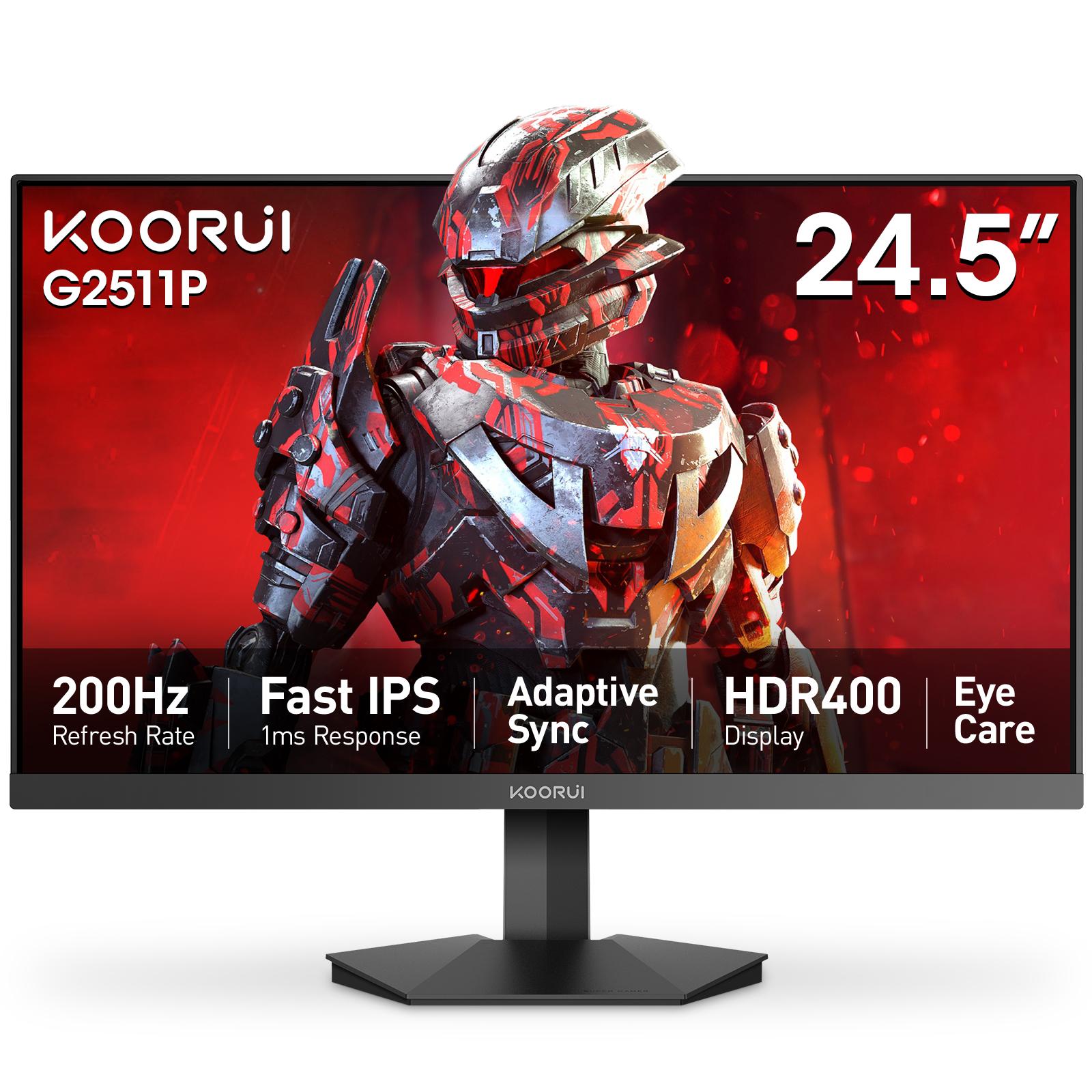
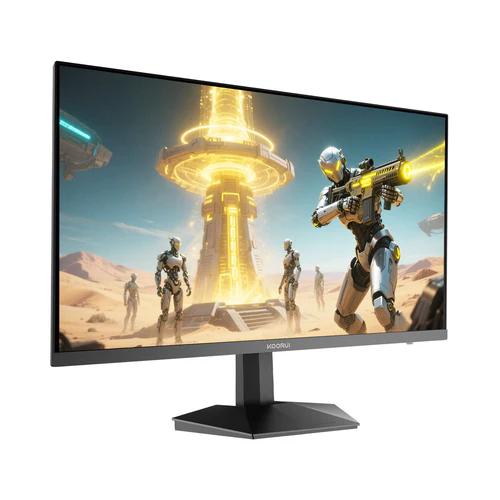
Yes — arguably more. Frame rates swing hardest in demanding scenes, exactly when tearing is most visible. Every monitor in our Koorui range ships with Adaptive Sync — from the 165Hz 24E3 to the 200Hz G2511P — so smooth frame delivery is included regardless of which GPU brand you run.
Adaptive sync is often listed next to HDR400 on a spec sheet — here is what HDR400 means.
Frequently Asked Questions
Products in This Guide
koorui
G2511P
koorui
Koorui 24E3
Related Guides
- Koorui G2511P: Specs, Strengths and Trade-offs
The Koorui G2511P is a 24.5-inch Full HD Fast IPS gaming monitor with a 200Hz refresh rate, 1ms response, HDR400 and adaptive sync. Its strengths are speed and color for the money; its trade-offs are a tilt-only stand, no speakers and Full HD resolution.
- 24 vs 27 Inch Gaming Monitors: Which Size Should You Pick?
24–25 inch keeps the whole screen in view for competitive play and stays sharp at 1080p; 27 inch is more immersive but really wants QHD resolution for crisp text. Here is the honest size-and-resolution math.
- Best Budget High-Refresh Gaming Monitors in Pakistan (Official Warranty)
A transparent guide to the high-refresh monitors we distribute in Pakistan — from a 120Hz entry panel to 165Hz and 200Hz gaming sweet spots and a 320Hz esports model — every one with a 36-month official warranty and listed retailers.
- 165Hz vs 200Hz Monitors: Does the Extra Refresh Rate Matter?
Going from 60Hz to 165Hz is transformative; going from 165Hz to 200Hz is a refinement you mostly feel in fast shooters — if your GPU can push 200+ FPS. Here is the honest math, and when each tier makes sense.