
IPS vs VA vs TN Monitor Panels Explained: Which Should You Buy?
IPS gives you the best colors and viewing angles, VA the deepest contrast, TN the cheapest speed — and for most gamers in 2026, a fast IPS panel is the answer that ends the debate. Here is what each technology actually trades away.
The short answer
Panel type decides a monitor's personality before any spec sheet does. IPS panels deliver accurate color and wide viewing angles and — now that fast IPS exists — competitive response times, which is why they dominate gaming recommendations. VA panels trade some speed and angles for much deeper blacks, great for movies and dark rooms. TN panels are the old speed kings: cheap and fast, but washed-out colors and narrow angles. Unless you have a specific reason otherwise, a fast IPS is the safe modern default.
What each type trades
- IPS — best color accuracy and 178° viewing angles; modern “fast IPS” reaches 1ms-class response; weakness: contrast is moderate, and cheap units can show “IPS glow” in dark scenes
- VA — roughly 3× the contrast of IPS, so blacks look black; weakness: dark-scene smearing on slower panels and colors shift at angles
- TN — historically the fastest and cheapest; weakness: the worst colors and angles, which is why it is disappearing outside bargain esports monitors
Match the panel to the use
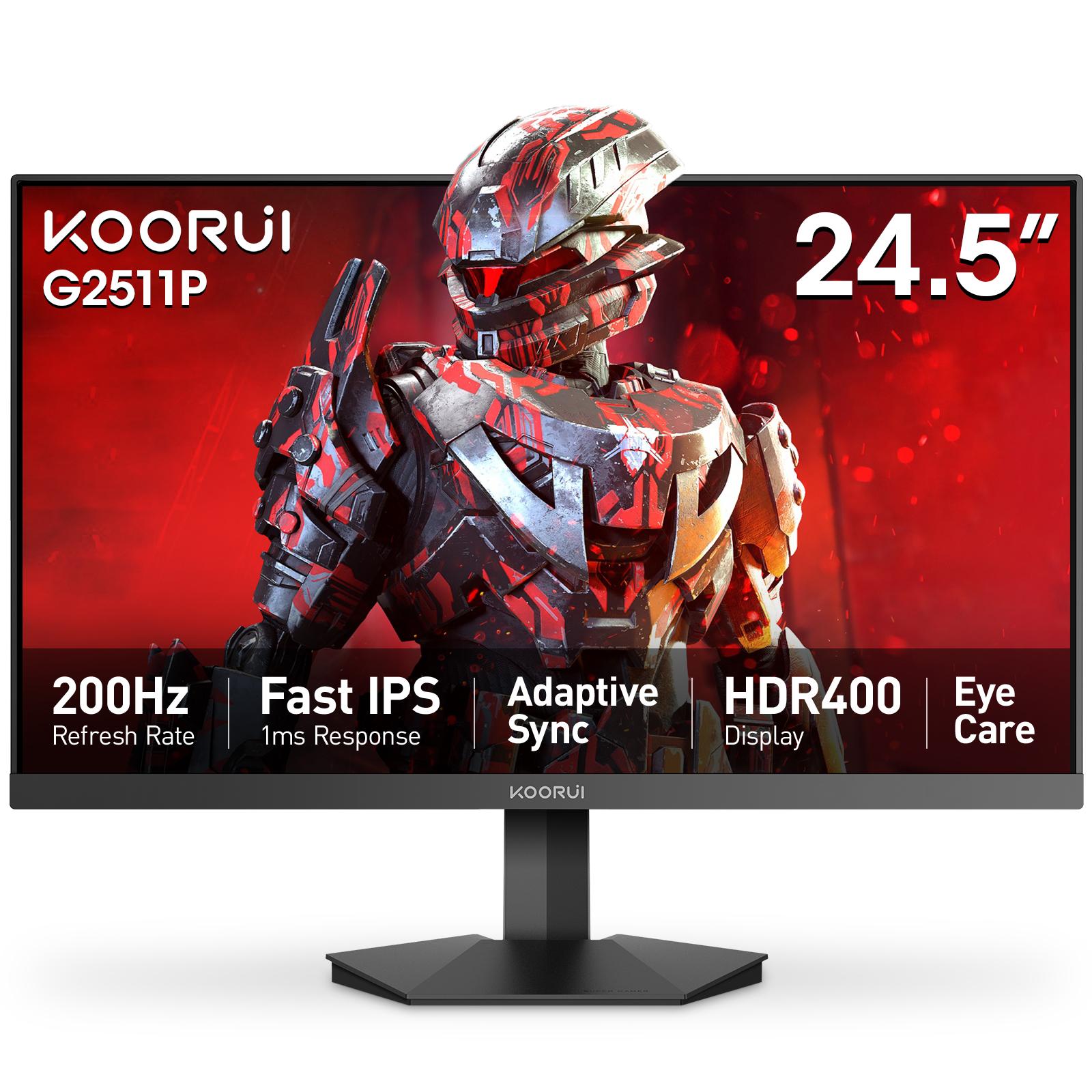
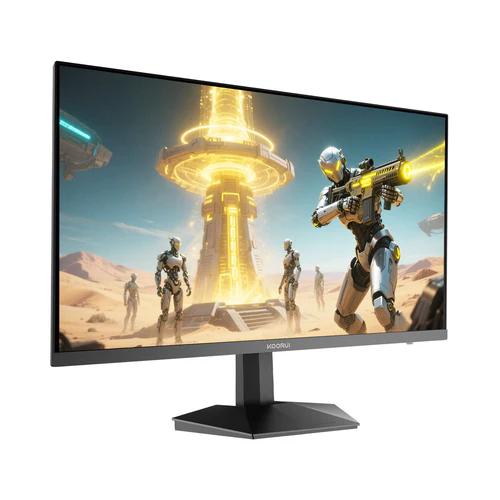
Gaming plus everyday use: fast IPS — the Koorui 24E3 (165Hz, 99% sRGB IPS) is exactly this profile. Competitive shooters: prioritize refresh over everything — the G2511P's 200Hz fast IPS does it without TN's color penalty. Movies in a dark room: consider VA for the contrast. You can compare the monitor range we distribute — every panel type is labeled on its product page, with a 36-month official warranty in Pakistan.
Frequently Asked Questions
Products in This Guide
koorui
G2511P
koorui
Koorui 24E3
Related Guides
- Koorui G2511P: Specs, Strengths and Trade-offs
The Koorui G2511P is a 24.5-inch Full HD Fast IPS gaming monitor with a 200Hz refresh rate, 1ms response, HDR400 and adaptive sync. Its strengths are speed and color for the money; its trade-offs are a tilt-only stand, no speakers and Full HD resolution.
- What Is Adaptive Sync? FreeSync and G-Sync Compatible Explained
Adaptive Sync matches your monitor's refresh rate to your GPU's frame rate in real time, killing screen tearing without the input lag of V-Sync. FreeSync and G-Sync Compatible are AMD's and NVIDIA's certifications of the same underlying standard — and monitors listing Adaptive Sync generally work with both.
- 24 vs 27 Inch Gaming Monitors: Which Size Should You Pick?
24–25 inch keeps the whole screen in view for competitive play and stays sharp at 1080p; 27 inch is more immersive but really wants QHD resolution for crisp text. Here is the honest size-and-resolution math.
- Best Budget High-Refresh Gaming Monitors in Pakistan (Official Warranty)
A transparent guide to the high-refresh monitors we distribute in Pakistan — from a 120Hz entry panel to 165Hz and 200Hz gaming sweet spots and a 320Hz esports model — every one with a 36-month official warranty and listed retailers.