
How to Check Your Monitor Warranty in Pakistan
Open techglobal.com.pk/warranty, type the serial number from the sticker on the back of your monitor, and select Check Status. You see whether the warranty is active, its start and end dates, and any claims on record. Koorui monitors distributed by Tech Global carry a 36-month warranty.
How do I check my monitor warranty?
Go to the [warranty checker at techglobal.com.pk/warranty](/warranty), type the serial number printed on your monitor, and select Check Status. The result shows instantly whether the warranty is active, when it started, when it ends, and whether any claims are on record for that unit. It takes under a minute and needs no account.
The checker works for every product Tech Global distributes in Pakistan, not just monitors: Koorui monitors, Maxsun motherboards and graphics cards, and Thermaltake, Cooler Master, FSP and Astro power supplies, cases and coolers. Koorui monitors carry a 36-month (3-year) warranty.
Where to find your serial number
The serial number is on a sticker on the product itself, and usually on the original box as well.
- Monitors: on the label on the back panel, often near the VESA mount or the inputs. It is usually labeled S/N or Serial No.
- Power supplies: on the label on the side of the unit that lists the wattage and voltages.
- Motherboards and graphics cards: on a sticker on the board or the card's back plate, and on the box.
- Cases and coolers: on the box, and on a sticker on the product.
Type the serial exactly as printed, letters and digits, without spaces. If the box and the product sticker both show a serial number, use the one on the product.
What the warranty check result means
The checker returns one of four results. Each one tells you something different:
| Result | What it means | What to do |
|---|---|---|
| Warranty Active | The unit is registered and inside its warranty period. You see the product, warranty length, start date and end date. | Nothing, unless the product has a fault. Keep your receipt. |
| Warranty Expired | The warranty period has ended. | If it expired less than 3 months ago, a claim may still be considered case by case. |
| Registered Product | The unit is registered but no sale date is on record yet. | Your warranty begins one month after your purchase date. Keep the original receipt as proof. |
| Not a valid Tech Global serial number | The serial is not in Tech Global's records. | Check for typing errors first. If it still fails, contact Tech Global with the serial and receipt. |
The warranty period starts on the sale date on record, which is normally the date the shop invoiced the unit. Any previous claims appear under the result with their date and status, which is useful when you buy a second-hand product.
Why a serial number might not be found
The most common reason is a typing error: the letter O and the digit 0, or the letter I and the digit 1, are easy to mix up. If the serial is typed correctly and still not found, the unit most likely did not come through Tech Global's distribution channel. It may have been imported by another company or bought abroad. Those units are covered by whoever sold or imported them, on their own terms, and not by Tech Global.
This is why the check is worth doing before you buy, not only when something breaks. A shop selling a unit with a valid Tech Global serial is selling stock that carries the full local warranty. Our guide on how hardware distribution works in Pakistan explains the different channels.
How to make a warranty claim
If the check shows your warranty is active and the product has a fault, you have two ways to claim:
- Through the shop you bought it from. This is usually the simplest route.
- Directly with Tech Global. You ship the product to Tech Global at your own expense.
Either way, prepare these before you start:
- The original purchase receipt or invoice. It is mandatory.
- The product serial number.
- A video showing the fault, plus a short description of the problem. Video evidence is required.
- An unboxing video for dead-on-arrival or physical-damage claims. It is advised, and it makes these claims much easier to approve.
Tech Global first tries to repair the product. If repair is not possible, the unit is replaced. If the exact model is discontinued or out of stock, you may be offered a similar product from the same brand, or cash compensation. Most claims are processed within 5 to 10 business days; complex cases that involve the manufacturer can take up to 30 business days.
What the warranty covers and what it does not
| Covered | Not covered |
|---|---|
| Manufacturing defects under normal use | User-induced damage |
| For Koorui monitors: defects in the panel, backlight and internal electronics | Physical damage, such as a cracked screen or bent pins |
| Accessories that came in the original box | Problems caused by improper use |
| A new owner, if the original receipt is passed on (may be transferred) | Separately bought accessories, which carry their own terms |
Warranty length depends on the product. Koorui monitors carry 36 months; each product page on this site shows the warranty for that model. For the full brand-by-brand terms, see the warranty page.
Is the warranty transferable?
It can be, if the original receipt is passed on. Warranty coverage is tied to the product's serial number and the original proof of purchase, and it may be transferred to a new owner who has that receipt. So if you buy a used monitor, ask the seller for the original receipt and run the serial through the checker. It shows the remaining coverage and any past claims.
Related reading
- Who makes Koorui monitors? Origin, owner and warranty
- Koorui 24E3 vs G2511P: which gaming monitor should you buy?
- Koorui vs Xiaomi gaming monitors in Pakistan
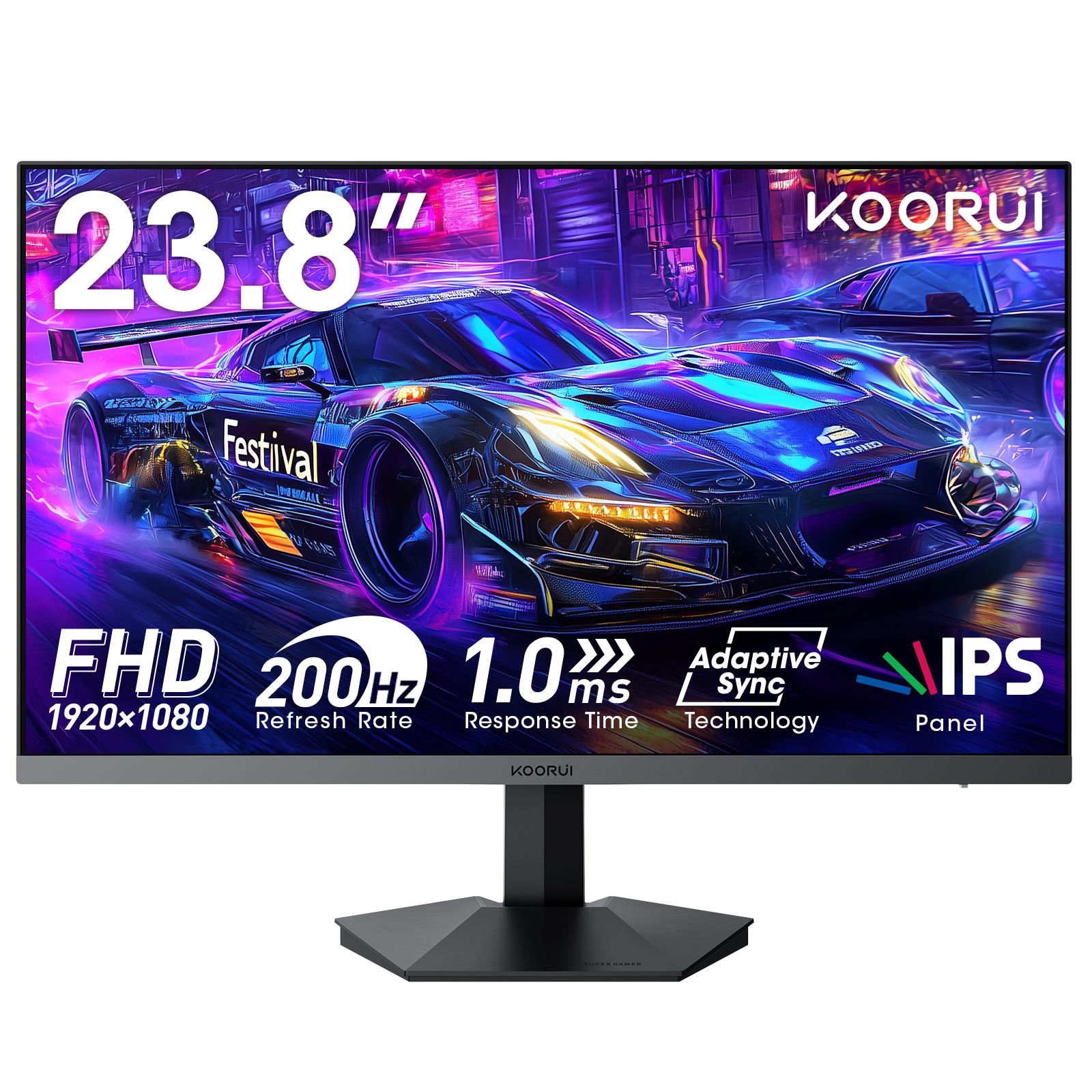
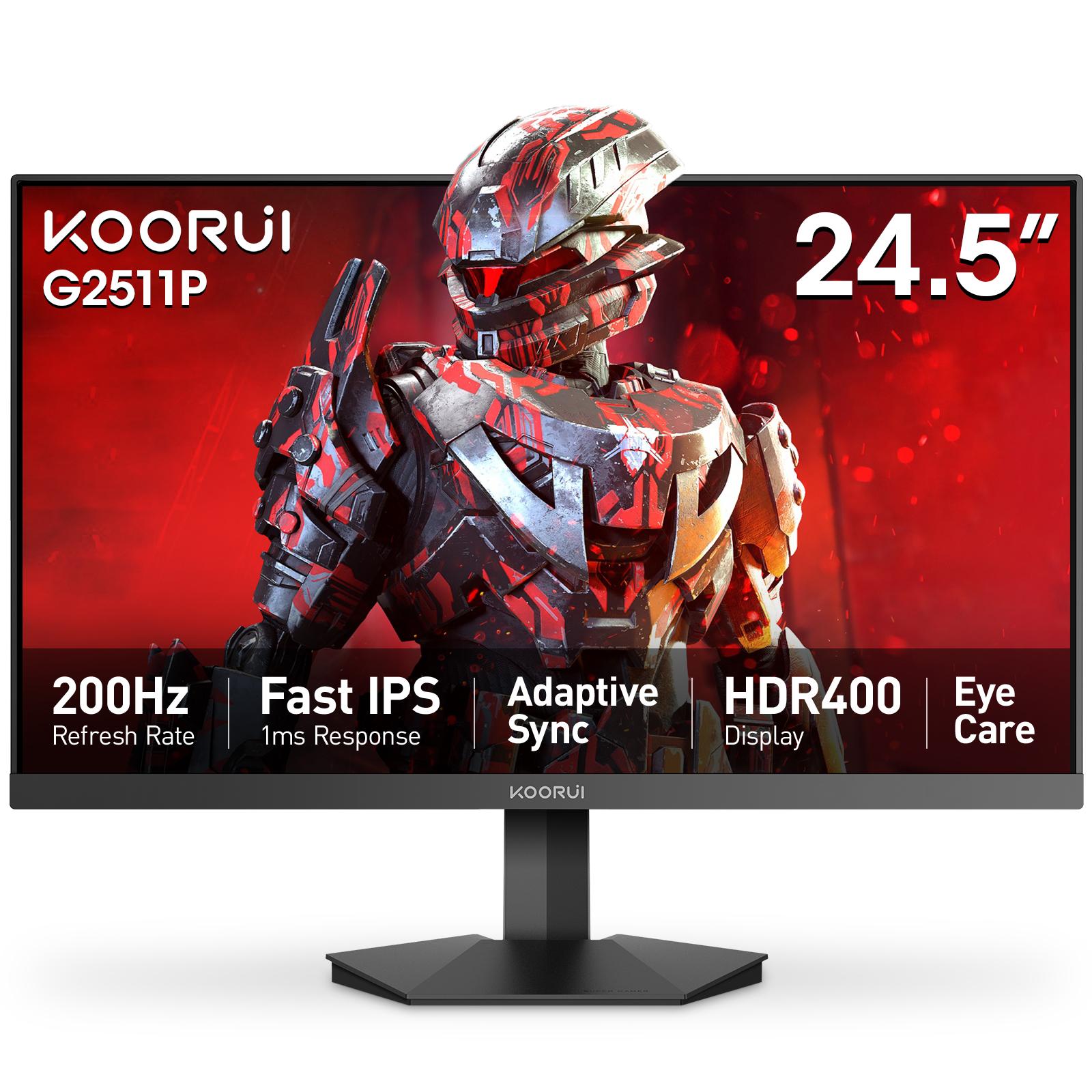
Popular Koorui models include the 24E3 and the G2511P; every product page lists the shops that carry it. Need help with a claim? Contact Tech Global.
Frequently Asked Questions
Products in This Guide
Related Guides
- Koorui 24E3: Specs, Strengths and Trade-offs
The Koorui 24E3 is a 24-inch (23.8-inch viewable) Full HD IPS gaming monitor with a 165Hz refresh rate, 99% sRGB color and FreeSync / G-Sync compatible adaptive sync. Its limits are 250-nit brightness, a tilt-only stand and no speakers. It carries a 36-month warranty in Pakistan.
- Koorui G2511P: Specs, Strengths and Trade-offs
The Koorui G2511P is a 24.5-inch Full HD Fast IPS gaming monitor with a 200Hz refresh rate, 1ms response, HDR400 and adaptive sync. Its strengths are speed and color for the money; its trade-offs are a tilt-only stand, no speakers and Full HD resolution.
- What Is Adaptive Sync? FreeSync vs G-Sync Explained
Adaptive Sync is a VESA standard that makes a monitor refresh exactly when your graphics card delivers a frame. It removes screen tearing without the input lag of V-Sync. AMD FreeSync and NVIDIA G-Sync Compatible are both built on it, so one monitor can serve AMD, NVIDIA and Intel cards.
- 24 vs 27 Inch Gaming Monitor: Which Size Should You Pick?
Pick 24–25 inch for competitive gaming: the whole screen stays in view and Full HD is sharp at about 92 PPI. Pick 27 inch for immersive games and mixed use, ideally with QHD at about 109 PPI. At Full HD, a 27-inch screen drops to about 82 PPI, so text looks softer.