
Koorui 24E3: Specs, Strengths and Trade-offs
The Koorui 24E3 is a 24-inch (23.8-inch viewable) Full HD IPS gaming monitor with a 165Hz refresh rate, 99% sRGB color and FreeSync / G-Sync compatible adaptive sync. Its limits are 250-nit brightness, a tilt-only stand and no speakers. It carries a 36-month warranty in Pakistan.
Koorui 24E3 at a glance
The Koorui 24E3 is a 24-inch Full HD IPS gaming monitor with a 165Hz refresh rate, 99% sRGB color coverage and adaptive sync. It is Koorui's value choice for a first high-refresh monitor: fast enough for competitive games, color-accurate enough for everyday work, and covered by a 36-month warranty in Pakistan.
A note on what this page is: Tech Global distributes the 24E3, so this is not an independent review and there is no score. You get the complete specification, what the monitor does well and, just as plainly, where it falls short.
Koorui 24E3 specifications
| Specification | Koorui 24E3 |
|---|---|
| Model / SKU | Koorui 24E3 (KR-24E3) |
| Screen size | 23.8 inches viewable (sold as 24-inch), flat |
| Panel | IPS with LED backlight, 178° viewing angles |
| Resolution | Full HD 1920 × 1080 (16:9) |
| Refresh rate | 165Hz |
| Response time | 1ms MPRT |
| Brightness | 250 cd/m² |
| Contrast | 1000:1 |
| Color | 99% sRGB, 72% NTSC, 8-bit (16.7 million colors) |
| Adaptive sync | FreeSync and G-Sync compatible |
| Gaming features | MPRT mode, overdrive (OD) acceleration |
| Eye care | Flicker-free backlight, low blue light mode |
| Inputs | HDMI and DisplayPort 1.2 |
| Speakers | None |
| Stand | Tilt only (−5° to +20°) |
| VESA mount | 75 × 75 mm (M4 × 8 mm screws) |
| Size with stand | 541.9 × 437.7 × 214.9 mm |
| Weight | 3.06 kg |
| Power | External 12V / 2.5A adapter |
| Warranty in Pakistan | 36 months |
Is the Koorui 24E3 really 24 inches?
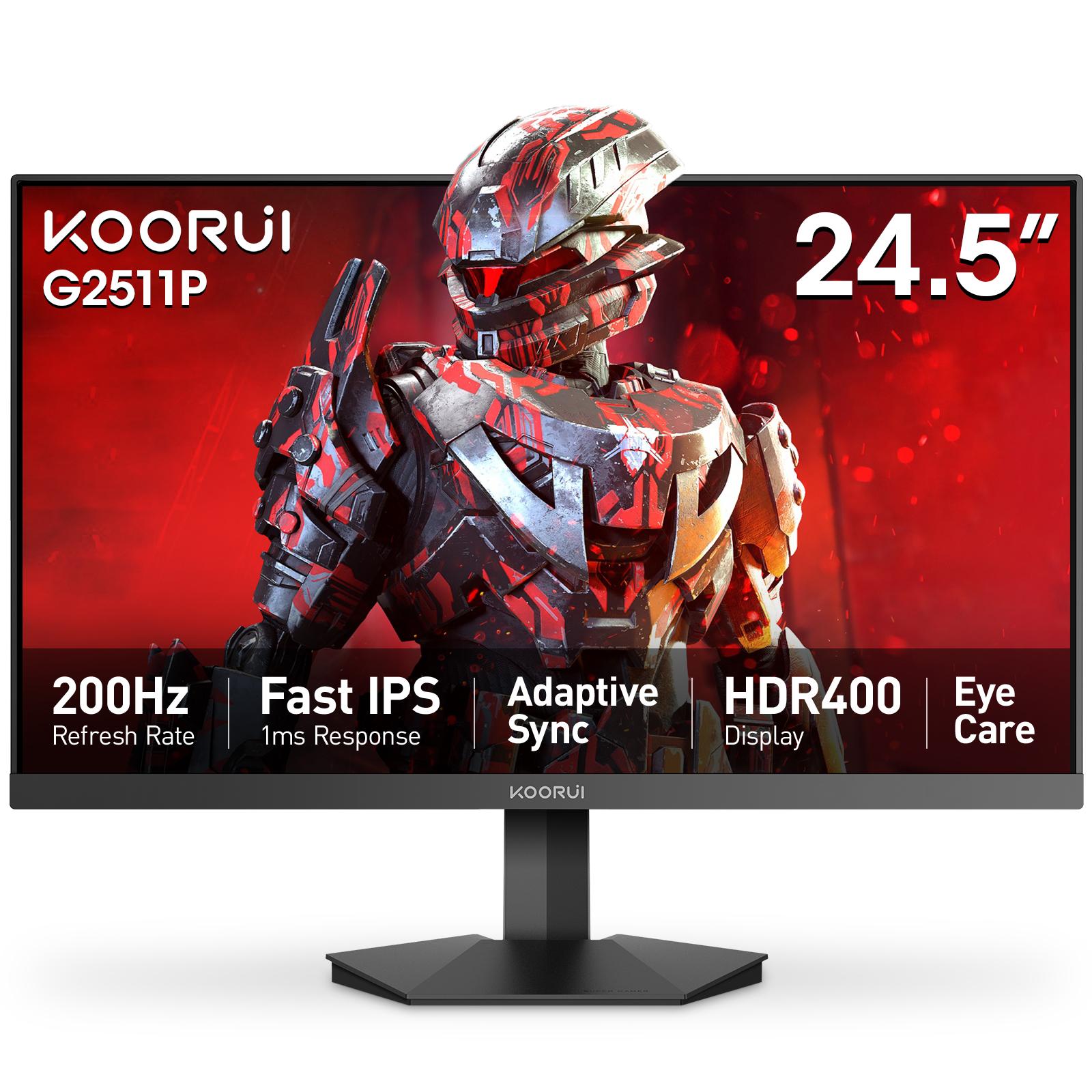
Yes, in the way nearly every "24-inch" monitor is. The visible screen measures 23.8 inches diagonally, which is the standard panel size sold as 24-inch across the monitor industry. The difference is a few millimeters of bezel, and you will not notice it on a desk. If you want a slightly larger screen at the same Full HD resolution, the 24.5-inch G2511P is the next size up.
What the 24E3 does well
- Smooth motion. At 165Hz a new frame arrives about every 6.1 milliseconds, against 16.7 milliseconds on a 60Hz office monitor. Moving from 60Hz or 75Hz to 165Hz is the biggest single improvement most gamers can make to how a game feels.
- IPS color and viewing angles. 99% sRGB coverage with a true 8-bit panel means colors look right for games, video, web work and casual photo editing, and they stay consistent when you look from the side.
- Adaptive sync for any graphics card. It works with AMD FreeSync and is G-Sync compatible on NVIDIA cards, so the image stays free of tearing when your frame rate drops below 165.
- Comfort for long sessions. A flicker-free backlight and a low blue light mode help during long study or work days.
- DisplayPort included. Many entry monitors have only HDMI and VGA. The 24E3 adds DisplayPort, which carries the full 165Hz at Full HD with room to spare.
- Light and easy to mount. At 3.06 kg with a 75 × 75 mm VESA mount, it moves easily onto a monitor arm.
- A 36-month local warranty, verifiable online by serial number.
Where the 24E3 falls short
- Brightness is 250 cd/m². That is fine in a normal indoor room, but it is not bright enough for real HDR, and the 24E3 does not claim HDR. If you sit in a sunlit room, the 350 cd/m² G2411P or G2511P is brighter.
- IPS contrast. At 1000:1, blacks look dark gray in a dark room. A VA panel shows deeper blacks; see IPS vs VA vs TN for the trade-off.
- The stand only tilts. There is no height, swivel or pivot adjustment. Use the VESA mount with an arm if you need the screen higher.
- No built-in speakers. Plan on headphones or desktop speakers.
- The 1ms figure is MPRT. MPRT measures motion clarity with the backlight-strobing mode switched on. It is not the same measurement as the gray-to-gray (GTG) figure on monitors such as the G2511P, so do not compare the two numbers directly.
- Full HD on a 24-inch screen. About 93 pixels per inch is right for high frame rates, but text is less crisp than on a QHD monitor. See 24 vs 27 inch gaming monitors for how size and resolution interact.
Who should buy the 24E3
The 24E3 suits a first gaming monitor, especially if you are upgrading from a 60Hz or 75Hz screen. It is a good match for a graphics card that runs your games at roughly 100 to 165 frames per second at Full HD, and for a desk that is used for study or work as much as for games.
Look at a different model if:
- You play competitive shooters at high frame rates and your graphics card pushes well past 165 fps. The 200Hz G2511P or G2411P fits better. Our 165Hz vs 200Hz guide explains when the difference is visible.
- You want sharper text at the same size. The G2421V puts QHD 2560 × 1440 on a 23.8-inch screen at 180Hz.
- You mainly need an office screen. The 144Hz E2411K or 120Hz E2411H cover everyday use, but they have only HDMI and VGA inputs.
Koorui 24E3 vs other Koorui 24-inch monitors
| Model | Screen | Refresh rate | Brightness | Inputs |
|---|---|---|---|---|
| Koorui E2411H | 23.8" Full HD IPS | 120Hz | 250 cd/m² | HDMI 1.4, VGA |
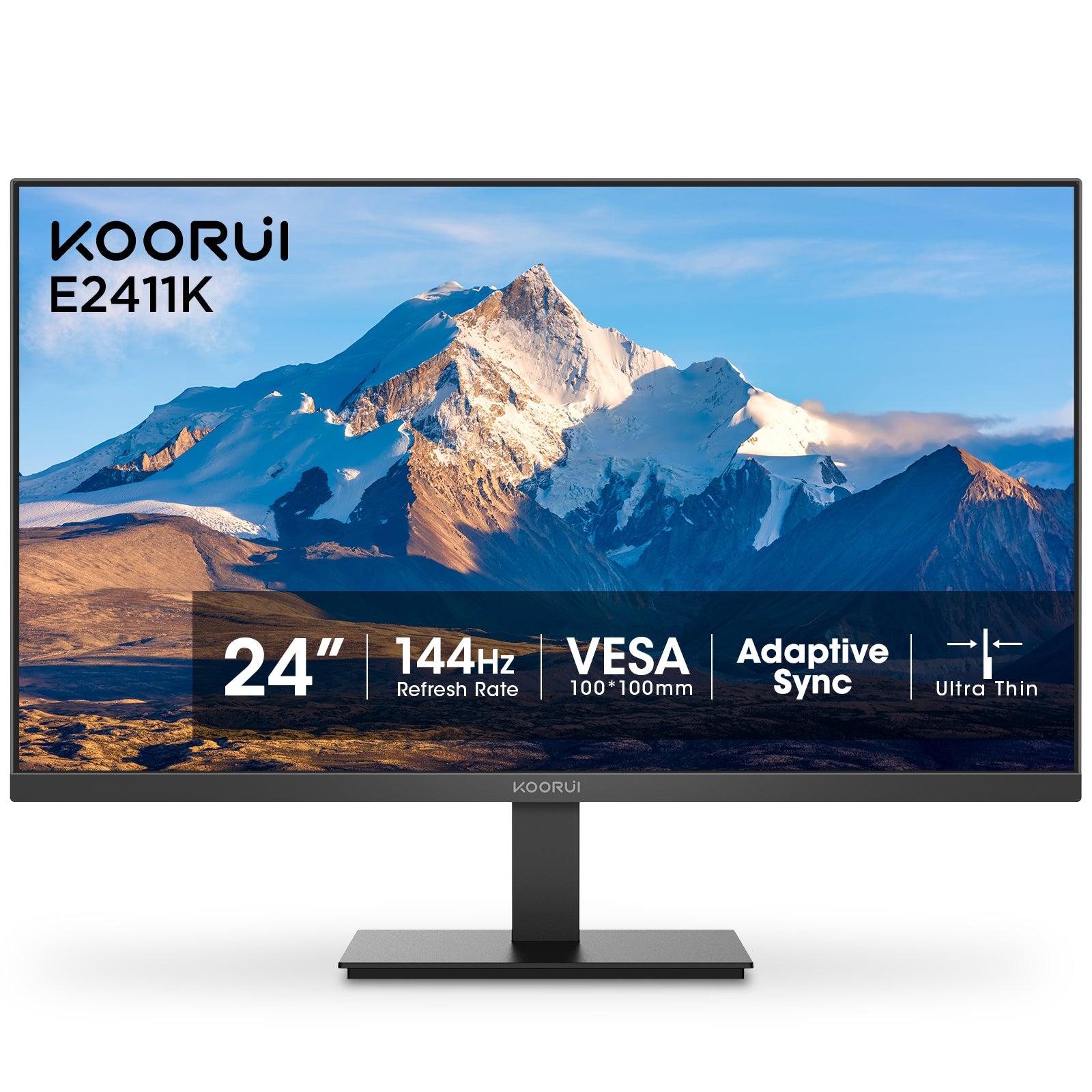
| Koorui E2411K | 23.8" Full HD IPS | 144Hz | 250 cd/m² | HDMI 1.4, VGA |
| Koorui 24E3 | 23.8" Full HD IPS | 165Hz | 250 cd/m² | HDMI, DisplayPort 1.2 |
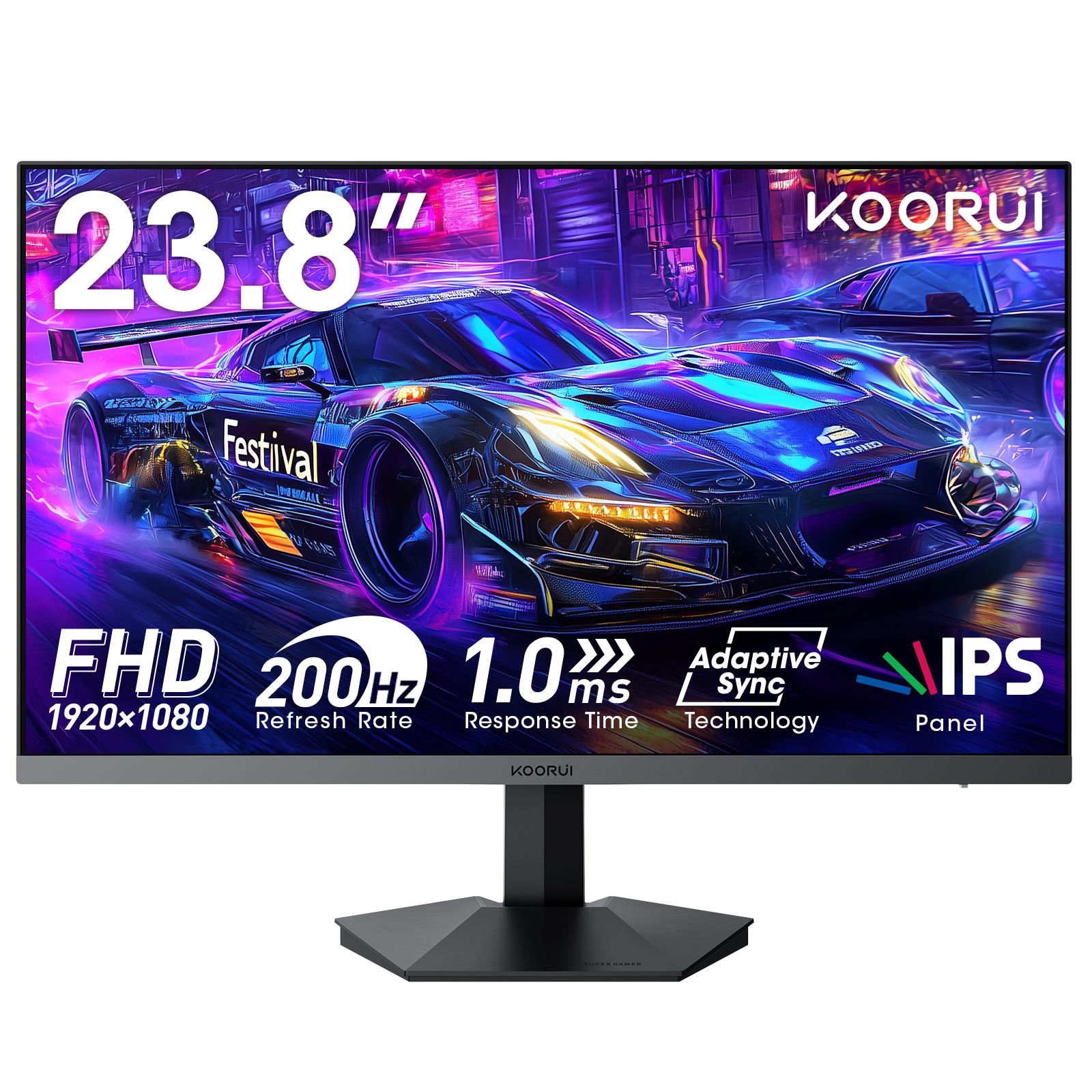
| Koorui G2411P | 23.8" Full HD Fast IPS, HDR400 | 200Hz | 350 cd/m² | 2 × HDMI 2.0, DisplayPort 1.4 |
| Koorui G2511P | 24.5" Full HD Fast IPS, HDR400 | 200Hz | 350 cd/m² | 2 × HDMI 2.0, DisplayPort 1.4 |
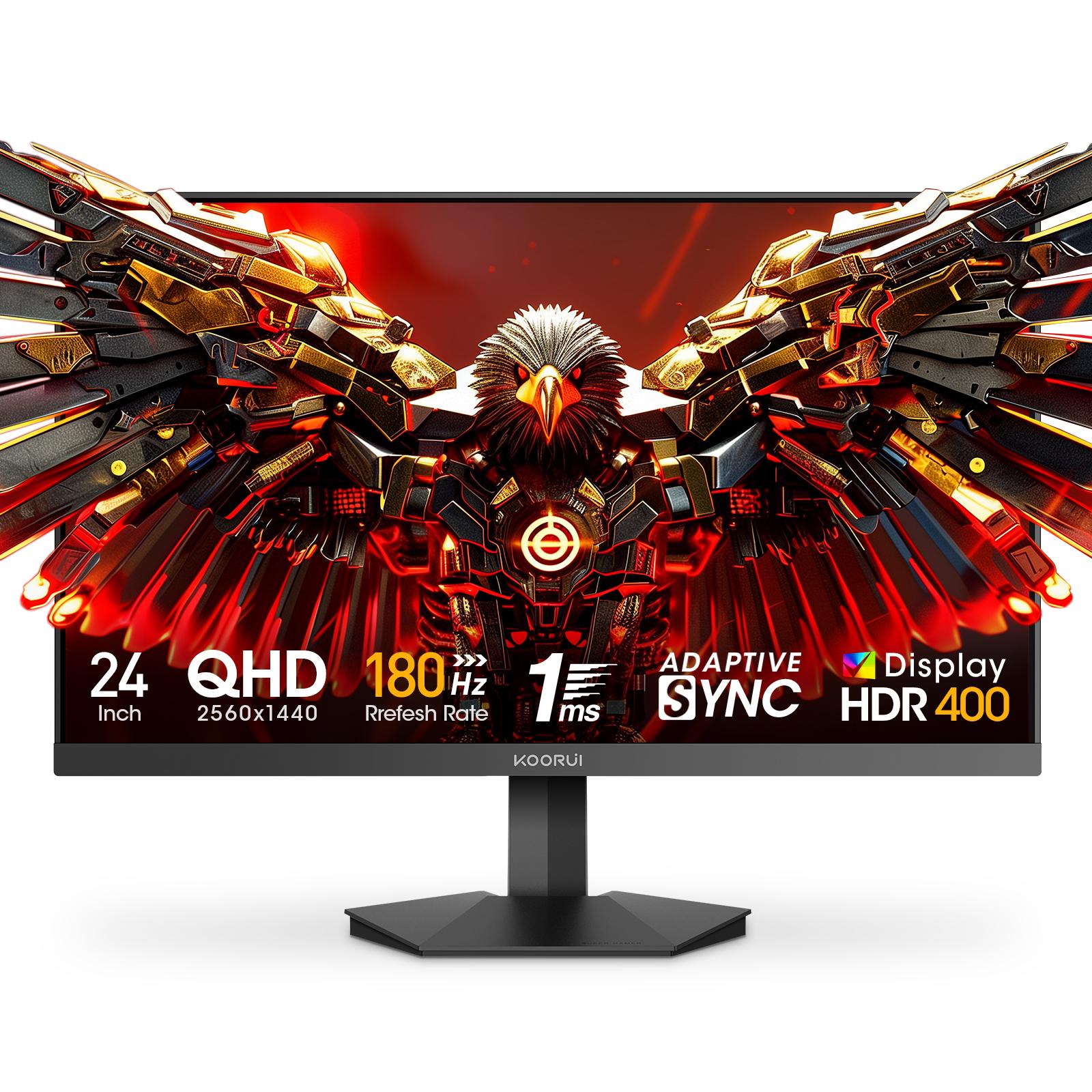
| Koorui G2421V | 23.8" QHD Fast IPS, HDR400 | 180Hz | 350 cd/m² | 2 × HDMI 2.0, DisplayPort 1.4 |
The 24E3 sits in the middle: the cheapest way into the 165Hz class, with DisplayPort and adaptive sync that the E-series office models lack. The G-series models add higher refresh rates, more brightness and HDR400. If you are deciding between the 24E3 and the G2511P specifically, the Koorui 24E3 vs G2511P comparison covers it point by point, and the G2511P specs, strengths and trade-offs page covers the G2511P in the same detail as this one.
Setting up the 24E3 properly
- Connect with a DisplayPort cable for the full 165Hz. If you use HDMI, check the refresh rate in Windows after connecting.
- Set the refresh rate to 165Hz in Windows (Settings > System > Display > Advanced display). Monitors start at 60Hz, and many people never change it.
- Turn on adaptive sync in the monitor menu and in your graphics driver: FreeSync in AMD Software, or G-Sync Compatible in the NVIDIA Control Panel. The adaptive sync guide shows each step.
- Start overdrive (OD) at a middle setting. The highest setting can add bright or dark trails behind moving objects.
- Use MPRT mode only if you want maximum motion clarity in fast games. It dims the screen, and on many monitors it cannot run at the same time as adaptive sync, so a grayed-out option is normal.
Warranty and where to buy in Pakistan
The 24E3 carries a 36-month warranty when bought through Tech Global's retail partners, and you can check any unit by serial number. The Koorui 24E3 product page lists the shops that carry it, with their current stock status. For background on the brand, see who makes Koorui monitors, or browse every model on the Koorui brand page.
Frequently Asked Questions
Products in This Guide
Related Guides
- Koorui G2511P: Specs, Strengths and Trade-offs
The Koorui G2511P is a 24.5-inch Full HD Fast IPS gaming monitor with a 200Hz refresh rate, 1ms response, HDR400 and adaptive sync. Its strengths are speed and color for the money; its trade-offs are a tilt-only stand, no speakers and Full HD resolution.
- What Is Adaptive Sync? FreeSync vs G-Sync Explained
Adaptive Sync is a VESA standard that makes a monitor refresh exactly when your graphics card delivers a frame. It removes screen tearing without the input lag of V-Sync. AMD FreeSync and NVIDIA G-Sync Compatible are both built on it, so one monitor can serve AMD, NVIDIA and Intel cards.
- 24 vs 27 Inch Gaming Monitor: Which Size Should You Pick?
Pick 24–25 inch for competitive gaming: the whole screen stays in view and Full HD is sharp at about 92 PPI. Pick 27 inch for immersive games and mixed use, ideally with QHD at about 109 PPI. At Full HD, a 27-inch screen drops to about 82 PPI, so text looks softer.
- Best Budget High-Refresh Gaming Monitors in Pakistan
For most players in Pakistan, the best budget gaming monitor is a 24-inch Full HD IPS panel at 165–200Hz, such as the Koorui 24E3 or G2511P. This guide groups Koorui budget Full HD models, 120Hz to 320Hz, by use case. Each has a 36-month warranty, and its product page lists the shops that stock it.