
What PC Components Should You Upgrade First for Better Gaming Performance?
For most gaming PCs the graphics card delivers the biggest FPS jump — but if you are still on a 60Hz screen, a 165Hz monitor is often the upgrade you will actually feel the most. Here is the order that makes sense, and why.
The short answer
If your frame rates are low, upgrade the GPU first — nothing else comes close for raw gaming performance. But if your PC already pushes more frames than your 60Hz monitor can show, a high-refresh monitor is the upgrade you will feel every second you play. After those two: RAM if you stutter, an SSD if you wait, and the CPU only when it is genuinely holding the GPU back.
The upgrade order
- 1. GPU — if games run below the frame rate you want, this is the bottleneck 90% of the time
- 2. Monitor — a 165Hz panel makes everything feel smoother and more responsive; frames your 60Hz screen cannot display are frames you paid for and never see
- 3. RAM — 16GB is today's baseline for gaming; move to 32GB if you stream, tab-hoard, or see stutter with usage near 100%
- 4. SSD — transforms loading times and system feel; essential if you are still on a hard drive
- 5. CPU — upgrade when it pins at 100% while the GPU sits underused, common in esports titles and simulation games
The component people forget: the PSU
Every serious upgrade raises power draw, and an aging or underpowered supply turns a new GPU into random shutdowns. Before adding a hungrier card, check your PSU's wattage and connectors, and treat a quality 80 Plus unit from an established brand — FSP, Thermaltake, or Cooler Master — as part of the upgrade budget, not an afterthought. In Pakistan's power conditions, PSU quality matters even more than elsewhere.
The monitor sweet spot right now
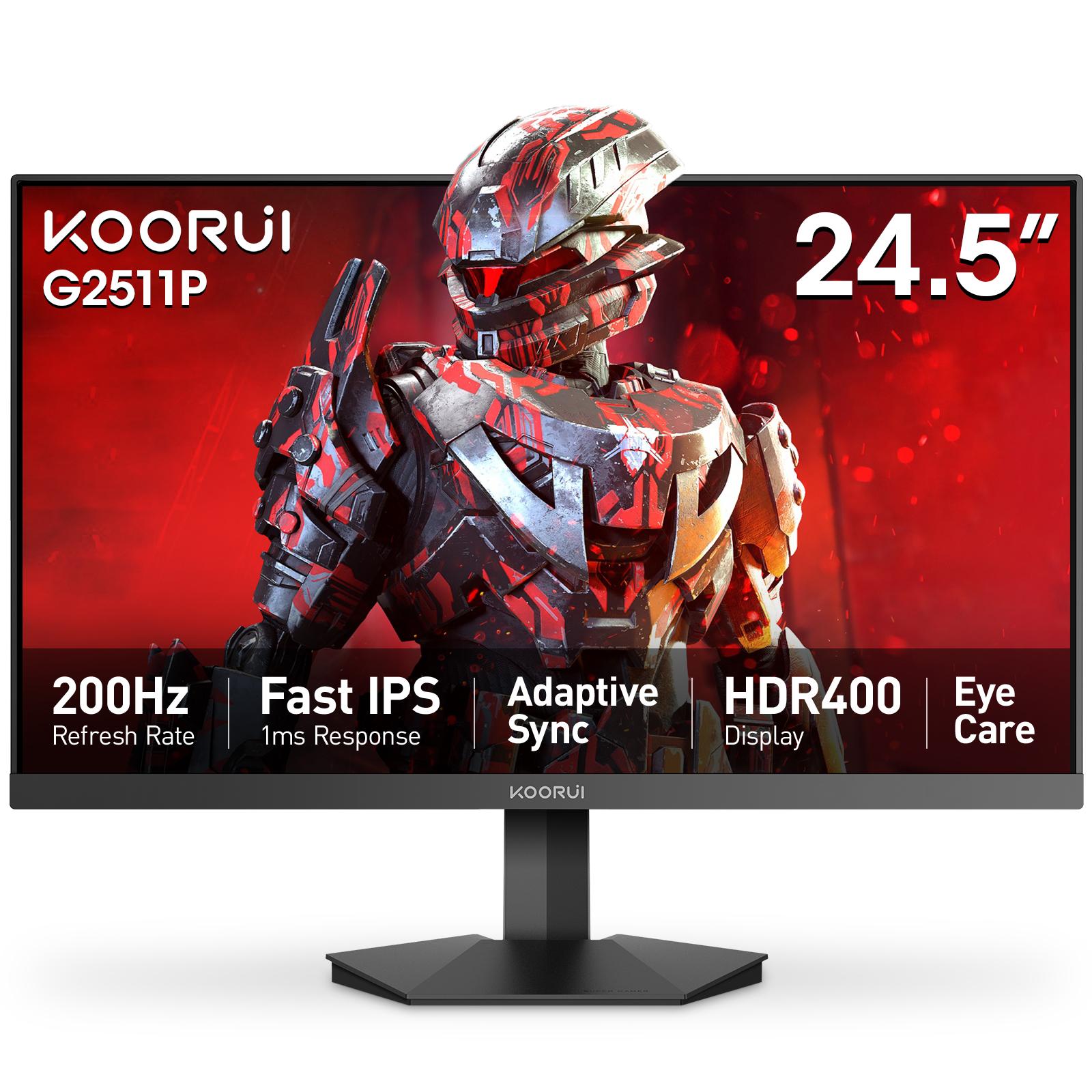
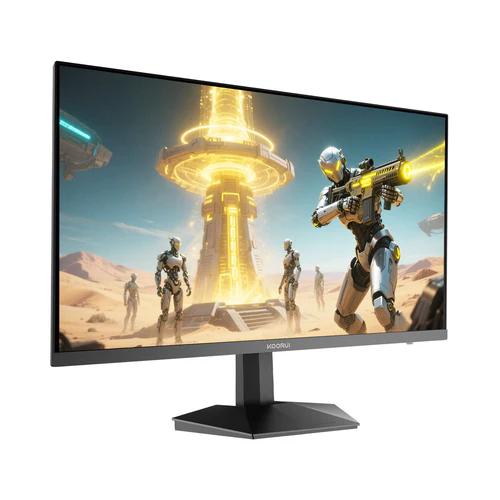
For most gamers upgrading from 60Hz, a Full HD IPS panel at 165Hz or higher is the value sweet spot — monitors like the Koorui 24E3 (24-inch, 165Hz, 99% sRGB) or the G2511P (24.5-inch, 200Hz) cover it with a 36-month official warranty in Pakistan. Check either product page for authorized retailers with stock.
Related reading
- Koorui 24E3 vs G2511P: which gaming monitor should you buy?
- How to choose compatible parts for a custom desktop build
- Which gaming PC specs matter most for competitive gaming?
Building from scratch rather than upgrading? Follow the first gaming PC checklist for Pakistan.
Frequently Asked Questions
Products in This Guide
koorui
G2511P
koorui
Koorui 24E3
Related Guides
- Koorui G2511P: Specs, Strengths and Trade-offs
The Koorui G2511P is a 24.5-inch Full HD Fast IPS gaming monitor with a 200Hz refresh rate, 1ms response, HDR400 and adaptive sync. Its strengths are speed and color for the money; its trade-offs are a tilt-only stand, no speakers and Full HD resolution.
- What Is Adaptive Sync? FreeSync and G-Sync Compatible Explained
Adaptive Sync matches your monitor's refresh rate to your GPU's frame rate in real time, killing screen tearing without the input lag of V-Sync. FreeSync and G-Sync Compatible are AMD's and NVIDIA's certifications of the same underlying standard — and monitors listing Adaptive Sync generally work with both.
- 24 vs 27 Inch Gaming Monitors: Which Size Should You Pick?
24–25 inch keeps the whole screen in view for competitive play and stays sharp at 1080p; 27 inch is more immersive but really wants QHD resolution for crisp text. Here is the honest size-and-resolution math.
- Best Budget High-Refresh Gaming Monitors in Pakistan (Official Warranty)
A transparent guide to the high-refresh monitors we distribute in Pakistan — from a 120Hz entry panel to 165Hz and 200Hz gaming sweet spots and a 320Hz esports model — every one with a 36-month official warranty and listed retailers.