
Best Budget High-Refresh Gaming Monitors in Pakistan
For most players in Pakistan, the best budget gaming monitor is a 24-inch Full HD IPS panel at 165–200Hz, such as the Koorui 24E3 or G2511P. This guide groups Koorui budget Full HD models, 120Hz to 320Hz, by use case. Each has a 36-month warranty, and its product page lists the shops that stock it.
What is the best budget gaming monitor in Pakistan?
For most players, the best budget gaming monitor is a 24-inch Full HD IPS screen at 165Hz to 200Hz, such as the Koorui [24E3](/product/KR-24E3) or [G2511P](/product/G2511P). That combination gives smooth motion, good color, and a resolution a mid-range graphics card can drive at high frame rates. Go lower if your PC cannot reach those frame rates; go higher only if you play competitive shooters seriously.
Full transparency: Tech Global distributes Koorui monitors in Pakistan, so this guide covers the Koorui models we stand behind. It is a distributor's buying guide, not an independent review. There are no prices here because retailers set them. Each product page lists the retail partners that carry the model, with stock status, so you can compare there.
What makes a good budget gaming monitor?
A cheap monitor and a good budget monitor are not the same thing. A good budget gaming monitor spends on the parts you notice every minute and skips the extras. Look for:
- 120Hz or more — the biggest single upgrade over a basic 60Hz office screen
- An IPS panel — better color and viewing angles than TN (panel types explained)
- Full HD at 24 to 25 inches — sharp at this size, and the easiest resolution for a graphics card to run at high frame rates
- Adaptive Sync — removes screen tearing when your frame rate moves around (how Adaptive Sync works)
- DisplayPort on 200Hz and faster models — the simplest way to get the full refresh rate
- A local warranty you can verify — a budget monitor is only good value if it is still covered when something goes wrong
A budget monitor can safely skip built-in speakers and a height-adjustable stand; on a VESA-mount model, an arm can add height adjustment later. Treat HDR labels as a bonus: HDR400 on a budget monitor adds brightness, not dramatic contrast.
Budget high-refresh monitors compared
| Model | Screen | Refresh rate | Key specs | Best for |
|---|---|---|---|---|
| E2411H | 24" FHD IPS | 120Hz | 5ms, 99% sRGB, flicker-free, low blue light | First step up from 60Hz; study and home use |
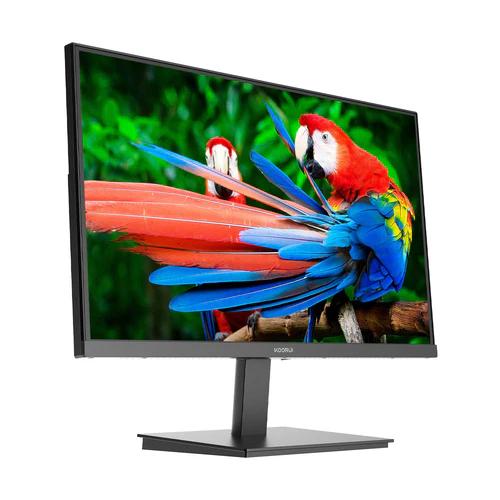
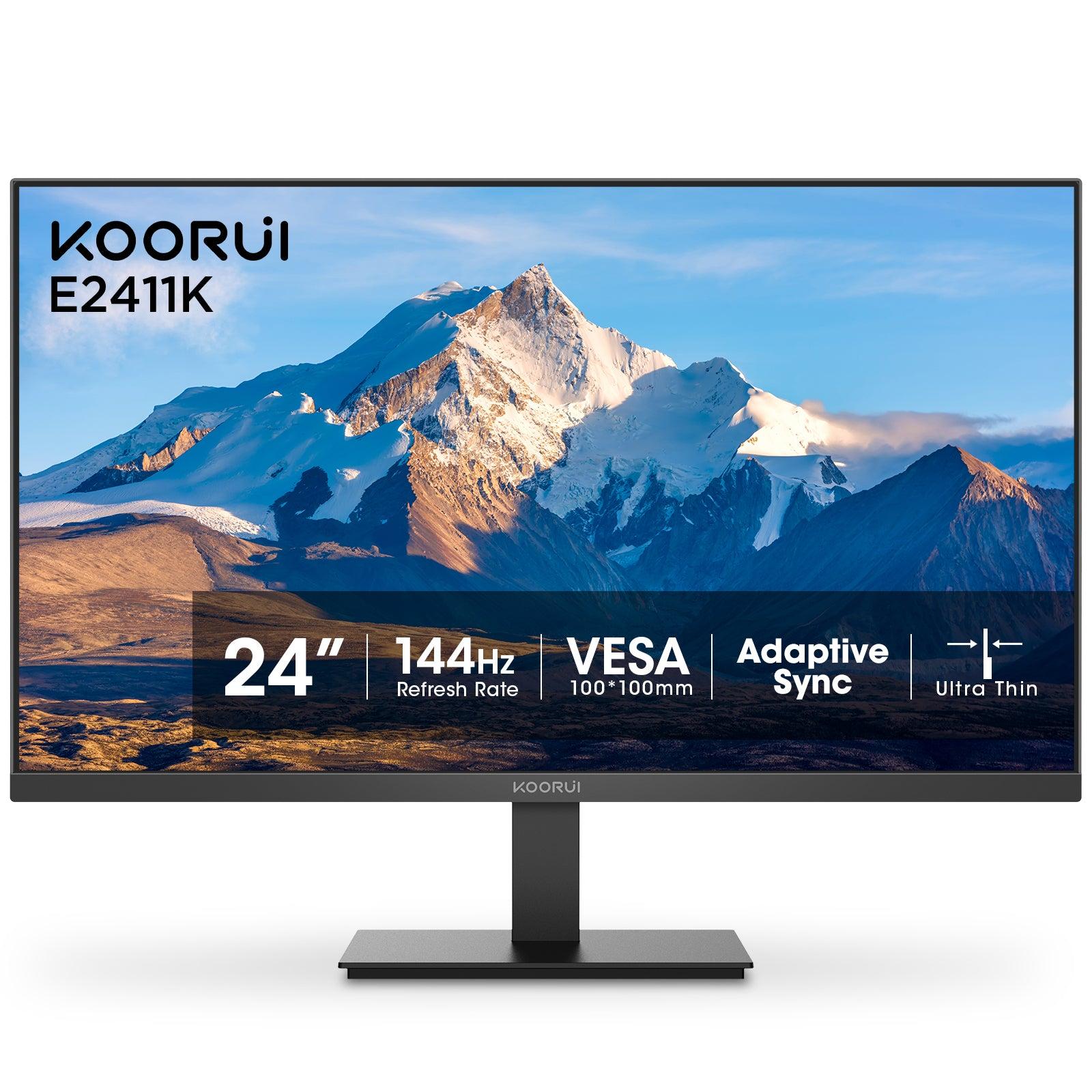
| E2411K | 23.8" FHD IPS | 144Hz | 1ms (OD), 99% sRGB | Entry gaming |
| 24E3 | 24" FHD IPS | 165Hz | 1ms, 99% sRGB, Adaptive Sync | All-round gaming and daily use |
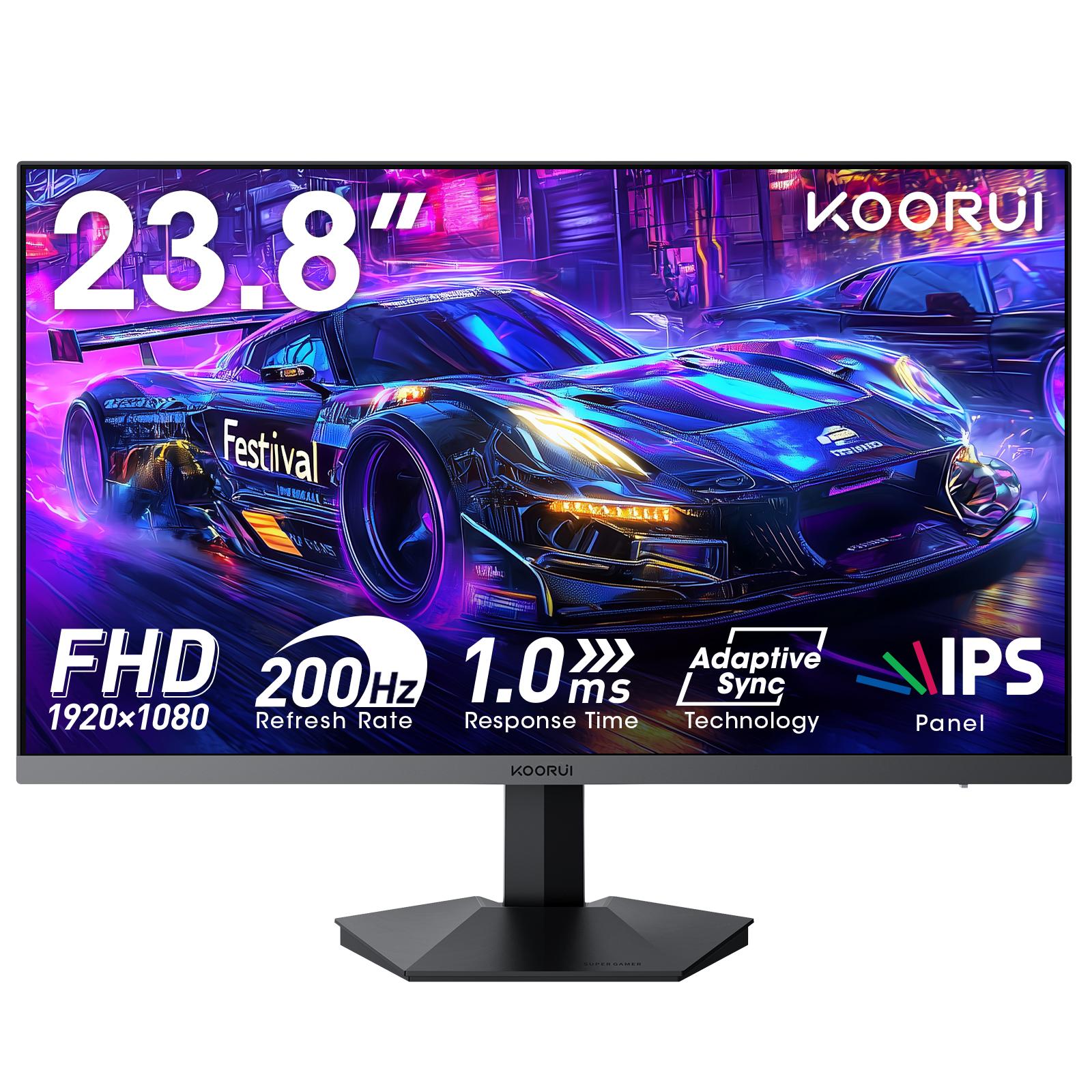
| G2411P | 23.8" FHD IPS | 200Hz | 2ms OD, HDR400, Adaptive Sync | Fast shooters, brighter picture |
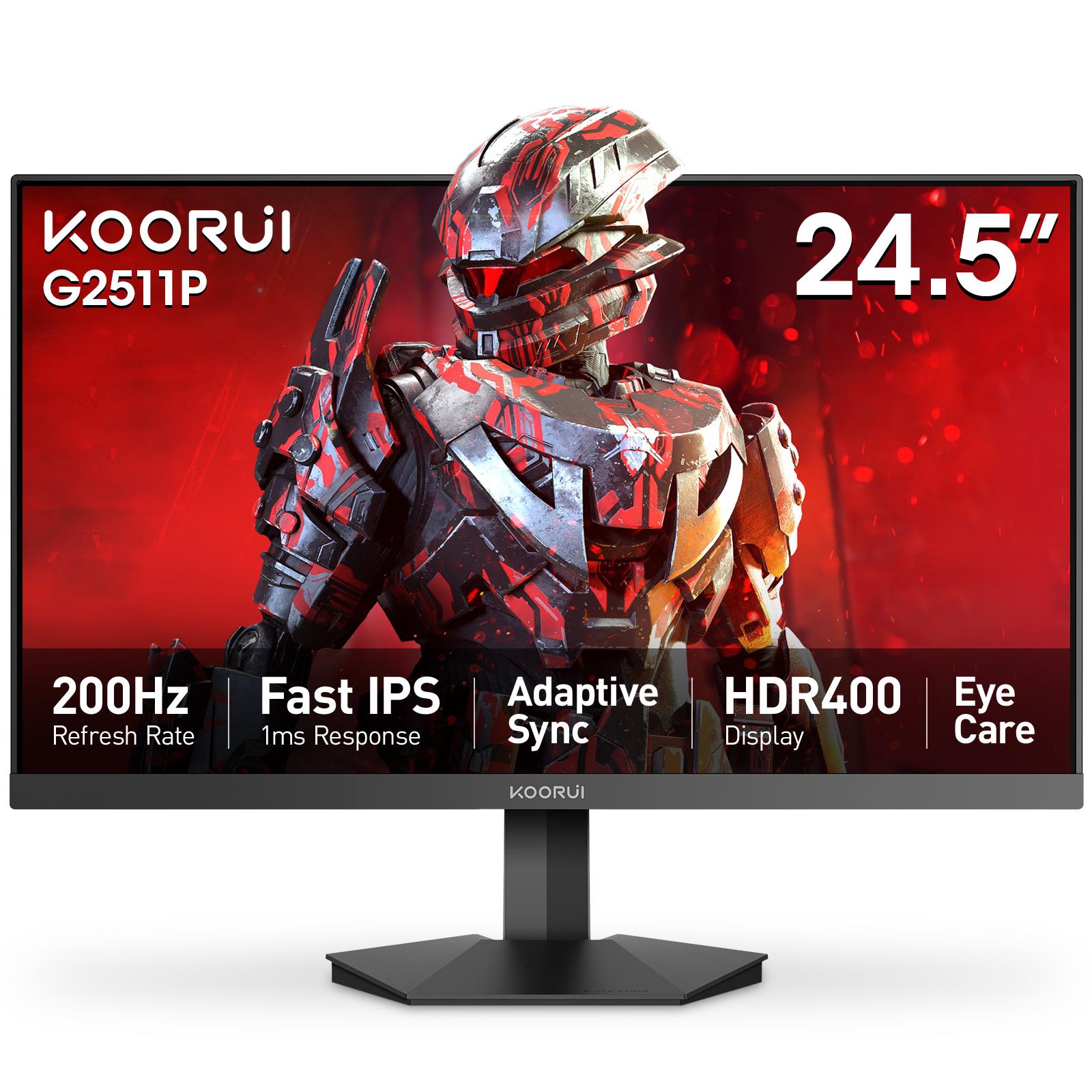
| G2511P | 24.5" FHD IPS | 200Hz | 1ms (OD), Adaptive Sync, HDMI + DisplayPort | Competitive shooters |
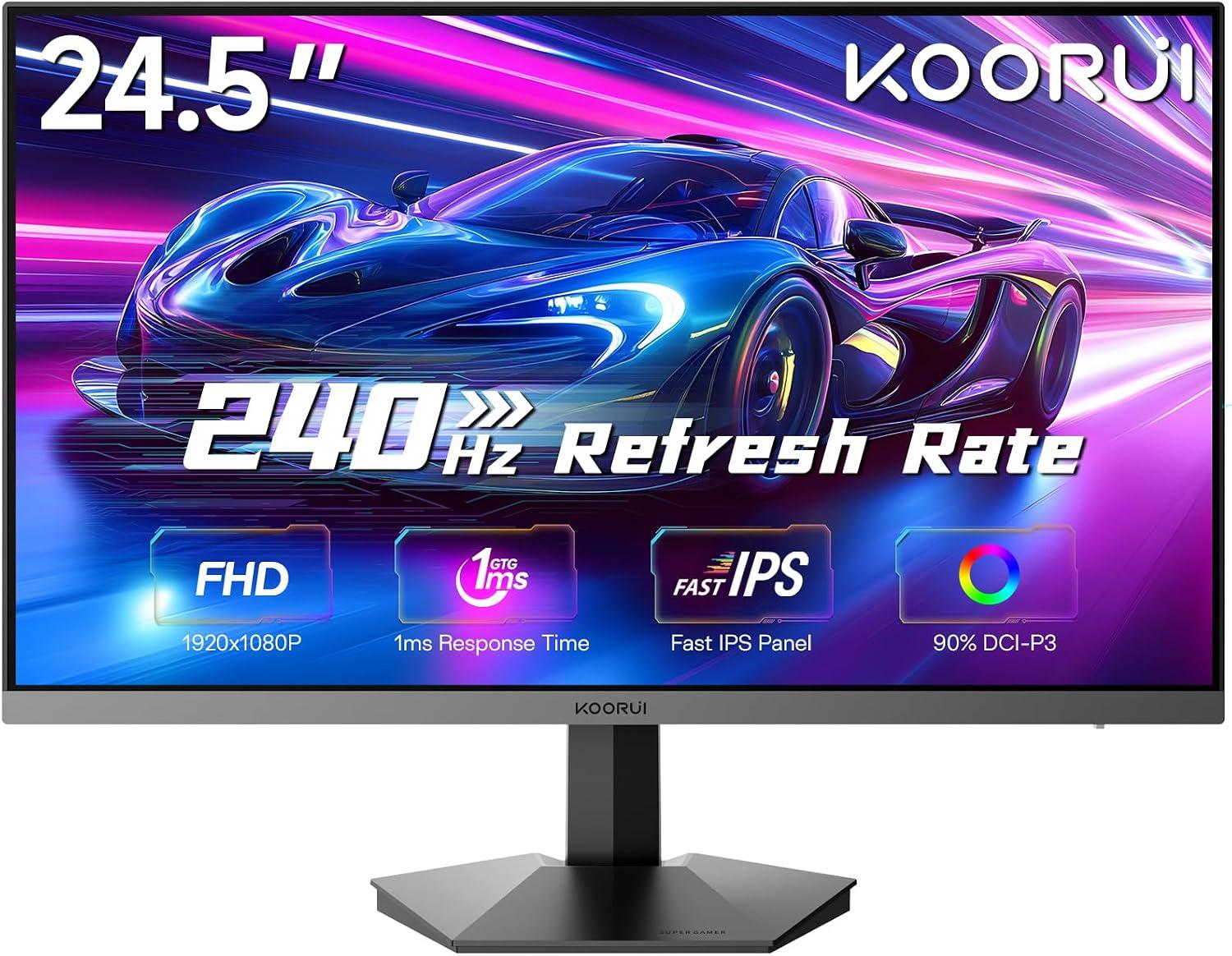
| G2511X | 24.5" FHD Fast IPS | 240Hz | 1ms (GTG), 99% sRGB, 90% DCI-P3 | Esports |
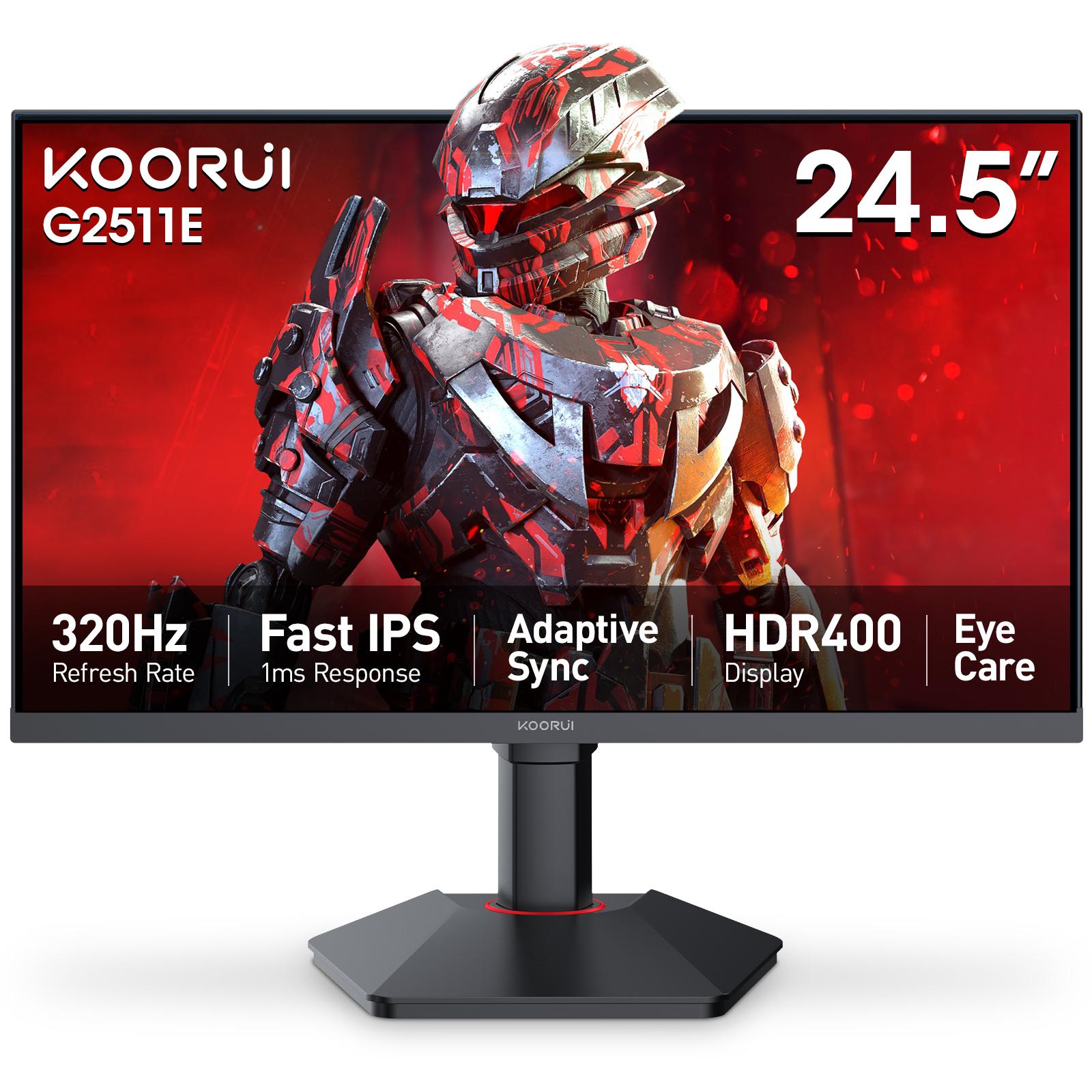
| G2511E | 24.5" FHD IPS | 320Hz | 1ms (OD), 95% DCI-P3, HDR400 | Serious esports |
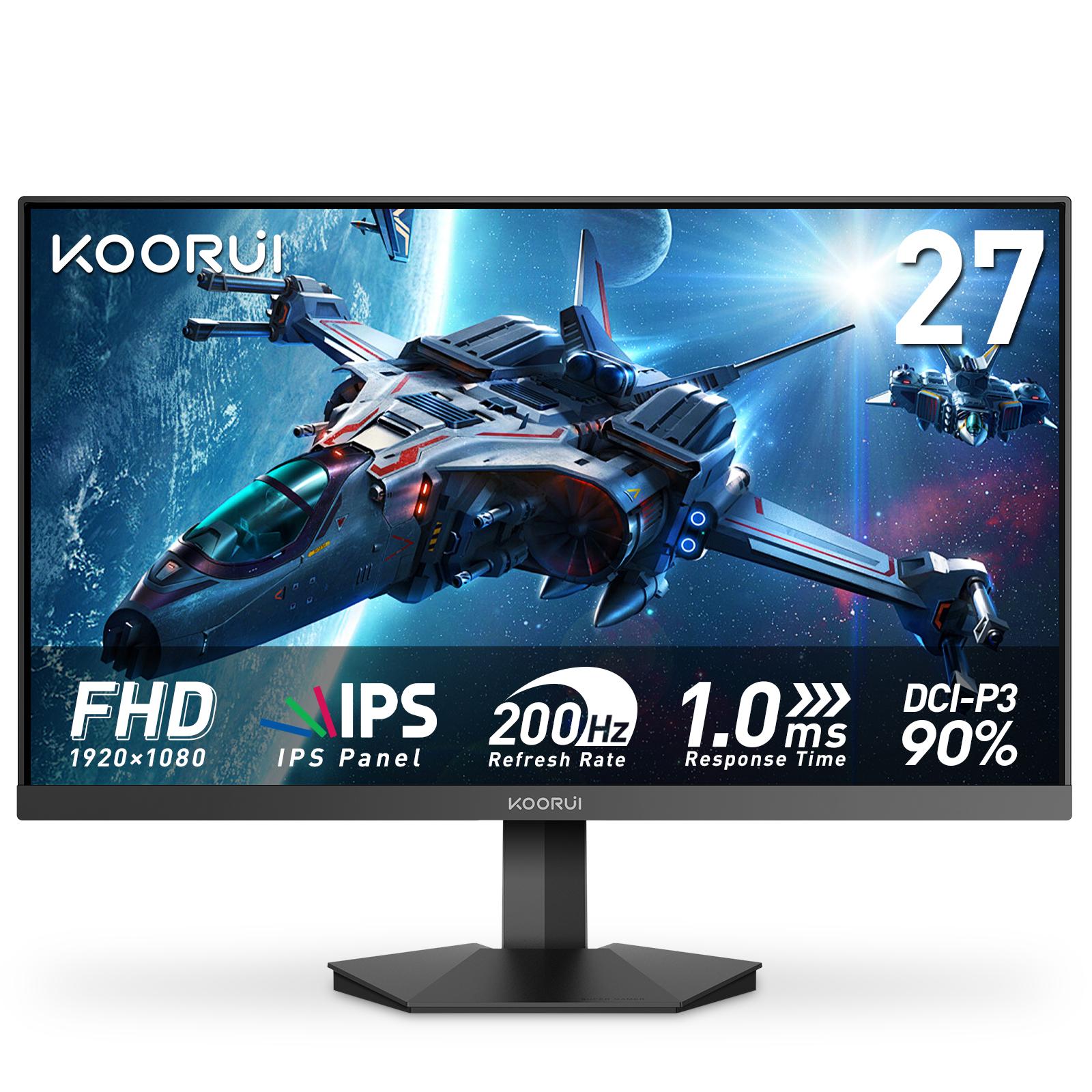
| G2711P | 27" FHD IPS | 200Hz | 1ms (OD), Adaptive Sync | Bigger screen at high refresh |
| GN06 | 27" FHD | 180Hz | 90% DCI-P3, Adaptive Sync, Dark Balance | Bigger screen, richer color |
| E2712K | 27" FHD VA | 144Hz | 1ms, 4000:1 contrast | Bigger screen, dark rooms and films |
Specifications are the manufacturer's published figures. Every model in the table carries a 36-month warranty in Pakistan.
Best budget monitor for a first high-refresh upgrade
If you are moving up from a 60Hz screen, either entry model will feel smoother straight away. The E2411H is a 24-inch Full HD IPS panel at 120Hz with 99% sRGB coverage and eye-care features (flicker-free, low blue light). It suits students and home setups where the PC does schoolwork as well as games. The E2411K steps up to 144Hz with 1ms (OD) response on a 23.8-inch IPS panel; 144Hz is the classic entry point for gaming.
Choose these when your PC rarely runs far above 120–144 frames per second in the games you play. A faster panel would only show frames your graphics card cannot draw.
Best budget monitor for all-round gaming
The 24E3 is the default recommendation for mixed gaming and daily use: 24-inch Full HD IPS, 165Hz, 1ms, Adaptive Sync and 99% sRGB color. 165Hz makes shooters feel quick, and the color coverage helps with photos, video and everyday browsing. For a full breakdown, read the 24E3 specs, strengths and trade-offs.
Best budget monitor for competitive shooters
If Valorant, CS2 or PUBG fill most of your playtime and your PC holds high frame rates, 200Hz is the next step. The G2511P is a 24.5-inch Full HD IPS panel at 200Hz with 1ms (OD) response, DisplayPort and a VESA mount, at the standard esports size. The G2411P gives the same 200Hz on a 23.8-inch panel and adds HDR400 for a brighter picture.
Koorui 24E3 vs G2511P compares the two Koorui models buyers compare most, and the Koorui G2511P overview covers that model in depth.
Best high-refresh monitor for esports
Above 200Hz, the gains get smaller and depend on a PC that can keep up. For players who compete seriously, the G2511X runs 240Hz on a 24.5-inch Fast IPS panel with 99% sRGB and 90% DCI-P3. The G2511E reaches 320Hz on an esports-grade panel with 95% DCI-P3 and HDR400. Both stay at Full HD, which keeps frame rates high.
Best budget 27-inch gaming monitor
For a bigger screen without giving up speed, the G2711P is a 27-inch Full HD IPS panel at 200Hz. The GN06 runs 180Hz with 90% DCI-P3 color and gaming modes such as Dark Balance and an aiming point. The E2712K uses a VA panel with 4000:1 contrast at 144Hz, which suits dark rooms and films.
At 27 inches, Full HD text looks softer than on a 24-inch screen. 24 vs 27 inch gaming monitors explains the trade-off. If you want 27 inches at QHD, the G2721P and the rest of the full monitor range sit above this tier, alongside ultrawide and Mini LED models.
Is a higher refresh rate worth it?
Refresh rate is how many times per second the screen draws a new image. A higher rate cuts the time between frames, so motion looks smoother and your inputs show up sooner. The step up from 60Hz is the one almost everyone notices; each step after that is smaller.
| Refresh rate | Time per frame | Koorui models in this guide |
|---|---|---|
| 60Hz | 16.7 ms | Basic office screens |
| 120Hz | 8.3 ms | E2411H |
| 144Hz | 6.9 ms | E2411K, E2712K |
| 165Hz | 6.1 ms | 24E3 |
| 180Hz | 5.6 ms | GN06 |
| 200Hz | 5.0 ms | G2411P, G2511P, G2711P |
| 240Hz | 4.2 ms | G2511X |
| 320Hz | 3.1 ms | G2511E |
The rule: buy the refresh rate your graphics card can feed. A 200Hz panel fed 130 frames per second shows 130, no more than a 165Hz panel would. 165Hz vs 200Hz explained works through the math.
Where to buy and how to check the warranty
Tech Global sells through retail partners, not direct. Each product page lists the shops that carry that model, with stock status, so you can see who has it before you travel. The retail partners page lists them all, and the Koorui brand page shows every model.
Every Koorui monitor in this guide carries a 36-month warranty registered to its serial number. Check any serial number to confirm coverage before or after you buy; how to check a monitor warranty explains the result.
Frequently Asked Questions
Products in This Guide
Related Guides
- Koorui 24E3: Specs, Strengths and Trade-offs
The Koorui 24E3 is a 24-inch (23.8-inch viewable) Full HD IPS gaming monitor with a 165Hz refresh rate, 99% sRGB color and FreeSync / G-Sync compatible adaptive sync. Its limits are 250-nit brightness, a tilt-only stand and no speakers. It carries a 36-month warranty in Pakistan.
- Koorui G2511P: Specs, Strengths and Trade-offs
The Koorui G2511P is a 24.5-inch Full HD Fast IPS gaming monitor with a 200Hz refresh rate, 1ms response, HDR400 and adaptive sync. Its strengths are speed and color for the money; its trade-offs are a tilt-only stand, no speakers and Full HD resolution.
- What Is Adaptive Sync? FreeSync vs G-Sync Explained
Adaptive Sync is a VESA standard that makes a monitor refresh exactly when your graphics card delivers a frame. It removes screen tearing without the input lag of V-Sync. AMD FreeSync and NVIDIA G-Sync Compatible are both built on it, so one monitor can serve AMD, NVIDIA and Intel cards.
- 24 vs 27 Inch Gaming Monitor: Which Size Should You Pick?
Pick 24–25 inch for competitive gaming: the whole screen stays in view and Full HD is sharp at about 92 PPI. Pick 27 inch for immersive games and mixed use, ideally with QHD at about 109 PPI. At Full HD, a 27-inch screen drops to about 82 PPI, so text looks softer.