
Koorui G2511P: Specs, Strengths and Trade-offs
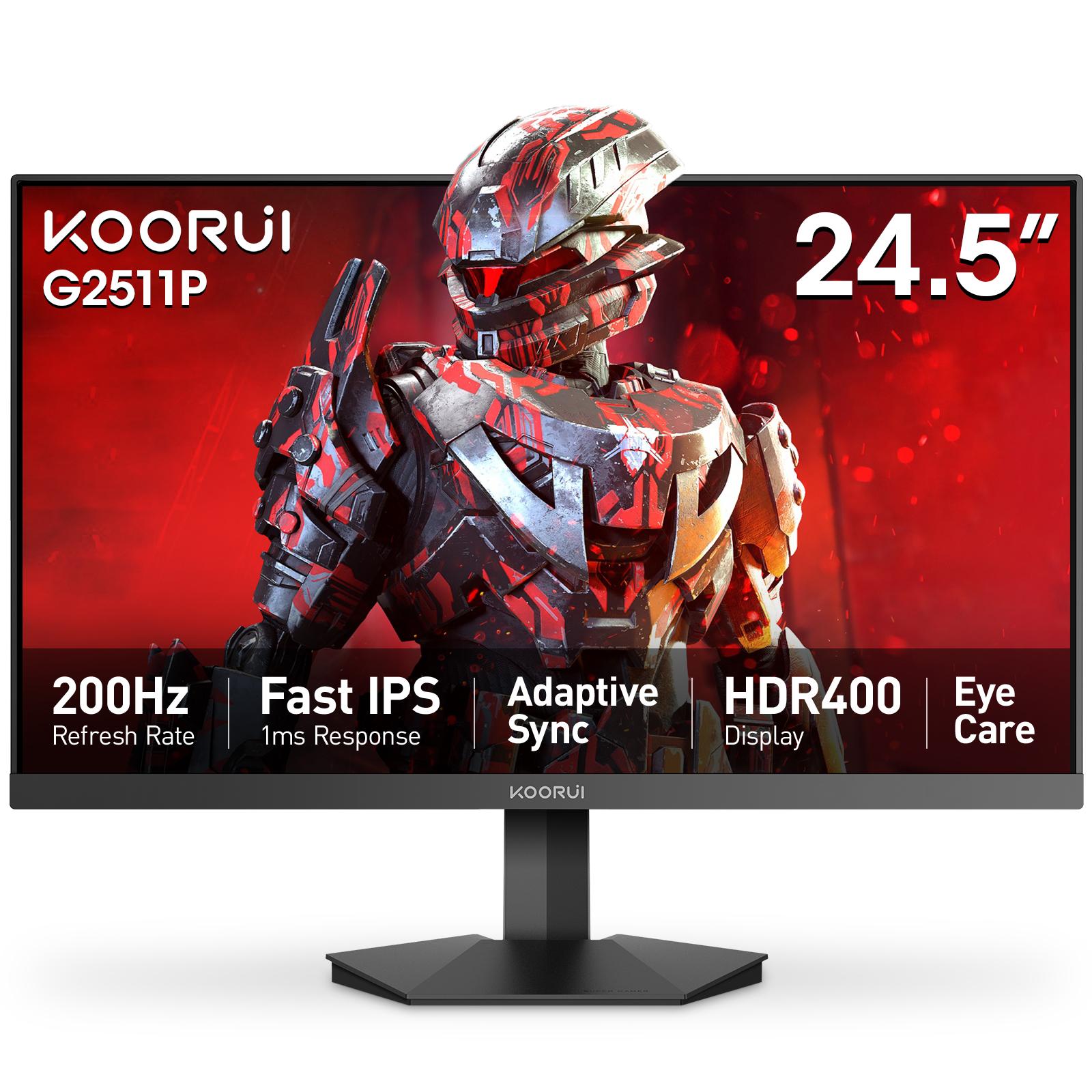
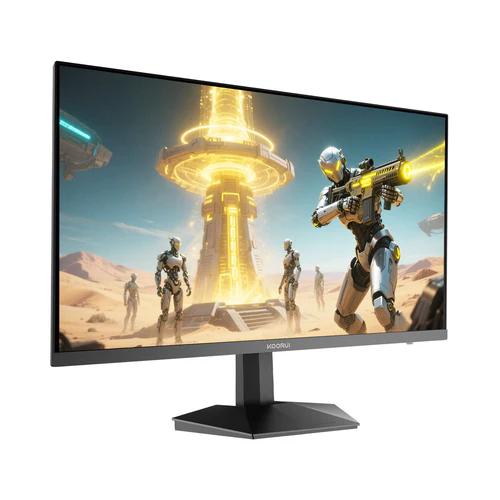
The Koorui G2511P is a 24.5-inch Full HD Fast IPS gaming monitor with a 200Hz refresh rate, 1ms response, HDR400 and adaptive sync. Its strengths are speed and color for the money; its trade-offs are a tilt-only stand, no speakers and Full HD resolution.
The short version
The Koorui G2511P is a 24.5-inch Full HD (1920 × 1080) Fast IPS gaming monitor that runs at 200Hz with a 1ms response time. It covers 99% of sRGB, supports adaptive sync and carries an HDR400 rating. In Pakistan it comes with a 36-month official warranty.
A note on what this page is: Tech Global distributes this monitor, so this is not an independent review and there is no score. Instead you get the complete specification, what the monitor does well and — just as plainly — where it falls short.
Koorui G2511P specifications
| Specification | Koorui G2511P |
|---|---|
| Screen size | 24.5 inches, flat |
| Panel | Fast IPS, 178° viewing angles |
| Resolution | Full HD 1920 × 1080 (16:9) |
| Refresh rate | 200Hz over both HDMI and DisplayPort |
| Response time | 1ms GTG (overdrive levels: 5 / 3 / 1 ms) |
| Brightness | 350 cd/m² |
| Contrast | 1000:1 static |
| Color | 99% sRGB, 90% DCI-P3, 16.7 million colors |
| HDR | HDR400 |
| Adaptive sync | Yes, G-Sync compatible |
| Inputs | 2 × HDMI 2.0, 1 × DisplayPort 1.4, audio out |
| Speakers | None |
| Stand | Tilt only (−5° to 20°) |
| VESA mount | 75 × 75 mm |
| Size with stand | 560 × 445 × 225 mm |
| Weight with stand | 3.5 kg |
| In the box | HDMI 2.0 cable, external power adapter |
| Warranty in Pakistan | 36 months |
What the G2511P does well
- Speed for competitive games. 200Hz with a 1ms response keeps fast motion clear in games like Valorant and CS2, and both HDMI ports and the DisplayPort carry the full 200Hz.
- IPS color and viewing angles. 99% sRGB and 90% DCI-P3 coverage with 178° viewing angles, so colors stay consistent when you shift in your seat.
- Brightness. 350 cd/m² is a step above the 250 cd/m² common at the entry level, which helps in a bright room.
- Smooth frames when the frame rate dips. Adaptive sync removes tearing whenever a game runs below 200 frames per second.
- A 36-month local warranty, verifiable online by serial number.
Where it falls short
- The stand only tilts. There is no height, swivel or pivot adjustment. The 75 × 75 mm VESA mount takes a monitor arm if you need the screen higher.
- No built-in speakers. There is an audio-out jack for headphones or desktop speakers.
- Full HD on a 24.5-inch screen. About 90 pixels per inch — ideal for high frame rates, less sharp for text and spreadsheets than a QHD panel.
- IPS contrast. At 1000:1, blacks look dark gray in a dark room; a VA panel is deeper here. See IPS vs VA vs TN.
- HDR400 is entry-level HDR. It adds brightness, not the deep contrast of Mini LED or OLED — read what HDR400 really means.
- The box includes an HDMI cable, not a DisplayPort cable. HDMI 2.0 carries 200Hz at Full HD on this monitor, so this is a convenience point rather than a limit.
Who should buy the G2511P
It suits players of competitive shooters and other fast games who want a high refresh rate on a sensible budget, and whose graphics card can push well past 144 frames per second at Full HD. It also works well as a first serious gaming monitor paired with a mid-range card.
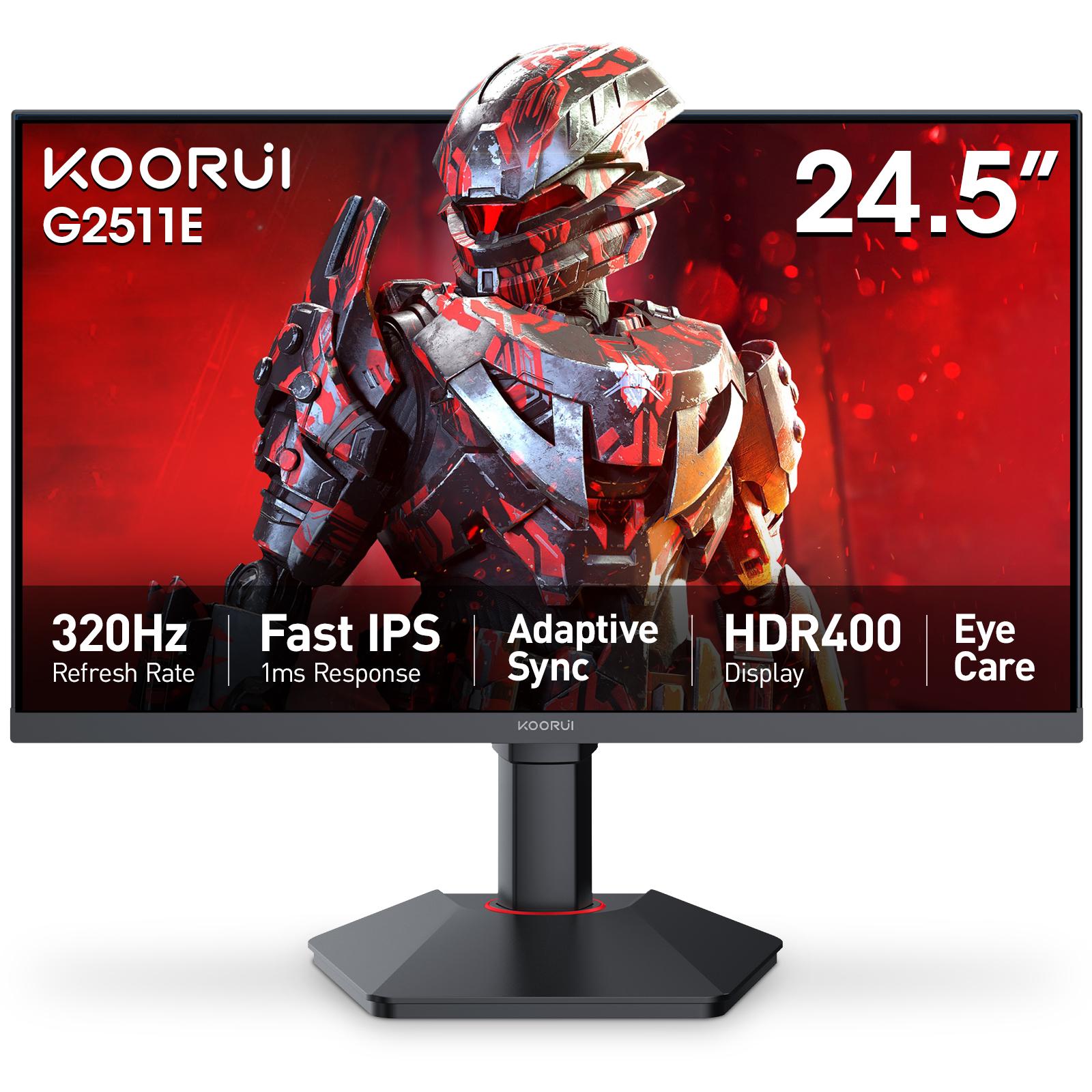
Look elsewhere if you mostly play slow, cinematic games or work with text all day — a QHD monitor such as the G2721P is sharper. If you need a height-adjustable stand out of the box, the G2511E adds height and pivot adjustment along with 320Hz.
G2511P vs other Koorui 24-inch monitors
| Model | Screen | Refresh rate | Brightness | Stand |
|---|---|---|---|---|
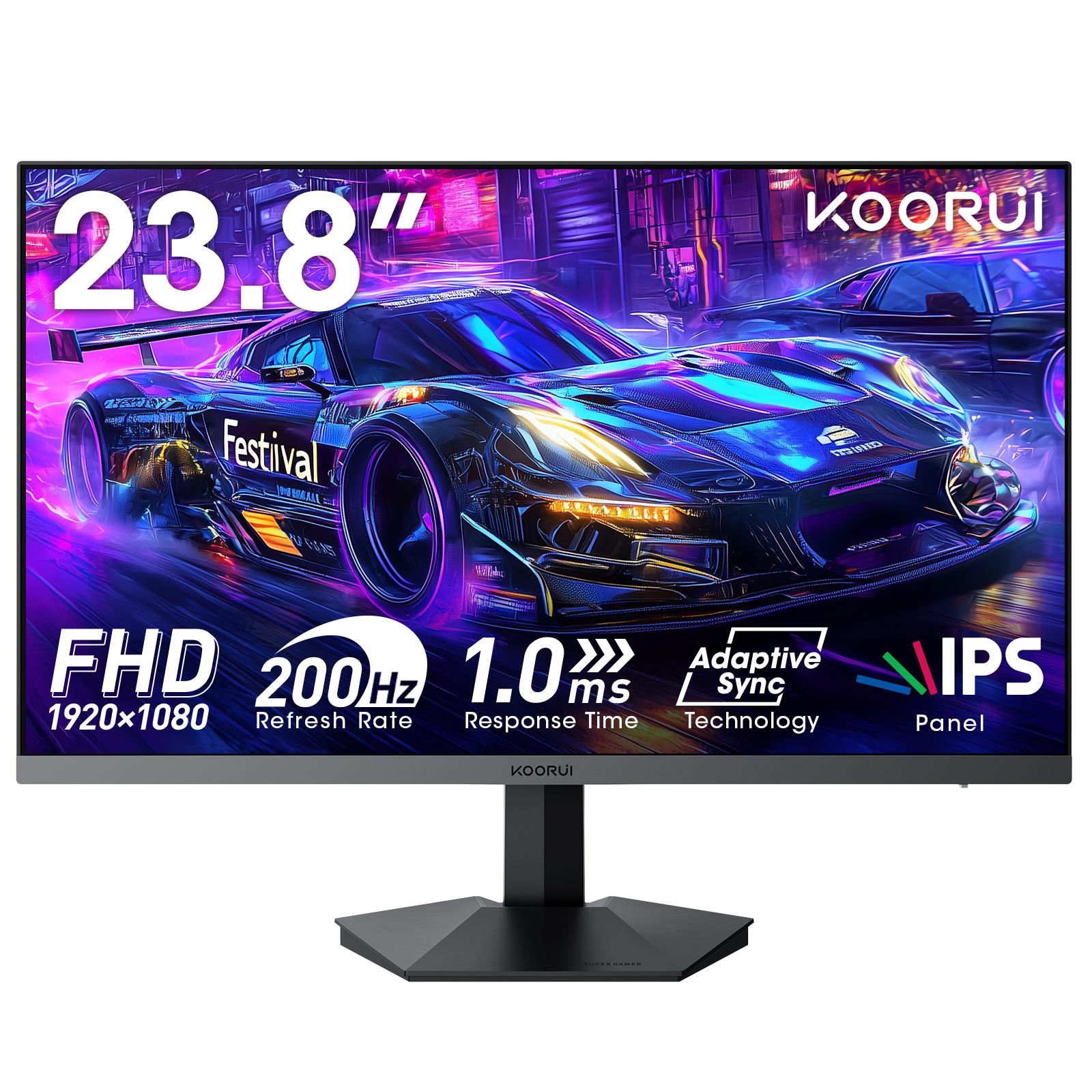
| Koorui 24E3 | 23.8" Full HD IPS | 165Hz | 250 cd/m² | Tilt |
| Koorui G2411P | 23.8" Full HD Fast IPS | 200Hz | 350 cd/m² | Tilt |
| Koorui G2511P | 24.5" Full HD Fast IPS | 200Hz | 350 cd/m² | Tilt |
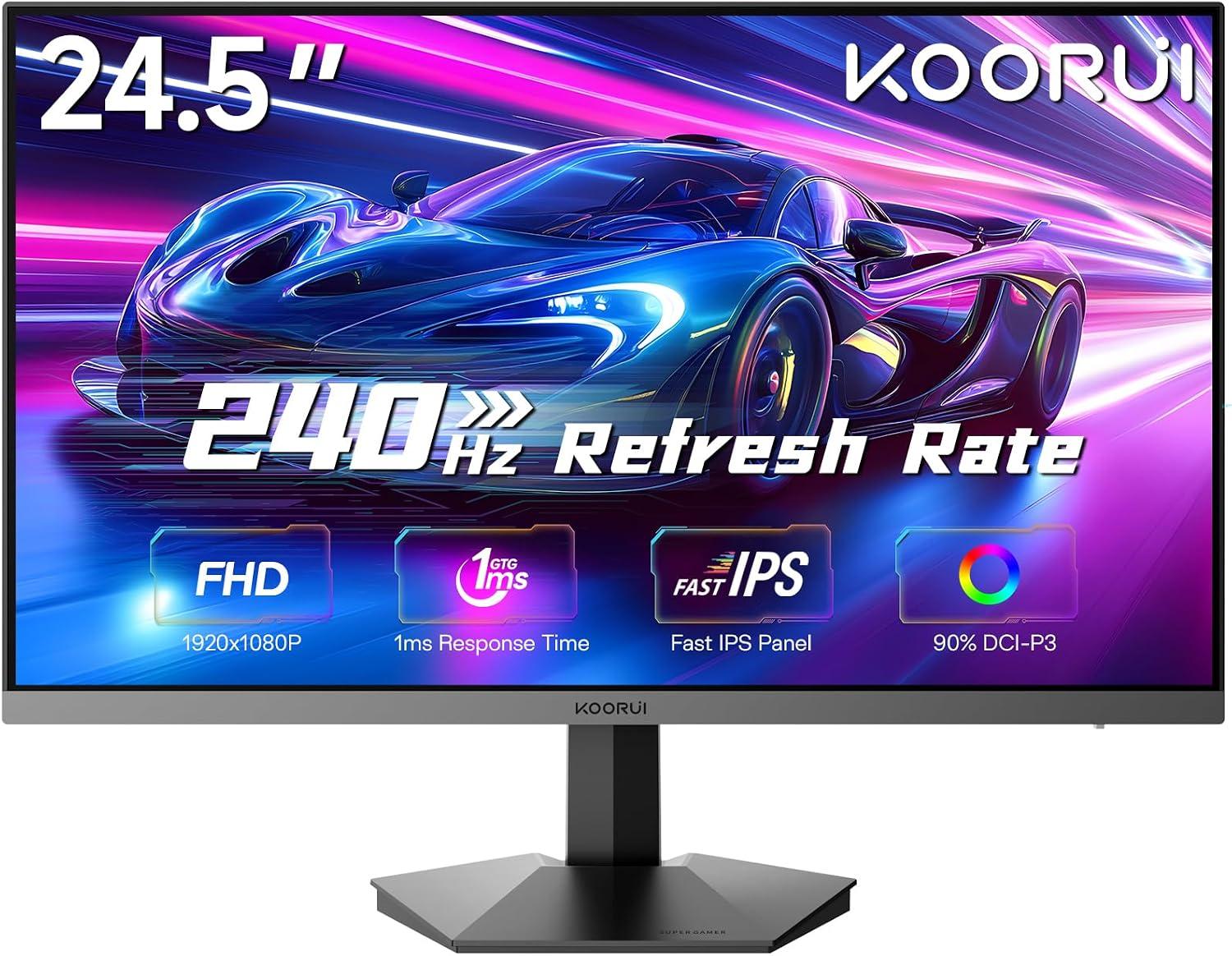
| Koorui G2511X | 24.5" Full HD Fast IPS | 240Hz | 250 cd/m² | Tilt |
| Koorui G2511E | 24.5" Full HD Fast IPS | 320Hz | 350 cd/m² | Height, tilt and pivot |
The 24E3 is the value choice at 165Hz; our 24E3 vs G2511P comparison covers that decision in detail. The G2411P is the same class of panel in a slightly smaller 23.8-inch size. The G2511X and G2511E move up to 240Hz and 320Hz for players whose graphics cards can use it. If you are unsure how much refresh rate you need, read 165Hz vs 200Hz.
Setting it up properly
- Set the refresh rate to 200Hz in Windows (Settings > System > Display > Advanced display). Monitors default to 60Hz and many people never change it.
- Turn on adaptive sync in the monitor's menu and in your graphics driver — see adaptive sync explained.
- Start with the middle overdrive setting; the fastest level can add visible overshoot behind moving objects.
- Leave HDR off for competitive games and try it per game for single-player titles.
Warranty and where to buy in Pakistan
The G2511P carries a 36-month official warranty when bought through Tech Global's authorized retail partners, and you can verify any unit by serial number. The G2511P product page lists the retailers that carry it, with their current stock status. For background on the brand, see who makes Koorui monitors.
Frequently Asked Questions
Products in This Guide
Related Guides
- What Is Adaptive Sync? FreeSync and G-Sync Compatible Explained
Adaptive Sync matches your monitor's refresh rate to your GPU's frame rate in real time, killing screen tearing without the input lag of V-Sync. FreeSync and G-Sync Compatible are AMD's and NVIDIA's certifications of the same underlying standard — and monitors listing Adaptive Sync generally work with both.
- 24 vs 27 Inch Gaming Monitors: Which Size Should You Pick?
24–25 inch keeps the whole screen in view for competitive play and stays sharp at 1080p; 27 inch is more immersive but really wants QHD resolution for crisp text. Here is the honest size-and-resolution math.
- Best Budget High-Refresh Gaming Monitors in Pakistan (Official Warranty)
A transparent guide to the high-refresh monitors we distribute in Pakistan — from a 120Hz entry panel to 165Hz and 200Hz gaming sweet spots and a 320Hz esports model — every one with a 36-month official warranty and listed retailers.
- 165Hz vs 200Hz Monitors: Does the Extra Refresh Rate Matter?
Going from 60Hz to 165Hz is transformative; going from 165Hz to 200Hz is a refinement you mostly feel in fast shooters — if your GPU can push 200+ FPS. Here is the honest math, and when each tier makes sense.