
DDR4 vs DDR5 in 2026: Which RAM for a Budget Build?
For a new build, choose DDR5 unless you are building on AM4 or reusing DDR4 you already own. The motherboard decides: AM5 and Intel Core Ultra boards are DDR5-only, AM4 is DDR4-only, and Intel 12th–14th Gen boards come in either a DDR4 or a DDR5 version, never both.
DDR4 or DDR5 in 2026: which should a budget build use?
For a new build, choose DDR5 unless you are building on AM4 or reusing DDR4 you already own. You rarely get a free choice anyway: every motherboard takes one memory generation only. AMD's AM5 and Intel's Core Ultra (LGA1851) platforms are DDR5-only, AM4 is DDR4-only, and Intel 12th to 14th Gen boards come in separate DDR4 and DDR5 versions.
The speed difference in games is smaller than the spec sheets suggest. The bigger difference is the platform each memory type ties you to: DDR5 boards are where the newest CPUs live, while DDR4 boards are the cheapest way into a capable, mature platform.
Can you use DDR4 RAM in a DDR5 or AM5 motherboard?
No. DDR4 and DDR5 sticks both have 288 pins, but the notch in the connector sits in a different place, so a DDR4 stick will not go into a DDR5 slot, or the other way round. The two also run at different voltages and signal differently, so no adapter makes them work.
- AM5 boards (A620, B650, B850) take DDR5 only
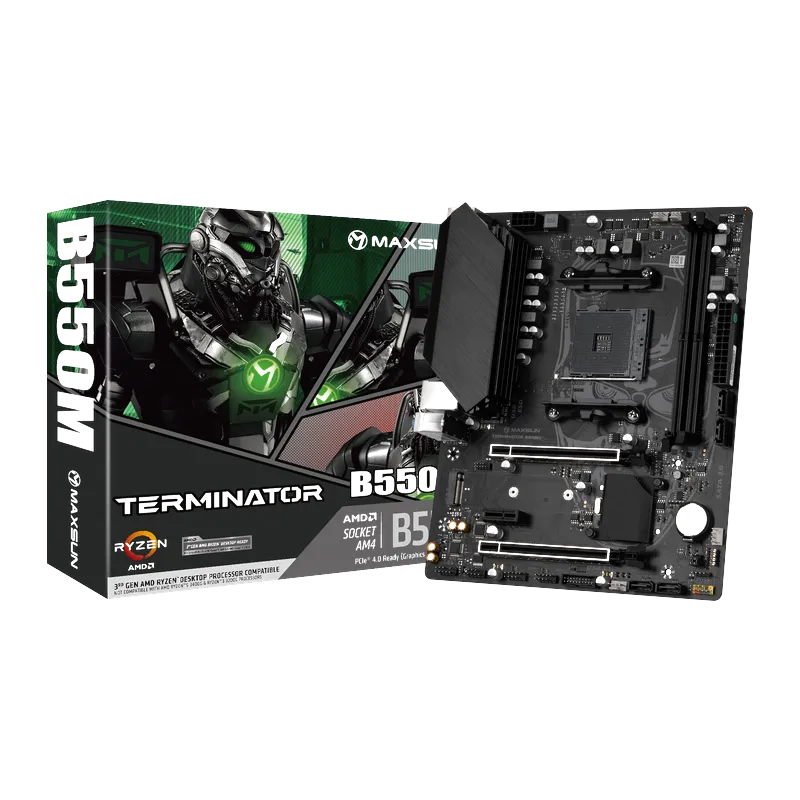
- AM4 boards (B450, B550) take DDR4 only, so a B550 board cannot use DDR5
- Intel LGA1700 boards (H610, B760) take whichever type that board was built for
If you have DDR4 sticks and want a Ryzen 7000 or newer processor, the sticks cannot come with you. That is the main reason some upgraders stay on AM4 and drop in a Ryzen 5000 chip instead.
Which platforms use DDR4 and which use DDR5?
| Platform | Processors | Memory | Maxsun examples |
|---|---|---|---|
| AMD AM4 (B450, B550) | Ryzen 3000 / 5000 | DDR4 only | MS-Challenger B450M, MS-Terminator B550M |
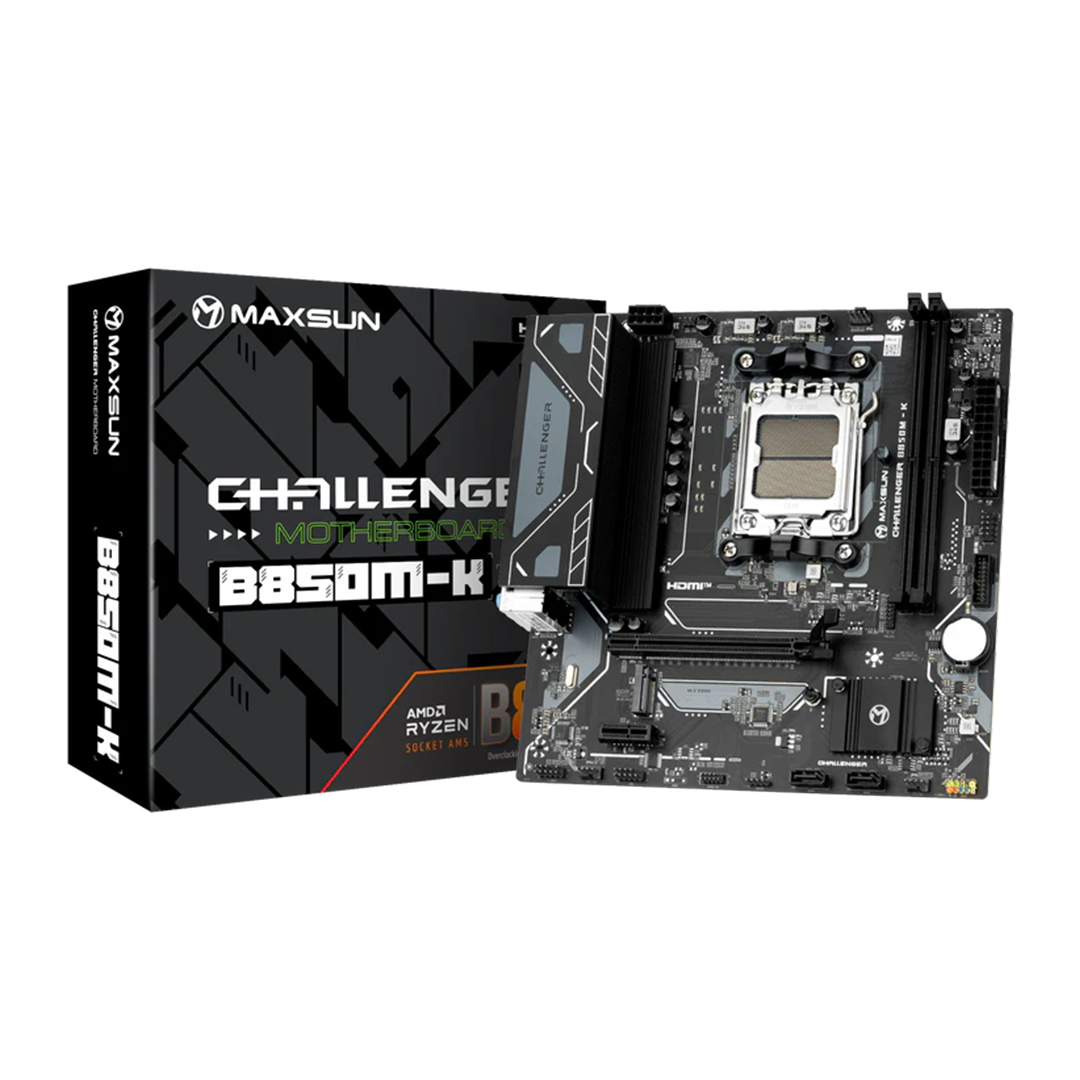
| AMD AM5 (A620, B650, B850) | Ryzen 7000 / 8000 / 9000 | DDR5 only | MS-Challenger A620A 2.5G, MS-Challenger B650M WIFI V2, MS-Challenger B850M-K |
| Intel LGA1700 (H610, B760) | 12th / 13th / 14th Gen | DDR4 or DDR5, depending on the board | MS-Challenger H610M-H V1 (DDR4), MS-Terminator B760M D4 WIFI6E V2 (DDR4), MS-Challenger B760M-N D5 V2 (DDR5) |
| Intel LGA1851 (B860) | Core Ultra desktop | DDR5 only | MS-eSport B860M SNIPER WIFI |
Intel LGA1700 is the one platform where budget builders get a real choice, because the same chipset ships on both DDR4 and DDR5 boards. Maxsun puts the memory type in the name: the MS-Terminator B760M D4 WIFI6E V2 takes DDR4, while the MS-Challenger B760M-N D5 V2 takes DDR5. Always check the memory line on the spec sheet before buying sticks.
DDR4 vs DDR5: what actually differs
| Feature | DDR4 | DDR5 |
|---|---|---|
| Standard speeds | Up to 3200 MT/s | 4800 MT/s and up |
| Standard voltage | 1.2 V | 1.1 V |
| Power regulation | On the motherboard | On the memory stick |
| Channels per stick | One 64-bit channel | Two independent 32-bit subchannels |
| Error correction | None on standard sticks | On-die ECC inside the chips (not full ECC) |
| Common stick sizes | 8, 16 and 32 GB | 16, 24, 32 and 48 GB |
| Connector | 288-pin, DDR4 notch | 288-pin, different notch position |
Board spec sheets often list memory speed in MHz, as in "up to 6400 MHz (OC)". That figure is the transfer rate in MT/s. Speeds marked OC rely on XMP or EXPO memory profiles, and what you actually reach depends on the CPU and the kit.
DDR5 also has higher timings. Its CAS latency number is larger, so its real latency in nanoseconds is not lower than a good DDR4 kit's, and entry DDR5 kits can be slower in that respect. DDR5's advantage is bandwidth, not latency.
Is DDR5 faster than DDR4 for gaming?
Modestly. In games limited by the graphics card, which describes most budget builds, the difference is close to zero. In CPU-limited games at high refresh rates, DDR5 can add a few percent. The bandwidth shows more in content creation, file compression and heavy multitasking.
Integrated graphics are the exception. A processor's built-in graphics share system memory, so they benefit most from extra bandwidth. If you plan to game on integrated graphics while saving for a card, faster memory matters more than anywhere else.
Either way, two sticks in dual-channel matter more than the generation. A single DDR5 stick has two subchannels, but it is still a single-channel setup, so buy memory in pairs.
Is a DDR4 build still worth it in 2026?
DDR4 still makes sense in three cases:
- You already own DDR4. Reusing good sticks on an AM4 or Intel DDR4 board is the cheapest upgrade there is.
- You are upgrading an AM4 system. A Ryzen 5000 chip on an existing B450 or B550 board keeps your memory and board. See B450 vs B550 for the details.
- You are on a strict Intel budget. An H610 DDR4 board such as the MS-Challenger H610M-H V1 supports Intel 12th to 14th Gen processors.
It makes less sense if you want an upgrade path. AM4 and LGA1700 are older platforms, and the newest desktop processors from both AMD and Intel use DDR5-only sockets.
What about DDR4 vs DDR5 prices?
Memory prices move with global supply, so compare at the time you buy rather than relying on old rules of thumb. Memory makers have been shifting production from DDR4 to DDR5, which means DDR4 is no longer automatically the cheaper option. Price the board and the memory together, because the board decides which memory you can use.
How much RAM does a budget build need?
For gaming, 16 GB in two sticks is the floor. Choose 32 GB in two sticks if you stream, edit video or keep many programs open. Two sticks in dual-channel beat a single larger stick, and they leave the remaining slots free on four-slot boards.
Maxsun boards for both paths
Tech Global distributes Maxsun boards on every branch of this decision. For DDR5 on Intel, the MS-B760M GAMING WIFI ACE takes two DDR5 sticks, up to 96 GB and up to 6400 MHz (OC). For DDR5 on AMD, the MS-Challenger B850M-K supports Ryzen 7000, 8000 and 9000, and the MS-Challenger A620A 2.5G is the entry AM5 option. For DDR4, the AM4 and H610 boards above cover budget builds.
Browse the motherboard range; each page lists supported memory and the retail partners that carry it, with stock status. If the series names confuse you, our Maxsun lines guide decodes them. Before you buy, run through the compatibility checks for a custom build, and use the warranty checker to confirm a board's serial number.
Frequently Asked Questions
Products in This Guide




Related Guides
- Maxsun Motherboard Series Explained: Challenger to iCraft
Maxsun's motherboard series run from value to flagship: Challenger is the value line, Terminator the mainstream line with more slots and connections, eSport the gaming-styled line with white ICE editions, and iCraft the flagship. The chipset sets the platform; the series and suffix set the features.
- B450 vs B550: Differences and Which Budget AM4 Board to Buy
B550 adds PCIe 4.0 to the graphics card slot and the main M.2 SSD slot; B450 tops out at PCIe 3.0. Both are AM4, both use DDR4, and both run Ryzen 5000 (B450 needs a BIOS update). For a strict budget build B450 is enough; if the price gap is small, take B550.
- Why Budget Motherboards Got Harder to Find (and What to Buy)
Budget motherboards got scarcer because new platforms launch with high-end chipsets first, the entry tier arrives months later, and faster standards raise the cost of even simple boards. Mature chipsets like B450 and H610, and value makers that still build entry boards, fill the gap.
- Who Makes Maxsun? Is Maxsun a Good Brand?
Maxsun is a Chinese hardware brand owned by Shangke Group, a Guangzhou company founded in 1994 that also owns Teclast and SOYO. The Maxsun brand dates from 2002 and makes Intel and AMD motherboards and graphics cards, including Intel Arc. In Pakistan, Tech Global offers a local warranty.