
Maxsun Motherboard Lines Explained: Challenger vs Terminator vs eSport vs iCraft
Maxsun's board names follow a clear ladder: Challenger is the entry line, Terminator the mainstream workhorse, eSport the gaming/aesthetic tier, and iCraft the flagship. Here is what actually changes between them and which one fits your build.
The short answer
Read the series name before the chipset: Challenger boards are the entry tier built for value; Terminator is the mainstream line with stronger power delivery and connectivity; eSport adds gaming styling — including the white ICE editions — on capable mid-range hardware; and iCraft is the flagship treatment. The same chipset can appear in several series, so the name tells you the feature level, not the socket.
The ladder, tier by tier
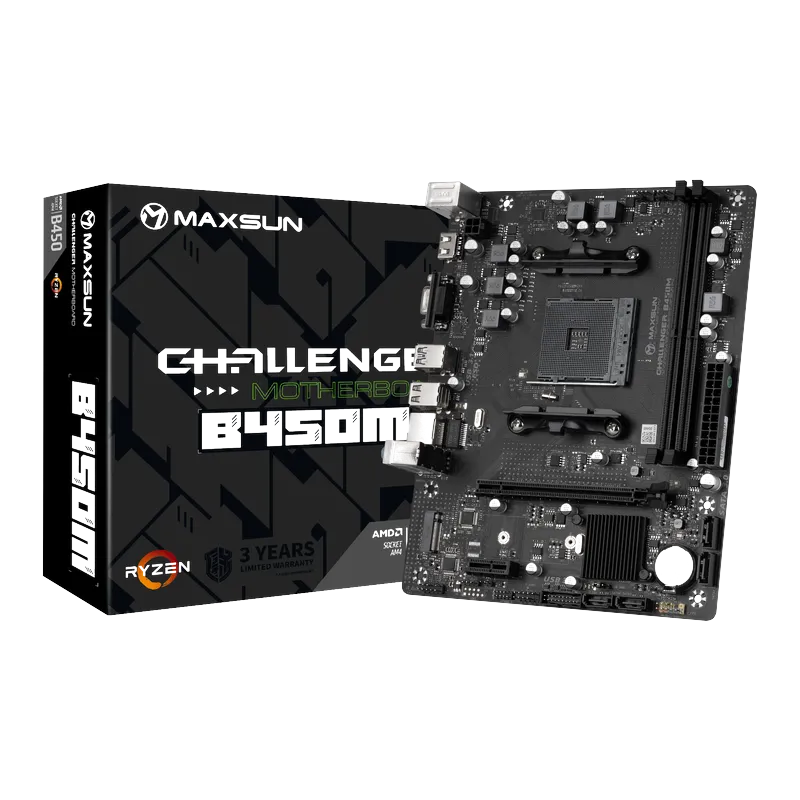
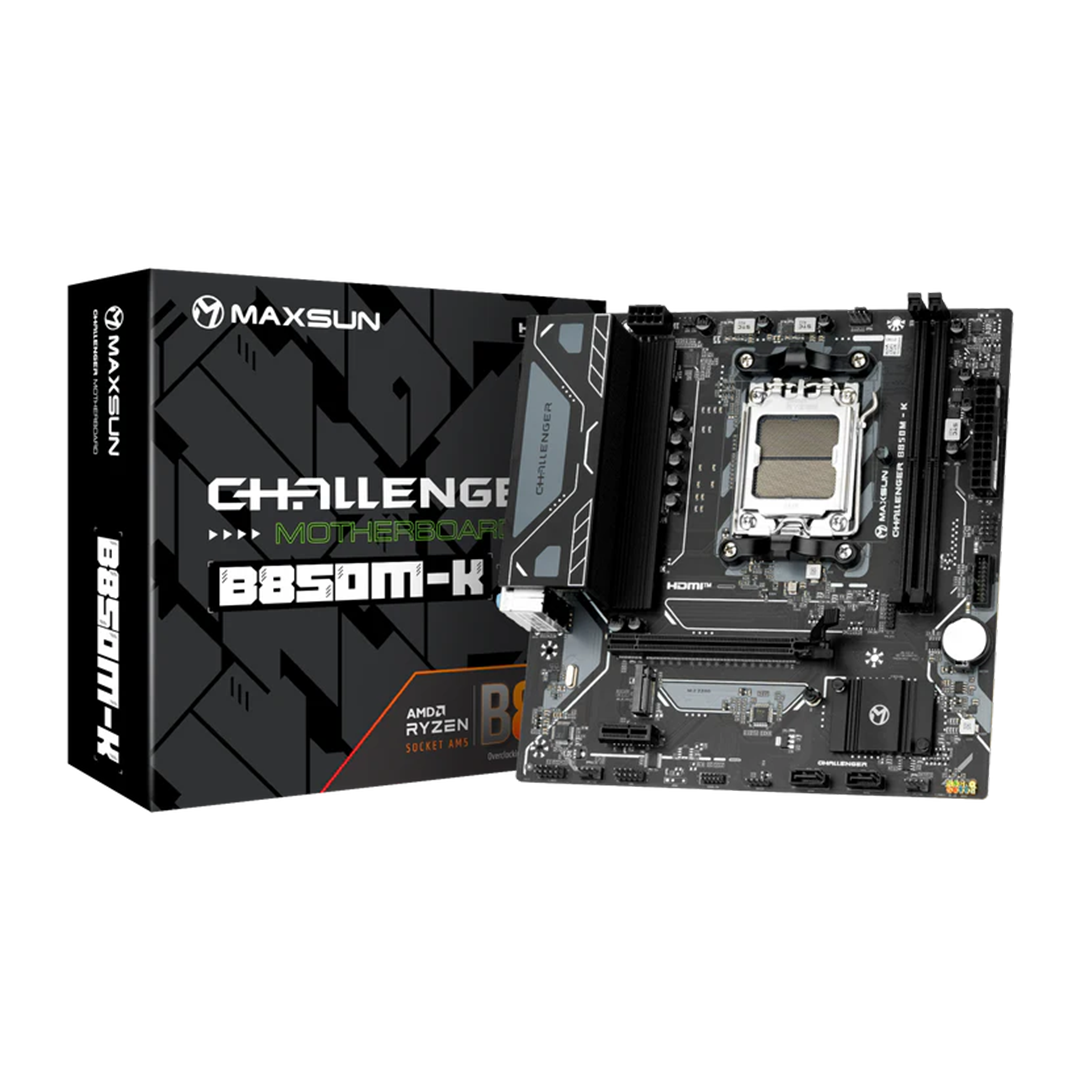
- Challenger — the price-first tier: compact micro-ATX boards with the essentials done properly. Example: the MS-Challenger B450M for budget AM4 builds
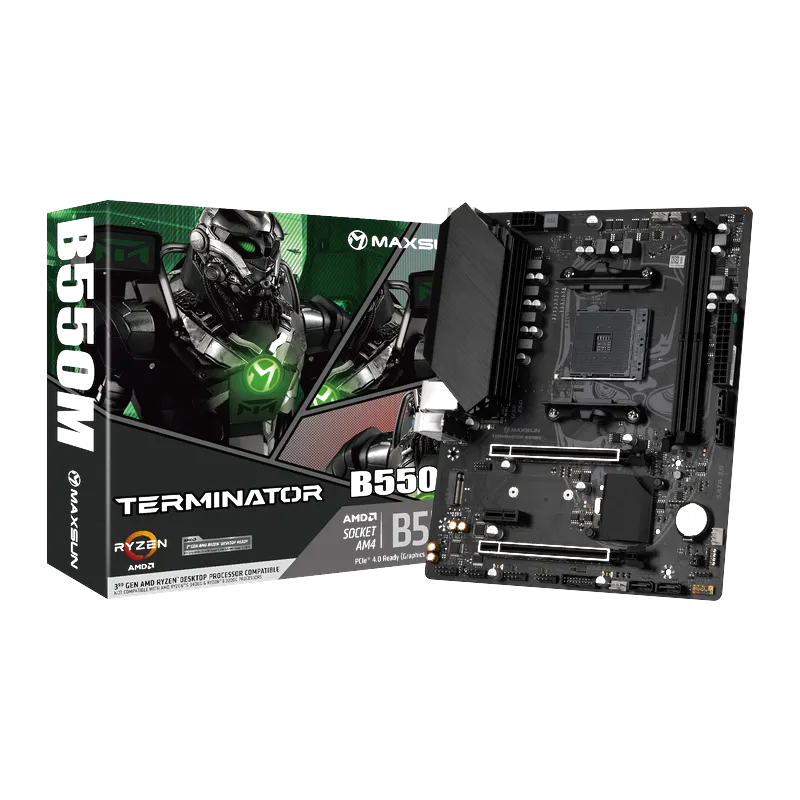
- Terminator — the mainstream workhorse: beefier VRMs, better I/O, the tier most gaming builds should start from. Example: the MS-Terminator B550M for AM4
- eSport — gaming styling on mid-range bones, including the white ICE editions for showcase builds
- iCraft — the flagship series: Maxsun's top boards (and its premium GPUs share the name)
How to choose
Match the series to the build: Challenger for office PCs and strict-budget gaming, Terminator for most gaming rigs, eSport when looks matter, iCraft when you want the works. Then apply the normal compatibility checks — socket, RAM generation, case fit. The full Maxsun board range we distribute spans current Intel (H610, B760, B860) and AMD (A620, B650, B850) platforms, all with official Pakistani warranties.
Frequently Asked Questions
Products in This Guide
Related Guides
- DDR4 vs DDR5 in 2026: What Should a Budget Build Use?
DDR5 has matured into the default for new builds — AM5 requires it and prices normalized — but DDR4 still makes sense in one honest case: strict-budget Intel builds and upgrades that reuse existing memory. The motherboard decides, so choose the pair together.
- B450 vs B550 in 2026: Which Budget AM4 Motherboard Should You Buy?
B550 gives you PCIe 4.0 for the graphics card and main SSD and drops support for the oldest Ryzen chips; B450 is cheaper and still perfectly capable for a budget Ryzen 5000 build — if the board has had its BIOS updated. Here is how to decide.
- First Gaming PC in Pakistan: A Student's 7-Step Buying Checklist
Building your first gaming PC on a student budget in Pakistan comes down to seven checks: set the budget split, pick the platform, verify every part is genuine, never cheap out on the PSU, plan for heat, match the monitor to the GPU, and confirm the warranties before paying.
- Why Budget Motherboards Got Harder to Find (and What to Buy Instead)
Entry-level boards did not disappear by accident: mainstream brands shifted their lineups toward premium tiers where margins are better, and budget chipsets now arrive late in every platform generation. Value-focused manufacturers stepped into that gap — here is what happened and what it means for your next build.